Digital Asset Management for Teams

One Workspace for Every Creative Asset
Most teams don’t have an asset problem. They have a system problem.
Teams that build with motion don’t work in a single format. An animation might start in After Effects, pass through static visuals, ship as a Lottie file, and live alongside brand images, illustrations, and design sources.
Yet until now, those assets rarely lived together or told the same story.
That fragmentation isn’t accidental. Most tools are built around formats, not workflows. Storage lives in one place. Source files in another. Shipped assets somewhere else entirely.
That’s why LottieFiles is introducing Digital Asset Management for teams: a shared workspace designed to manage motion, UI, and brand assets together, across formats, tools, and teams.
Built for Real Creative Workflows, Not File Types
At the heart of Digital Asset Management in LottieFiles is one simple idea:
teams shouldn’t have to split their work by format.
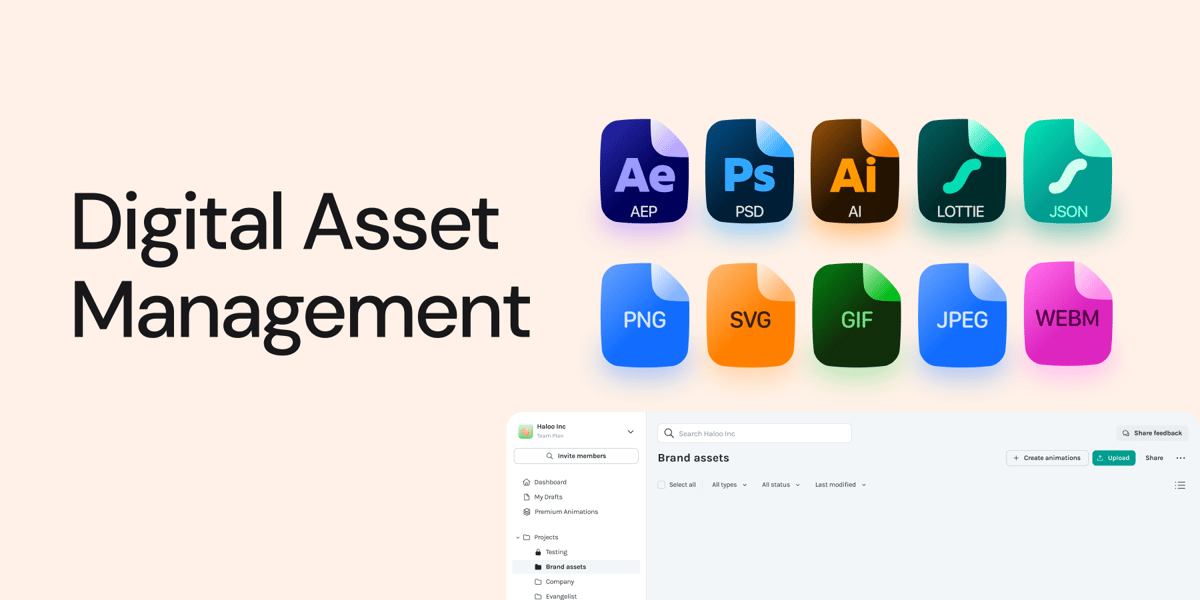
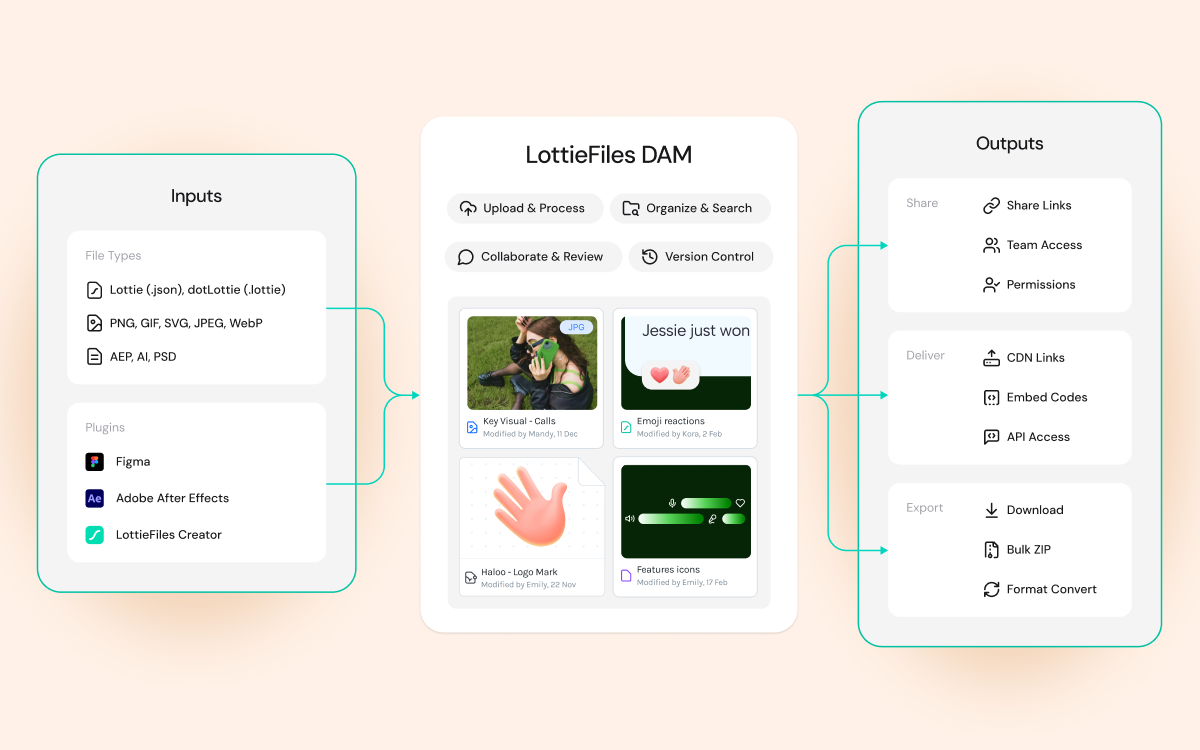
With Digital Asset Management, LottieFiles goes beyond the Lottie format to support a growing range of creative assets, starting with:
1) Images:
PNG, JPEG, SVG, GIF, WebP
2) Design source files:
AEP (After Effects), AI (Illustrator), PSD (Photoshop)
3) Animations:
Lottie JSON, dotLottie
These assets now live side by side, organized, previewable, searchable, and accessible within the same workspace.
This is the crux of Digital Asset Management: motion no longer lives apart from the files that create and support it.
Why Digital Asset Management Changes How Teams Work
Most teams already have the assets they need. The problem is where those assets live.
Static visuals might sit in one system. Source files in another. Animations somewhere else entirely.
That separation creates friction — not because teams are careless, but because tools force work into silos.
LottieFiles' Digital Asset Management removes that artificial divide.
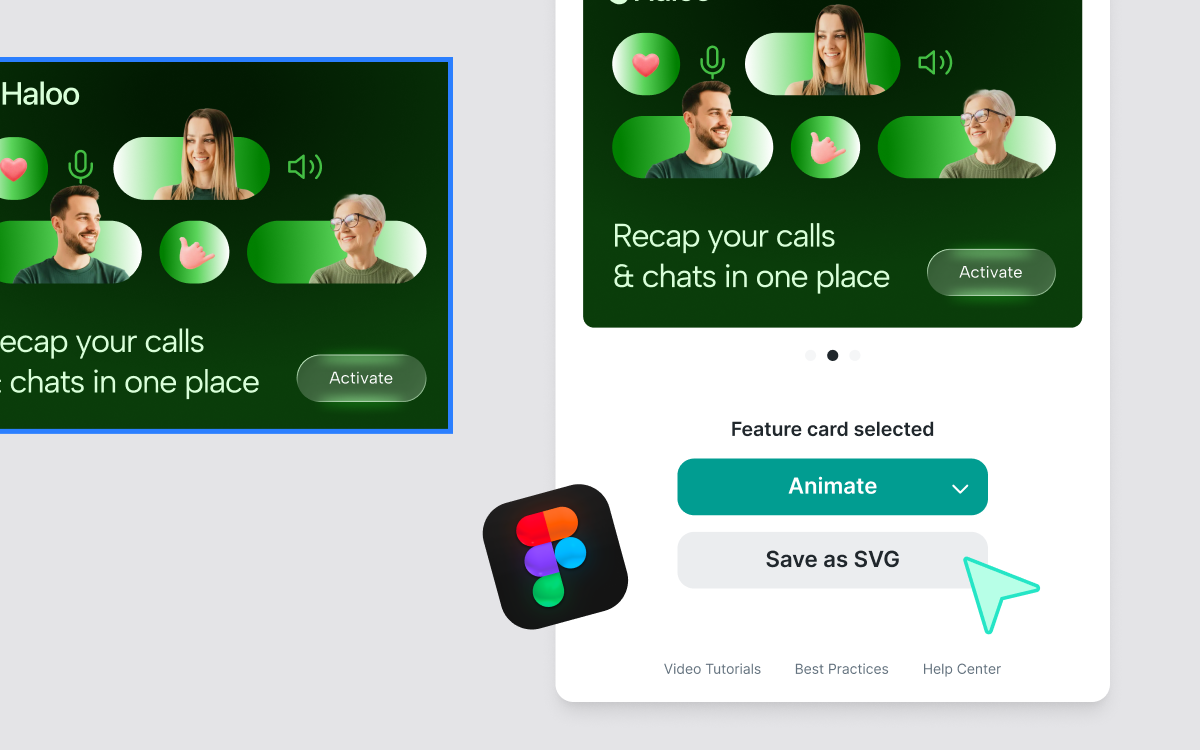
Pairs Perfectly with Figma & After Effects (AE)
Design teams can move approved assets out of Figma into a shared system. Motion designers can also export Lottie animations while keeping original After Effects sources attached.
This means product, engineering, and marketing teams all access the same assets, from the same workspace, without re-uploading or losing context.
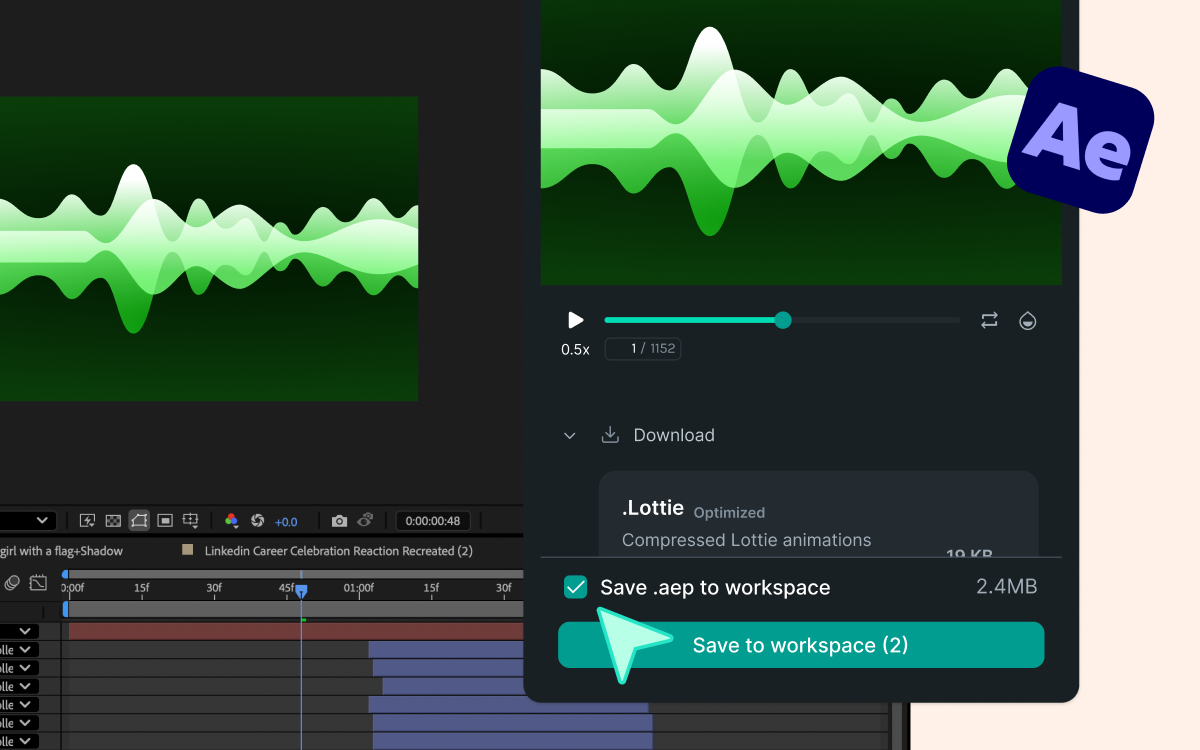
By supporting multiple formats in one place, Digital Asset Management enables teams to:
- Keep source files and shipped assets connected
- Preserve context as work evolves
- Reduce duplication and rework
- Collaborate without constant exporting or re-uploading
In other words, Digital Asset Management isn’t just storage.
It’s continuity.
How Digital Asset Management Works in LottieFiles
1. Familiar Organization, Built for Teams
Digital Asset Management in LottieFiles uses a structure teams already understand:
- Workspaces – where teams collaborate
- Projects – groups of related assets
- Folders – flexible organization within projects
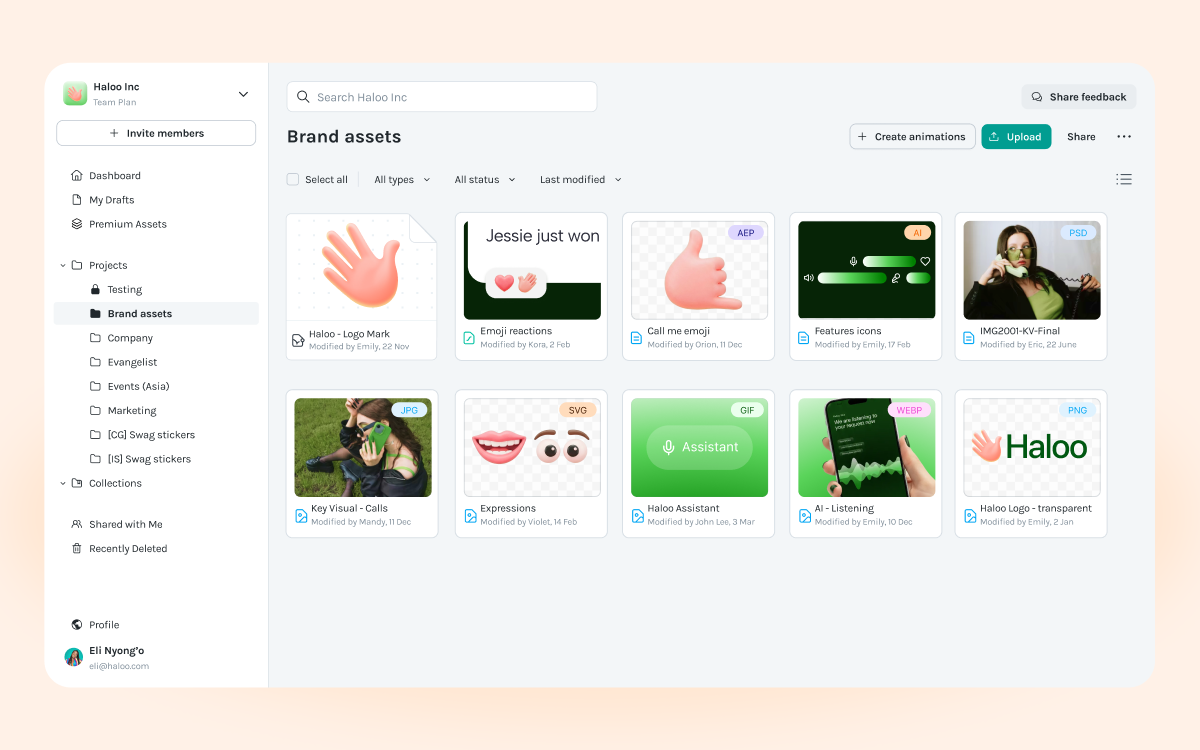
Whether you’re managing an After Effects source, a PNG, or a Lottie animation, everything follows the same logic. That consistency matters when multiple disciplines work together.
Uploading is straightforward: drag and drop or bulk upload assets (up to 100MB per file), with clear status indicators so teams know when assets are ready to use.
2. Understand Assets Without Leaving Your Flow
Digital Asset Management is only useful if teams can understand assets quickly.
In LottieFiles, every asset can be previewed directly in the workspace — no downloads, no tool switching. Teams can view dimensions, formats, ownership, and visual previews at a glance, including transparency and motion playback where relevant.
This makes reviews faster, decisions clearer, and collaboration more grounded in the work itself.
3. Versioning for Assets That Evolve
Design and motion work is never static.
Digital Asset Management in LottieFiles keeps version history attached to each asset, so teams can upload updates without losing context. Everyone stays aligned on what’s current and what came before.
When viewing an asset, teams can access:
- Version history
- Comments and feedback
- Status indicators
This is especially important when managing source files alongside production-ready assets.
4. Discoverability as Libraries Scale
As teams grow, so do their asset libraries.
Digital Asset Management makes assets easier to find through keyword search, filtering by file type, and sorting by relevance or recent activity. What starts as dozens of assets can scale to thousands without becoming unmanageable.
When assets are easy to find, teams reuse more.
When reuse increases, consistency improves.
And when consistency improves, products feel intentional.
Digital Asset Management for Teams That Build with Motion
LottieFiles has always been built with motion in mind.
Digital Asset Management extends that philosophy outward.
By supporting images, design sources, and animations together, Digital Asset Management reflects how modern teams actually build products and brands — where motion is part of a broader creative system, not an isolated deliverable.
This is what turns LottieFiles into more than an animation platform.
It becomes a shared creative workspace, giving teams clarity, continuity, and confidence as they scale.