
Lottiefiles for VS Code Plugin Just Got a Huge Refactor

Hey everyone, George here.
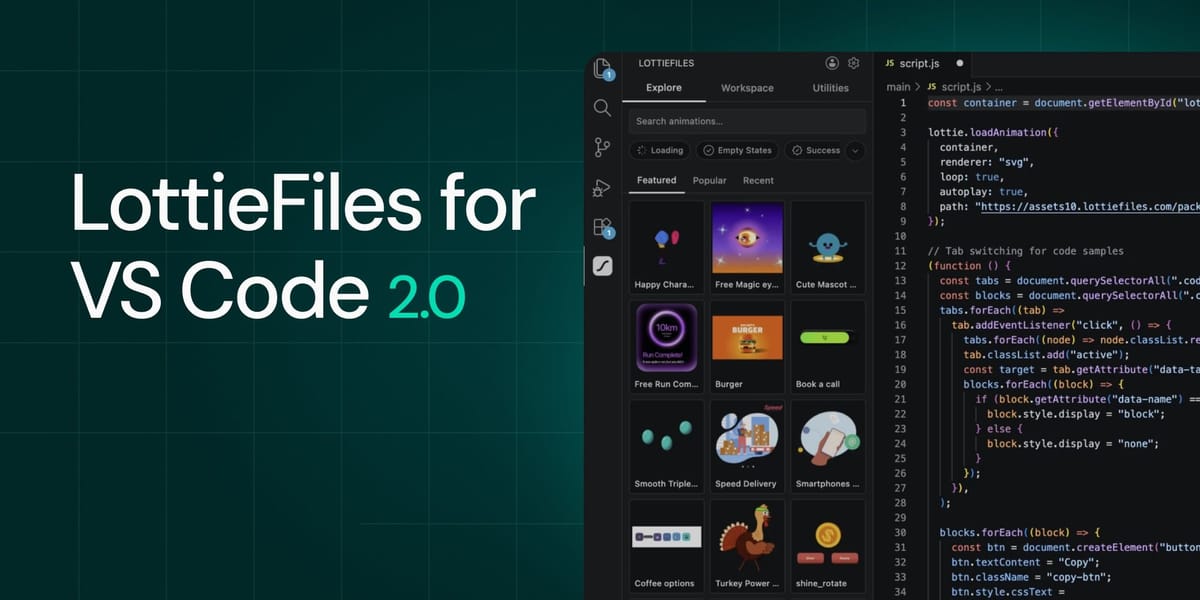
We at LottieFiles are always working to break down the barriers between designers and developers. That’s why we decided to completely revamp our VS Code plugin.
We’ve had a VS Code plugin for several years now, but it was built at a time when Lottie development was very different. Consider this a complete rewrite.
Introducing LottieFiles for VS Code 2.0
If you wanna get right to the tinkering, then go on ahead to the download page. But I’d like to introduce some of the features that will bring you the most value, whether you’re a hobbyist or a senior dev.
Seamless Lottie-to-prod workflow
I probably don’t even need to mention the access to 100k+ animations, or the direct connection with your LottieFiles workspace. It’s a LottieFiles plugin after all; it’s what we do.
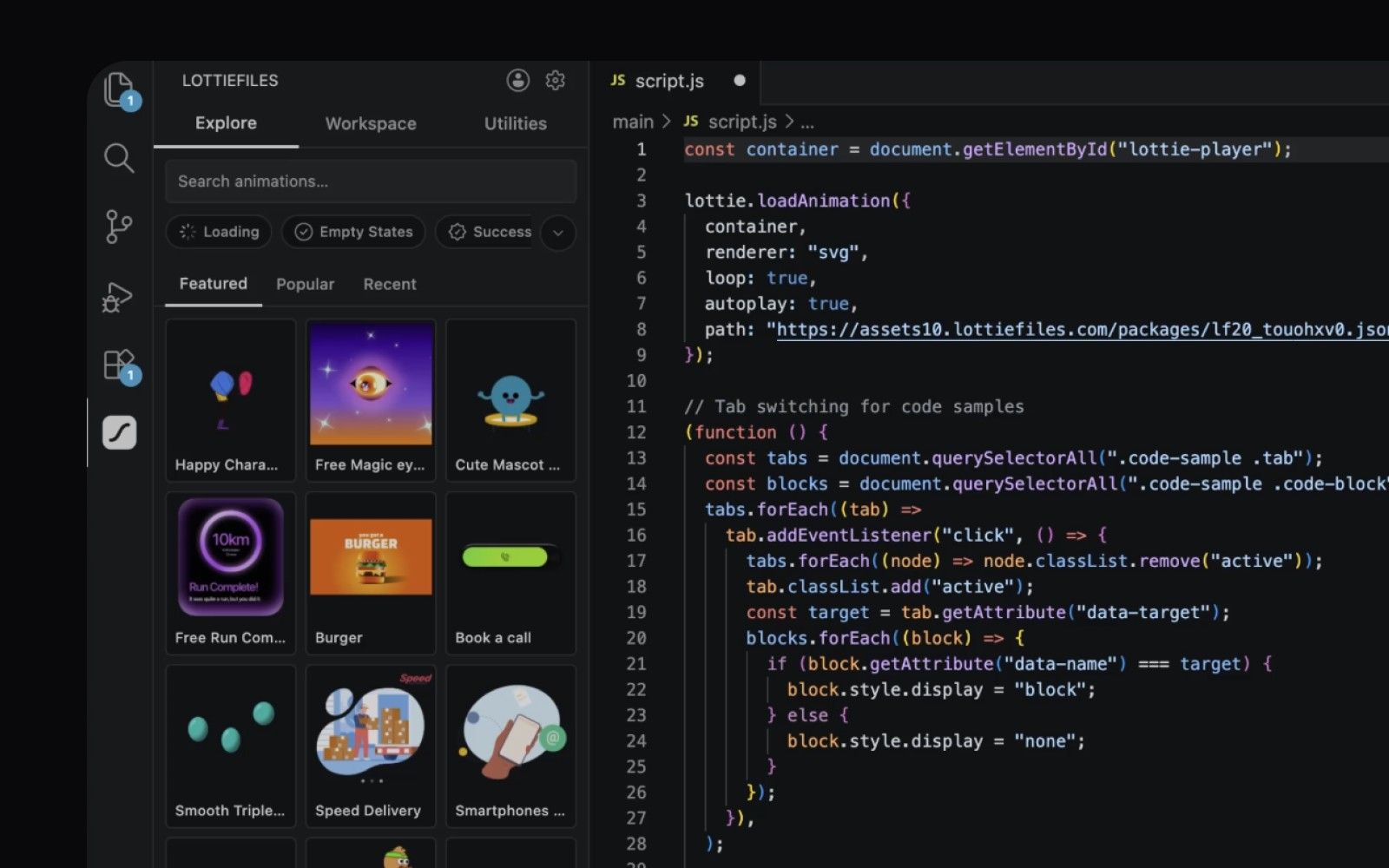
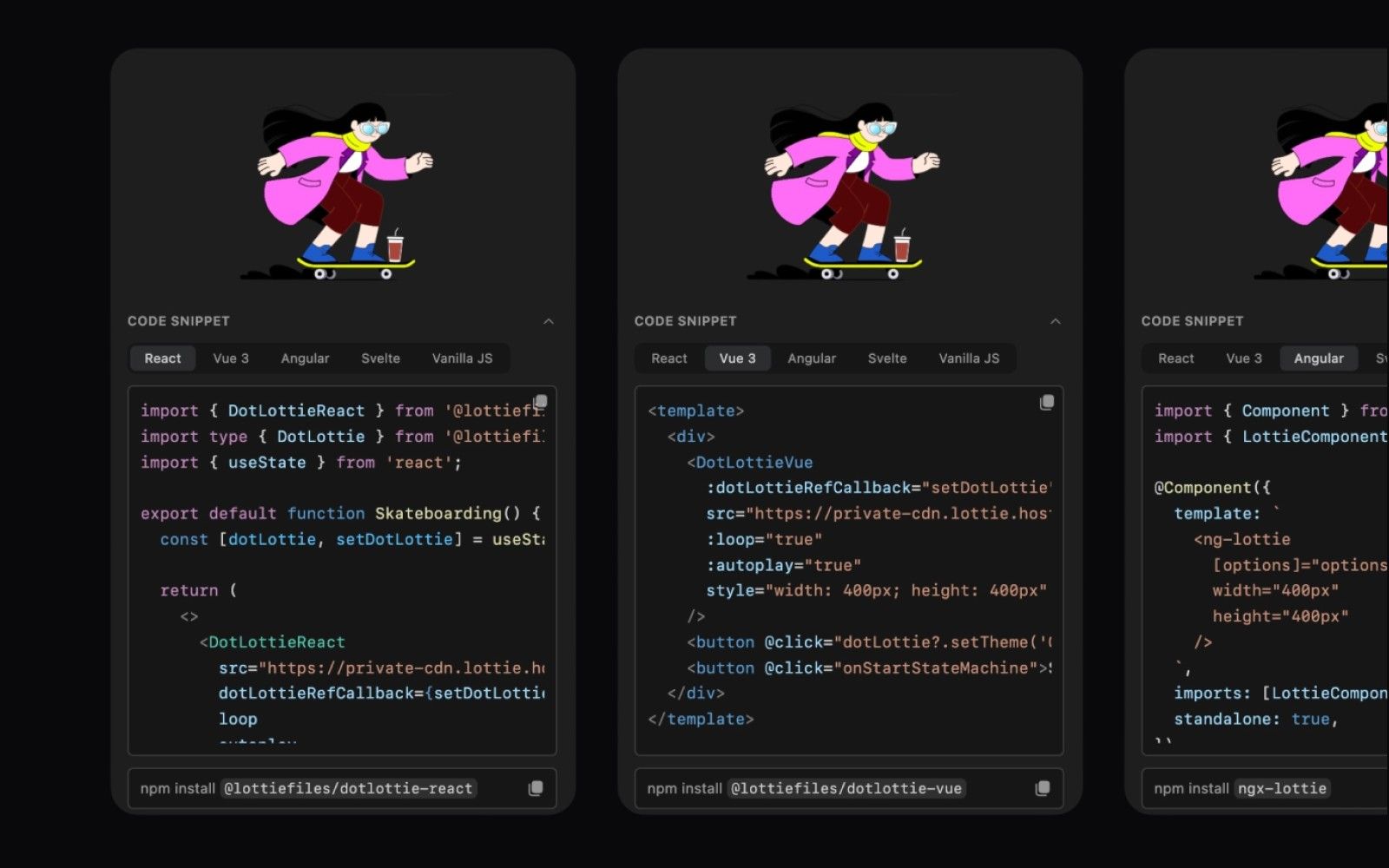
But there are a ton of unique dev-focused features just under the surface. Like f For instance, after selecting an animation, we provide code snippets in React, Vue, Angular, Svelte, and vanilla JS so that you can just copy and paste it directly into your project.
import { DotLottieReact } from '@lottiefiles/dotlottie-react';
import type { DotLottie } from '@lottiefiles/dotlottie-react';
import { useState } from 'react';

export default function BookACall() {
  const [dotLottie, setDotLottie] = useState<DotLottie | null>(null);

  return (
    <>
      <DotLottieReact
        src="<https://lottie.host/your-animation-id/your-animation.lottie>"
        dotLottieRefCallback={setDotLottie}
        loop
        autoplay
      />
      <button
        onClick={() => {
          dotLottie?.stateMachineLoad('your-state-machine-id');
          dotLottie?.stateMachineStart();
        }}
      >
        Start state machine
      </button>
    </>
  );
}
Just copy and paste, and BAM! Motion in your repo without opening up a bunch of tools and having to figure out how to make a keyframe.
Not only have we made it super convenient to work within several frameworks, but you can also automatically insert the CDN link into the code snippet once you enable it. It’s really just as easy as searching for an animation to fit your project, enabling the CDN, selecting your framework, and plopping the code into your file.
dotLottie (.lottie) at your command
In the past, it seemed like designers (and more importantly, their tooling) held all the cards when it came to customizing dotLottie files. Once you got the file, that was it unless you wanted to inject values into motion tokens via code.
And now that control is at your fingertips. Right inside the LottieFiles plugin, you can edit:
- Motion Tokens
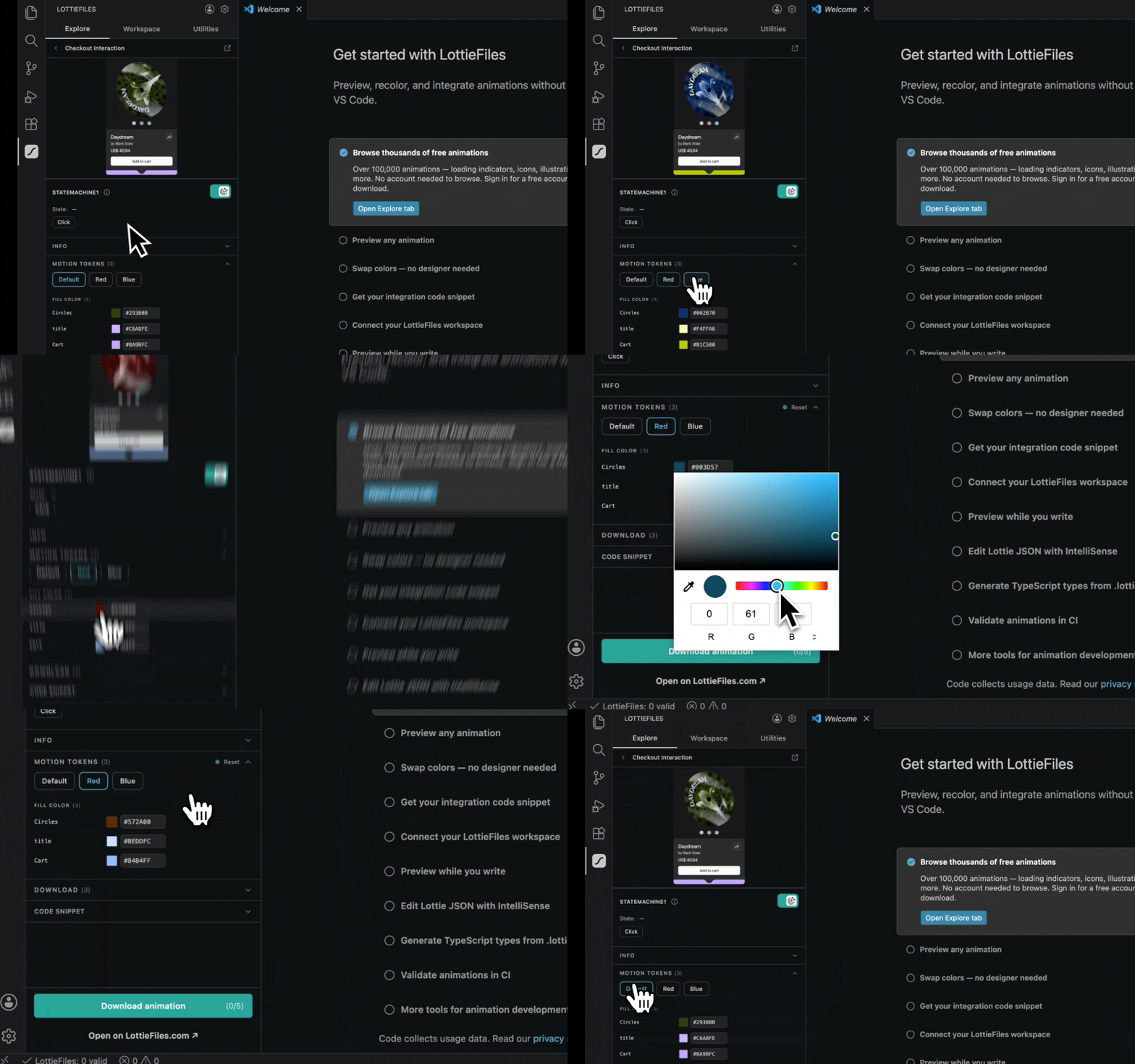
- State Machines
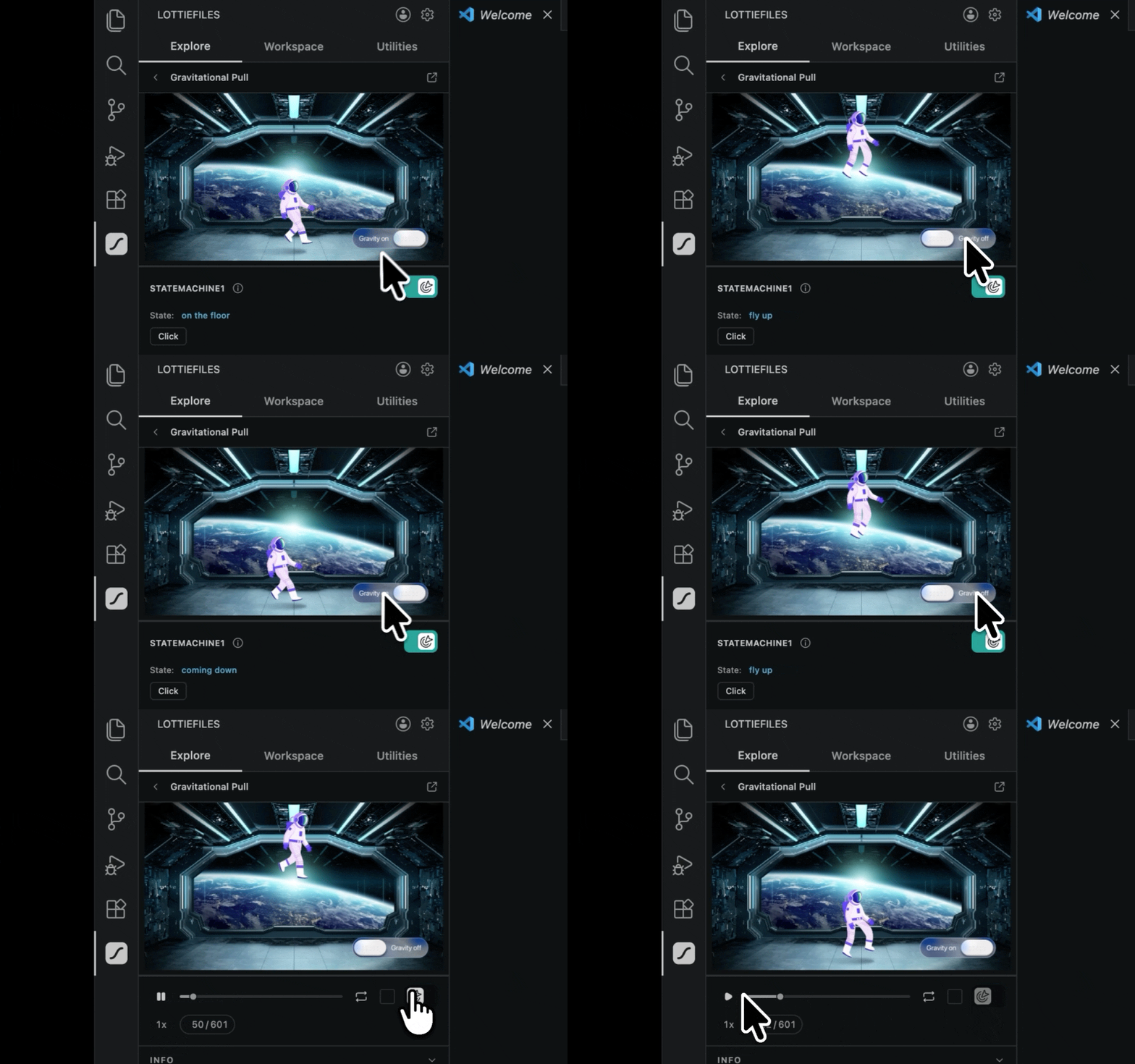
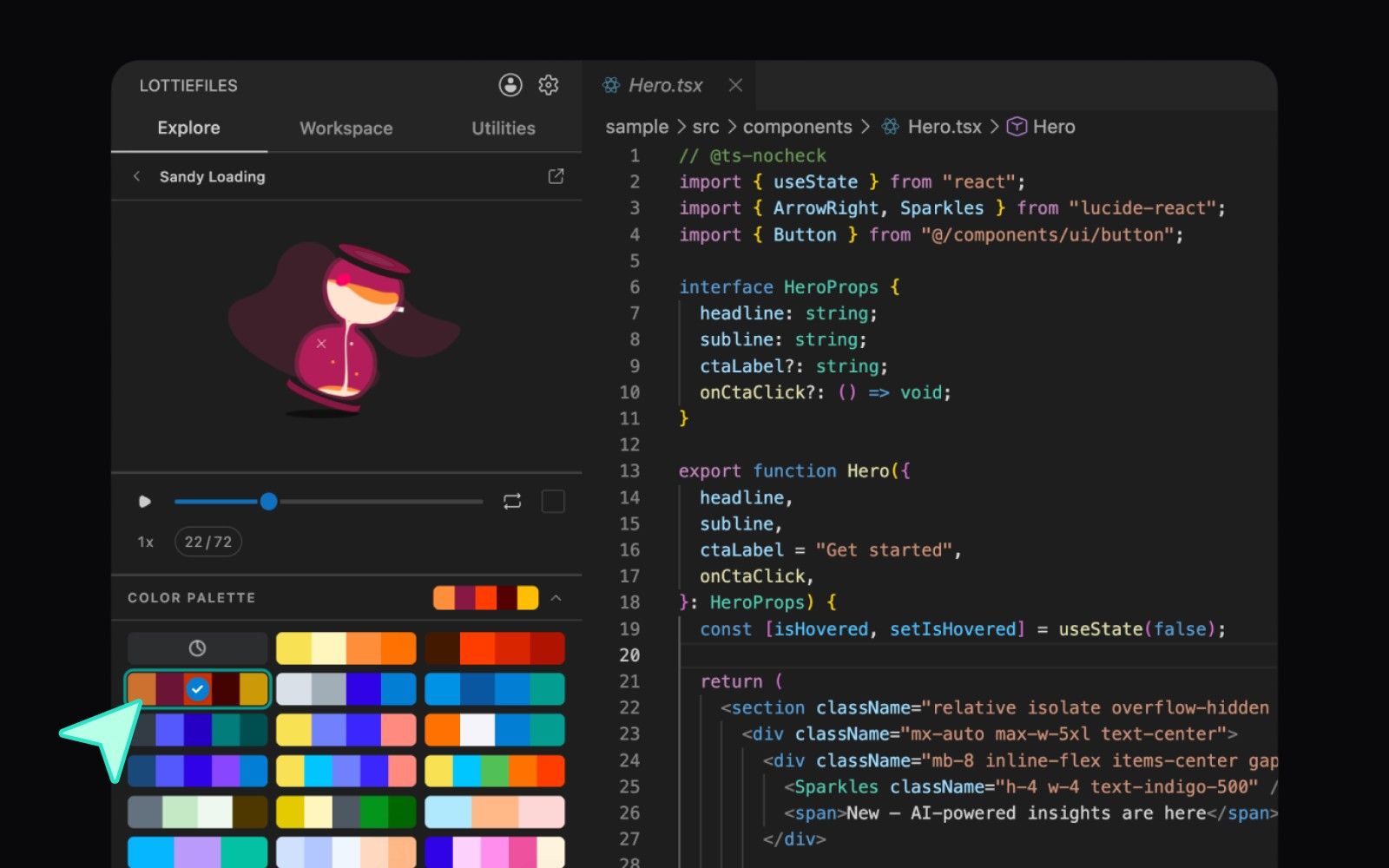
- Recolor entire animations with a single click using color pallete
But that’s not all. We’ve also jammed in several developer-only features that will give you even more control over how your animation files get surfaced. One of the low-key useful features is the dotLottie multi-animation composer, which lets you combine multiple dotLotties (including their state machines, themes, assets, etc.) into one, saving on edge requests, removing duplicate assets, and generally tidying up your repo.
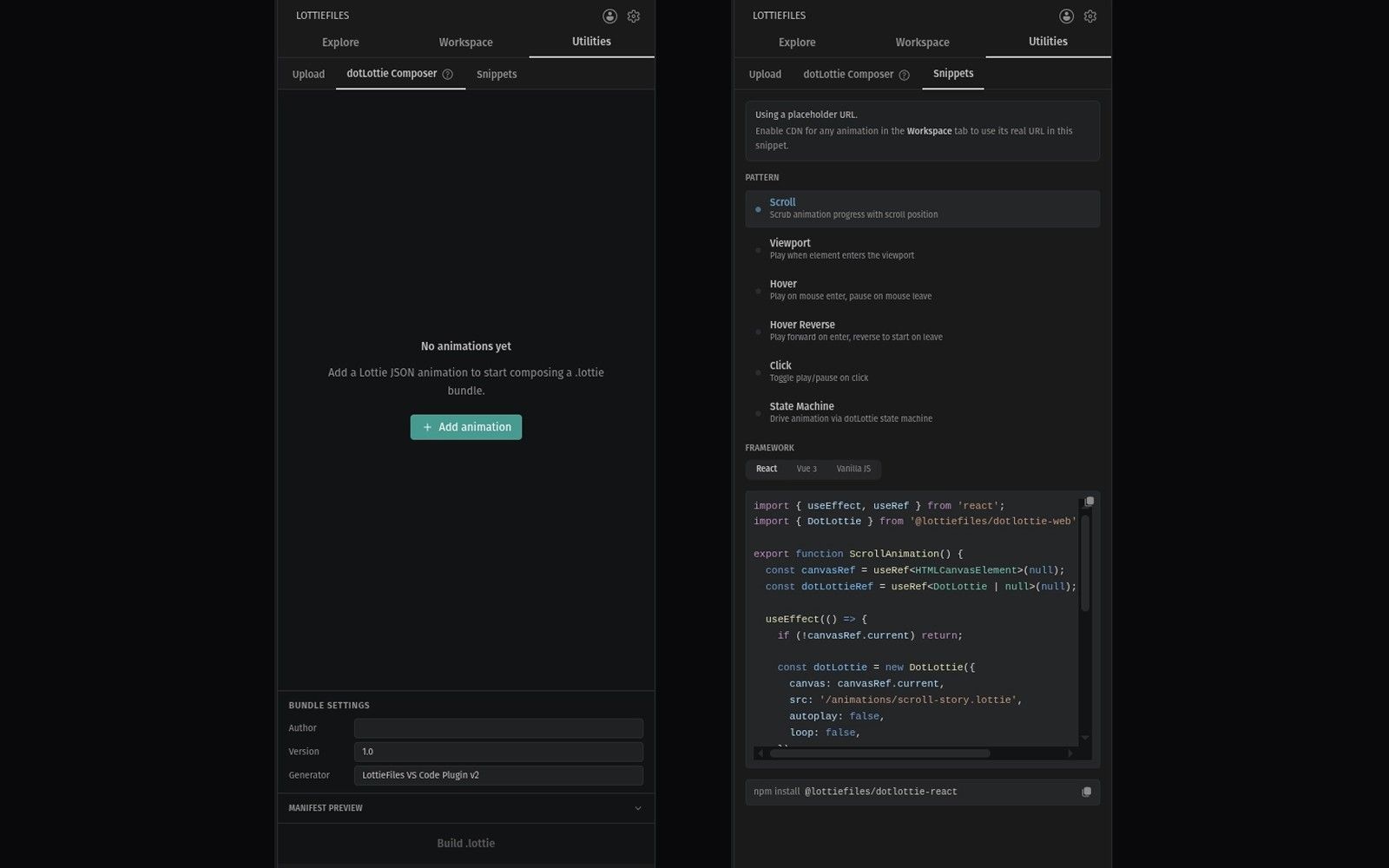
And on top of all that, there is also a set of handy code snippets to quickly reference (or just cop directly) that do things like play/pause an animation or trigger it on mouse hover.
All-new animated SVG export (SMIL)
A little-known tip is that you can actually add animated SVGs (SMIL) into your README files, and they’ll render and play on all major browsers.
“But George, where can I find a huge library of SMIL files or convert my lottie animations into SMIL?”
Well I’m glad you asked, because we recently enabled animated SVG export from all files in LottieFiles, including library animations and those from your workspace. And you know we had to add that into the VS Code plugin.
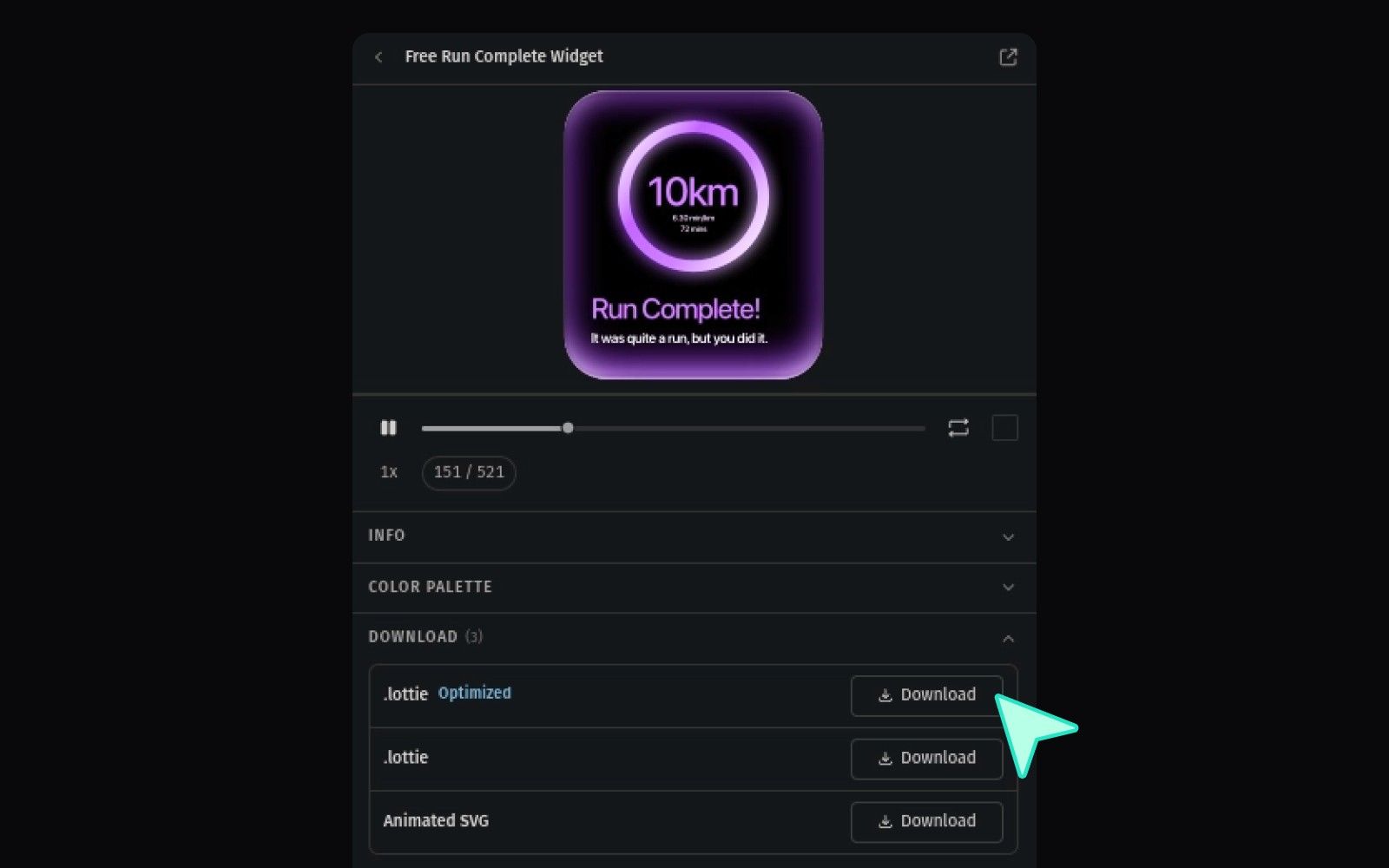
It’s just another option in the download tab, so you can just grab it right in your code editor and make your README files fabulous.
Try LottieFiles for VS Code today
We’ve supercharged code editors with motion, so what are you waiting for? Go check it out now!