

+

Boost engagement and conversions with interactive Lottie animations on your website—no coding needed.
Trusted by over million users and companies worldwide.


Stand out, drive growth and tell better stories
NEW
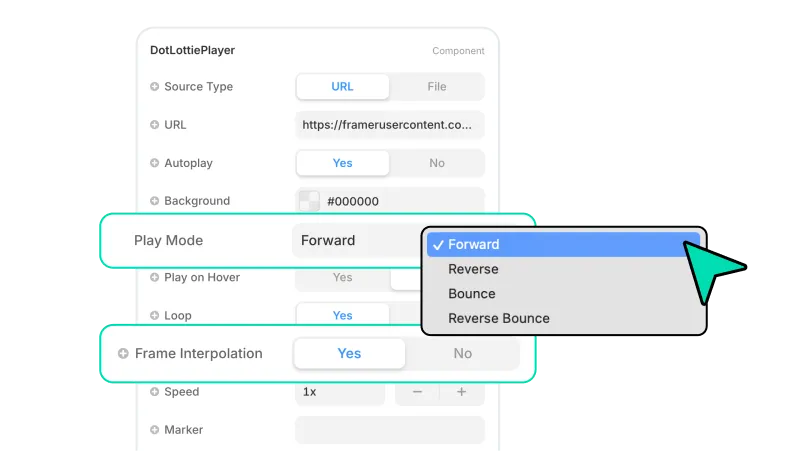
Integrate animations with a built-in State Machines into your Framer project using the LottieFiles plugin
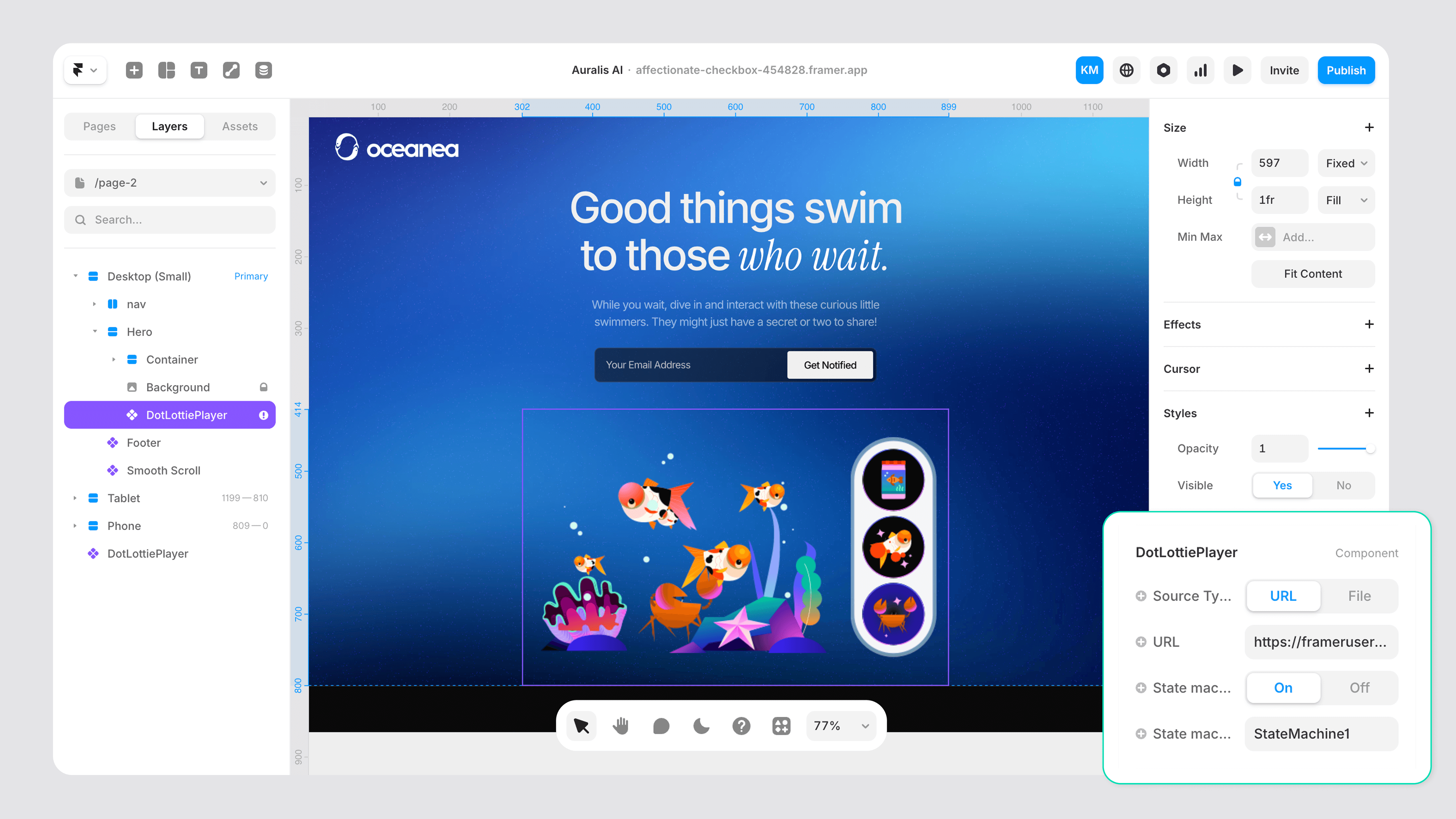
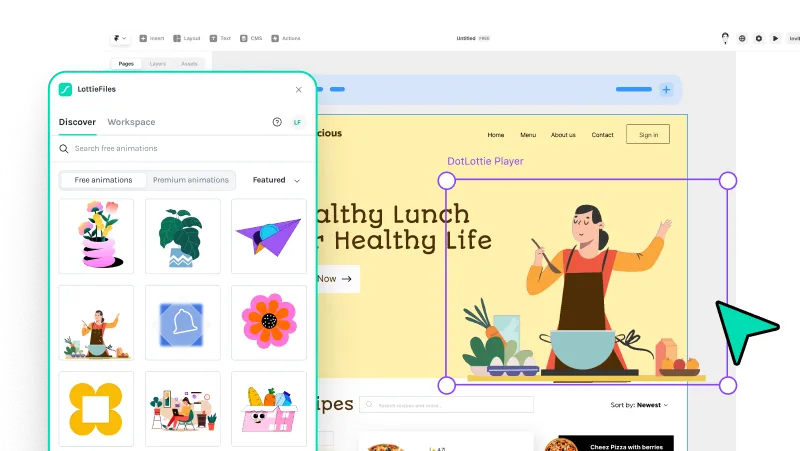
Over 800,000 free and premium, ready-to-use Lottie animations to get you started
Built with Lottie. Made in Framer.
Discover and get inspired by these stunning Framer sites that were built using Lottie animations.
Get started in 3 simple steps


Search for an animation
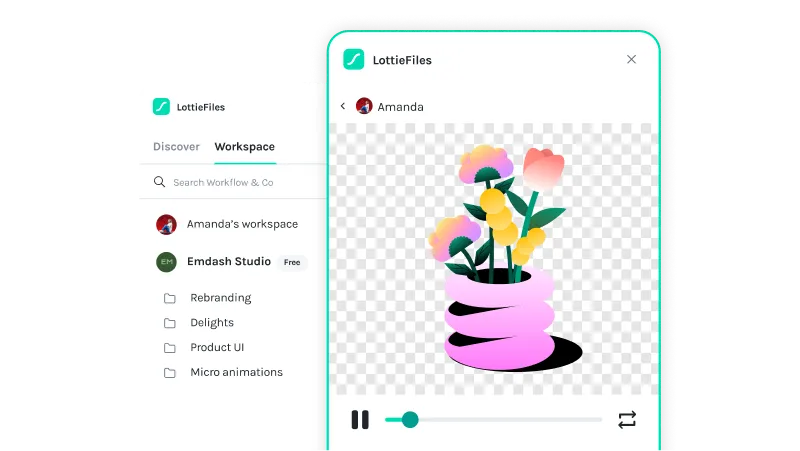
Search for a Lottie animation using the ‘Discover’ or ‘Workspaces’ tabs.

Insert the animation
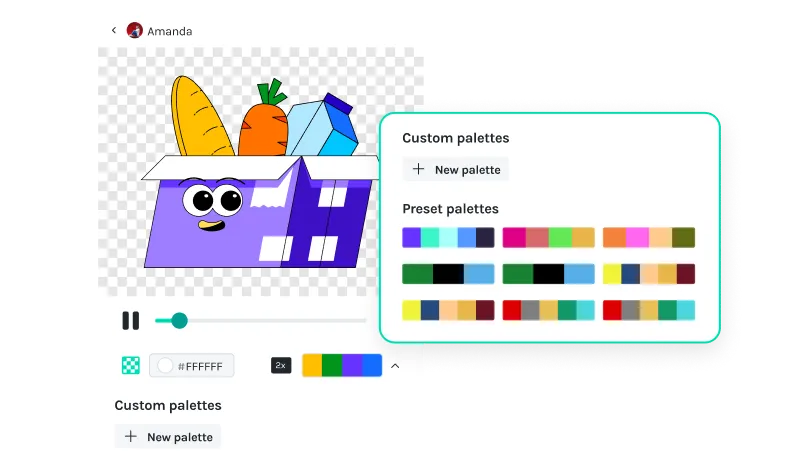
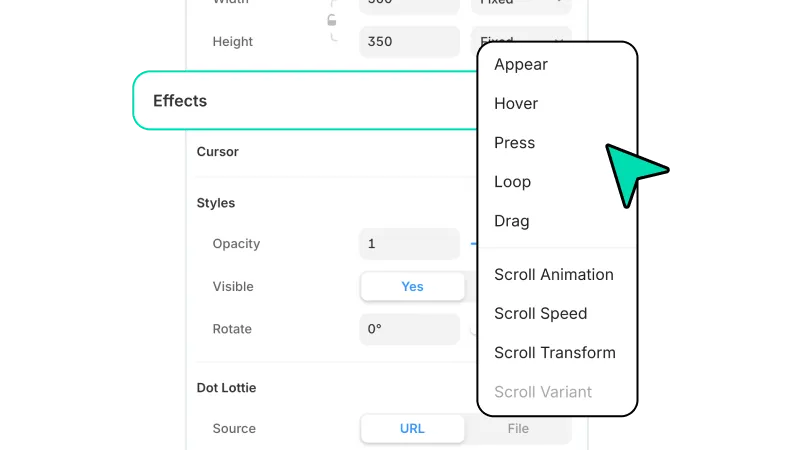
Insert the animation into your Framer sites. You can customize the animation’s colors or add interactivity.
Additional resources
Here’s some inspiration for you to get started with LottieFiles for Framer.







Frequently asked questions
What is LottieFiles for Framer?
LottieFiles for Framer is a plugin that provides access to over 500,000 free and premium Lottie animations and your private files on LottieFiles. The plugin enables you to easily add motion to your Framer sites.
How do I install LottieFiles for Framer?
Option 1:
Open your project in Framer
Click on the “Plugins” button on the Toolbar, at the top
In the search bar that opens, search for “LottieFiles”
Click on the LottieFiles plugin to launch it
The plugin panel should open - all done!
Option 2:
1. Go to the LottieFiles plugin’s page on the Framer Marketplace
2. Click ‘Open plugin in…’
3. Select the project you’d like to open the plugin, or create a new project
4. You will be redirected to the project, and you’ll see the LottieFiles plugin panel opened for you
Where can I find Lottie animations for my Framer sites?
LottieFiles for Framer provides access to a vast library of Lottie animations right within Framer. You can browse through the library directly from within Framer, search for specific animations based on keywords or categories, and choose the ones that best suit your design needs.
Are Lottie animations supported on Framer?
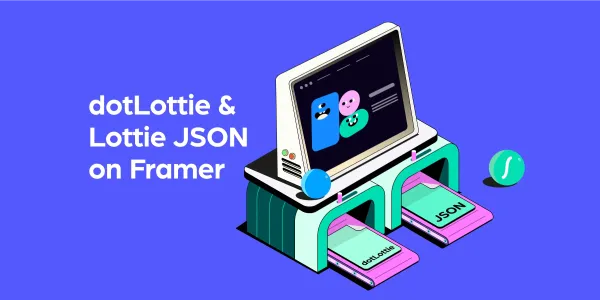
Yes, Framer fully supports Lottie animations in both Lottie JSON and dotLottie format. This native support ensures that high-quality and lightweight Lottie animations can be easily integrated into your Framer sites.
Can I customize the Lottie animations in my Framer sites?
Yes, LottieFiles for Framer allows you to customize the inserted animations by applying your brand colors.
Are the Lottie animations in LottieFiles for Framer free?
LottieFiles for Framer offers a wide range of free Lottie animations that you can use in your designs. However, there are also premium animations available for purchase within the LottieFiles library.
Can I use LottieFiles for Framer in my commercial projects?
Yes, the internet is required to sync the latest assets from the LottieFiles Marketplace.
Are new animations added regularly to LottieFiles for Framer?
Yes, the creators in the LottieFiles community add hundreds of new animations to the public library every day. This ensures that you always have fresh and exciting options to choose from, providing endless possibilities for your Framer sites.
Is there a limit to the number of Lottie animations I can use with LottieFiles for Framer?
There is no specific limit to the number of Lottie animations you can use with LottieFiles for Framer. You can incorporate as many animations as you desire, allowing you to create truly immersive and engaging websites.
Can I access my private animations through the LottieFiles for Framer app?
Yes, you can access and insert your private animations from your LottieFiles workspace directly into your Framer sites.
Ready to add motion to Framer?
Seamlessly add motion to your Framer site quickly and easily with LottieFiles for Framer.