

Easily edit & customize Lottie animations
Our web-based editor allows you to edit, tweak and personalize your Lottie. Making changes on the go has never been this easy and fun.
Watch Video
Select. Edit. Save.
It’s now easier than ever to select animation layers, make edits and save different versions of your animation.
Powerful layer selection
Select animation layers on the canvas and reorder them as you wish with the improved layer panel.
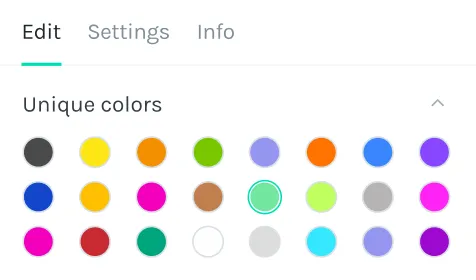
Get creative with colors
Change layer colors and give your animation a colorful new look.
Click to change the color

Hide and delete unwanted layers
Bring layers to front or back, delete the layers you dont need. Hide what you dont wanna show.
Trusted by million+ designers & developers from over companies
Intuitive layer reordering
Give animations a fresh twist by reordering layers easily and intuitively.
Edit text and swap images
Change the text and replace the image layers in your animations for an even deeper level of customization.
X-ray mode for advanced selection
Turn the X-ray mode on for an outline view that will help you inspect and select deeply nested layers.



Target layers with names and tags
Select the layer you want to target, open up the attributes section and add an identifier (class(es) or id). The IDs tags and classes can be targeted using CSS or JavaScript when rendered on a webpage.
Customize animations like never before
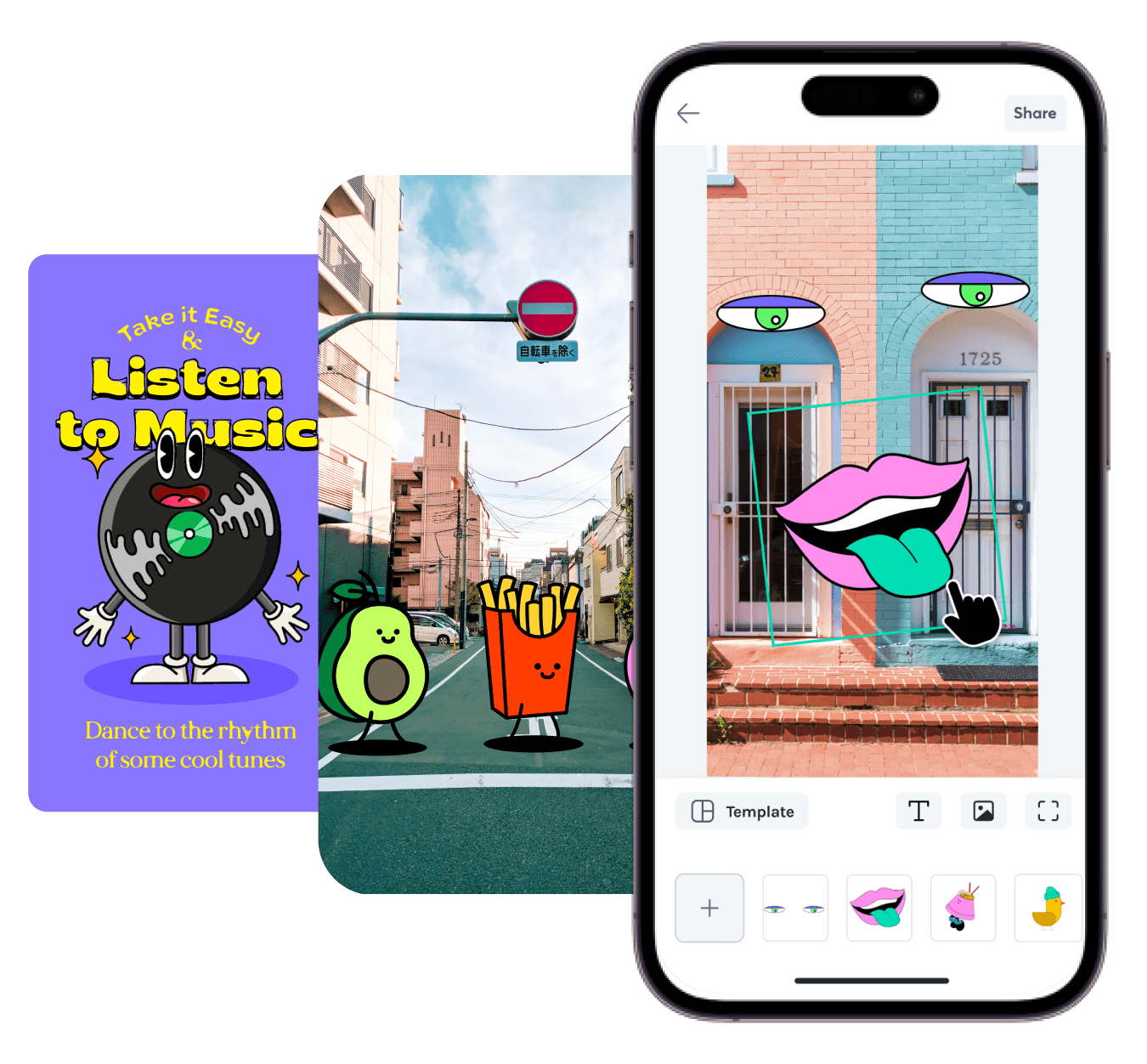
Want an easier way to customize animations on the go? The LottieFiles mobile app offers a motion editor, templates, stickers & more.
What is Lottie Editor?
Lottie Editor is an online animation editor that lets you customize and optimize Lottie JSON files without writing code. You can adjust colors, layers, images, and text, then deploy your animations across websites, mobile apps, and design tools using LottieFiles mobile libraries, the web player, or integrations like Webflow.
Common uses include:
Updating animation colors to match brand guidelines
Swapping placeholder images for product photos or icons
Changing seasonal or campaign text without recreating the animation
Optimizing file size for faster web and mobile performance
What’s new in Lottie Editor?
You can now edit Lottie animations from our ready-to-use library, IconScout and the private animations in your workspace. Once Lottie Editor loads your animation, you’ll be able to edit these properties, among others:
Layers – hide, unhide, delete or reorder layers
Colors – change the colors of the elements in your animation, or change the background color
Replace images and update text – replace the images in your Lottie, or update the text on text layers
What's the difference between unique colors and all colors?
When you edit unique colors, you change all instances of that specific color within the selected layer. Editing all colors changes each color instance individually, allowing for more granular control in your Lottie animation.
How do I add ID tags and classes to layers?
Select the layer you want to target, open up the attributes section and add an identifier (class(es) or id). The IDs tags and classes can be targeted using CSS or JavaScript when rendered on a webpage.
Why can’t I edit an animation’s text?
If you can’t edit text in a Lottie animation, it’s often because the font was subsetted during export, limiting available glyphs. This prevents full text changes. Learn more about font subsetting.
Can I use Lottie Editor for free?
Yes, Lottie Editor is free to use for basic edits. Advanced features may require a LottieFiles Pro plan.
Do I need After Effects to use Lottie Editor?
No. Lottie Editor works entirely online — you can upload any Lottie JSON file and make edits without Adobe After Effects.
Can I optimize file size in Lottie Editor?
Yes, Lottie Editor can reduce file size by removing unused layers, cleaning up code, and exporting in the compressed dotLottie format.
Can I edit animations from LottieFiles Marketplace in Lottie Editor?
Yes. Download or open animations from the Marketplace in Lottie Editor to change colors, images, text and more before publishing.
Does Lottie Editor support dotLottie files?
Yes. You can upload and edit animations in the dotLottie (.lottie) format, which is a compressed package of one or more Lottie files.
What’s the difference between Lottie Creator and Lottie Editor?
Lottie Creator lets you build animations from scratch in your browser with tools like shapes, text, and advanced features such as segments and mattes. Lottie Editor, on the other hand, is mainly for adjusting colors.






Design teams love LottieFiles



Lottie integrates swifty with my workflow, has a small footprint, I can share ideas with my teams rapidly.

Brian Lee
Senior animator at Headspace

LottieFiles are super infused to all our products and services to get the personalized feeling just right.

Vinu Remesan
Head of Motion Design at Gojek
Create. Collaborate. Ship.
Effortlessly bring motion to your everyday designs.