LottieFiles

Trusted by

16

million+ designers and

developers from over

280,000

companies worldwide

Trusted by

16

million+ designers and

developers from over

280,000

companies worldwide

Trusted by

16

million+ designers and

developers from over

280,000

companies worldwide

Your files aren’t the problem. Your asset workflow is.

Your files aren’t the problem. Your asset workflow is.

When assets live everywhere, teams lose speed, clarity and ownership.

When assets live everywhere, teams lose speed, clarity and ownership.

Assets live everywhere

Assets live everywhere

Work is scattered across tools, folders and threads, so ownership is unclear

No clear path to "final"

No clear path to "final"

Versions multiply, approvals stall and handoff breaks down.

Time lost searching

Time lost searching

Teams waste hours hunting for assets instead of moving work forward.

Digital Asset Management

Digital Asset Management

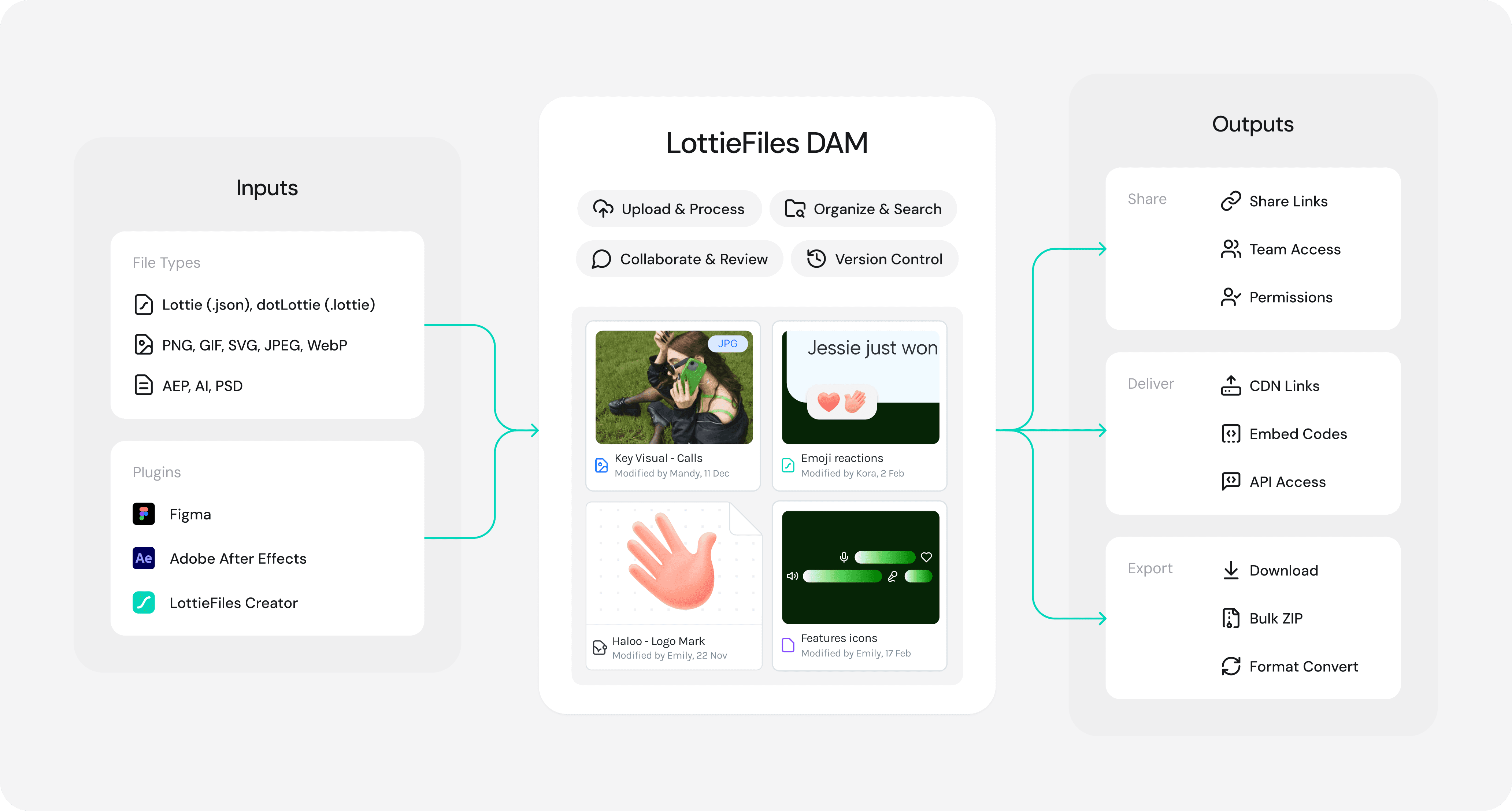
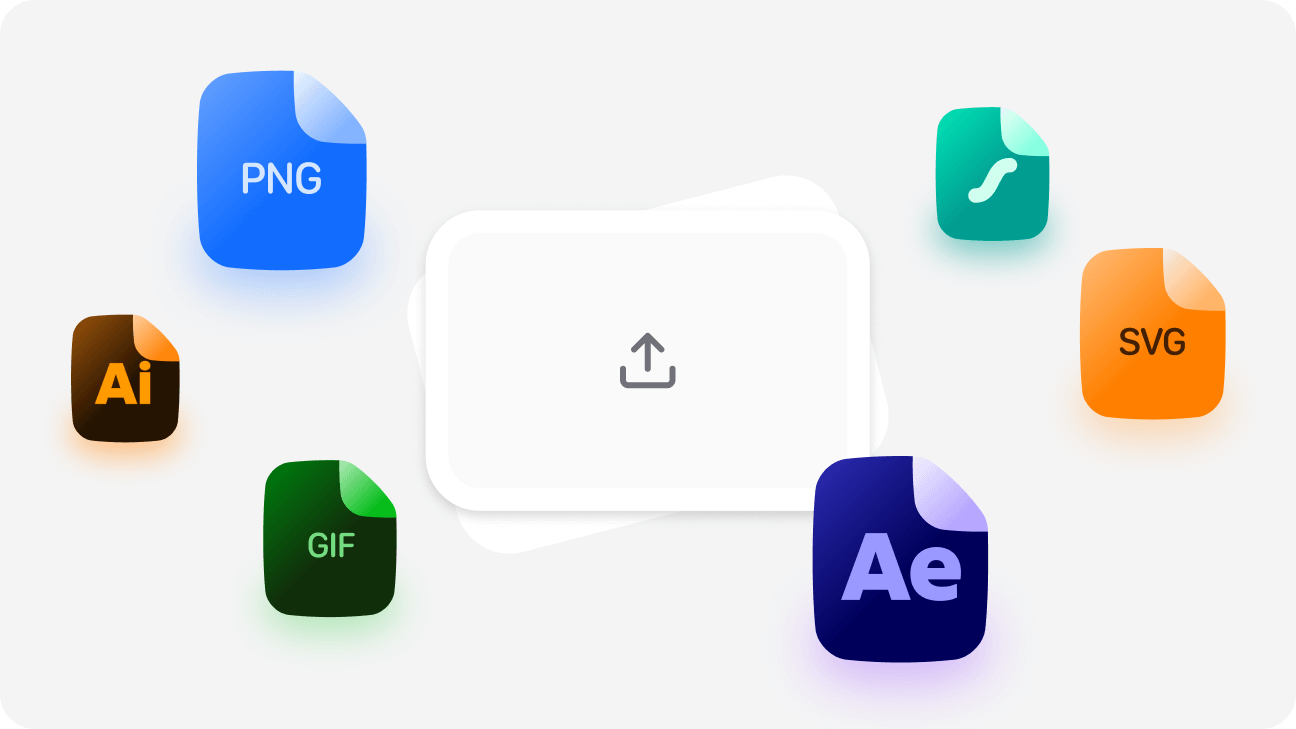
Preview PSDs and AI files without opening the app. Manage every image format. And native Lottie and dotLottie support no other DAM can match.

Preview PSDs and AI files without opening the app. Manage every image format. And native Lottie and dotLottie support no other DAM can match.

Images

Images

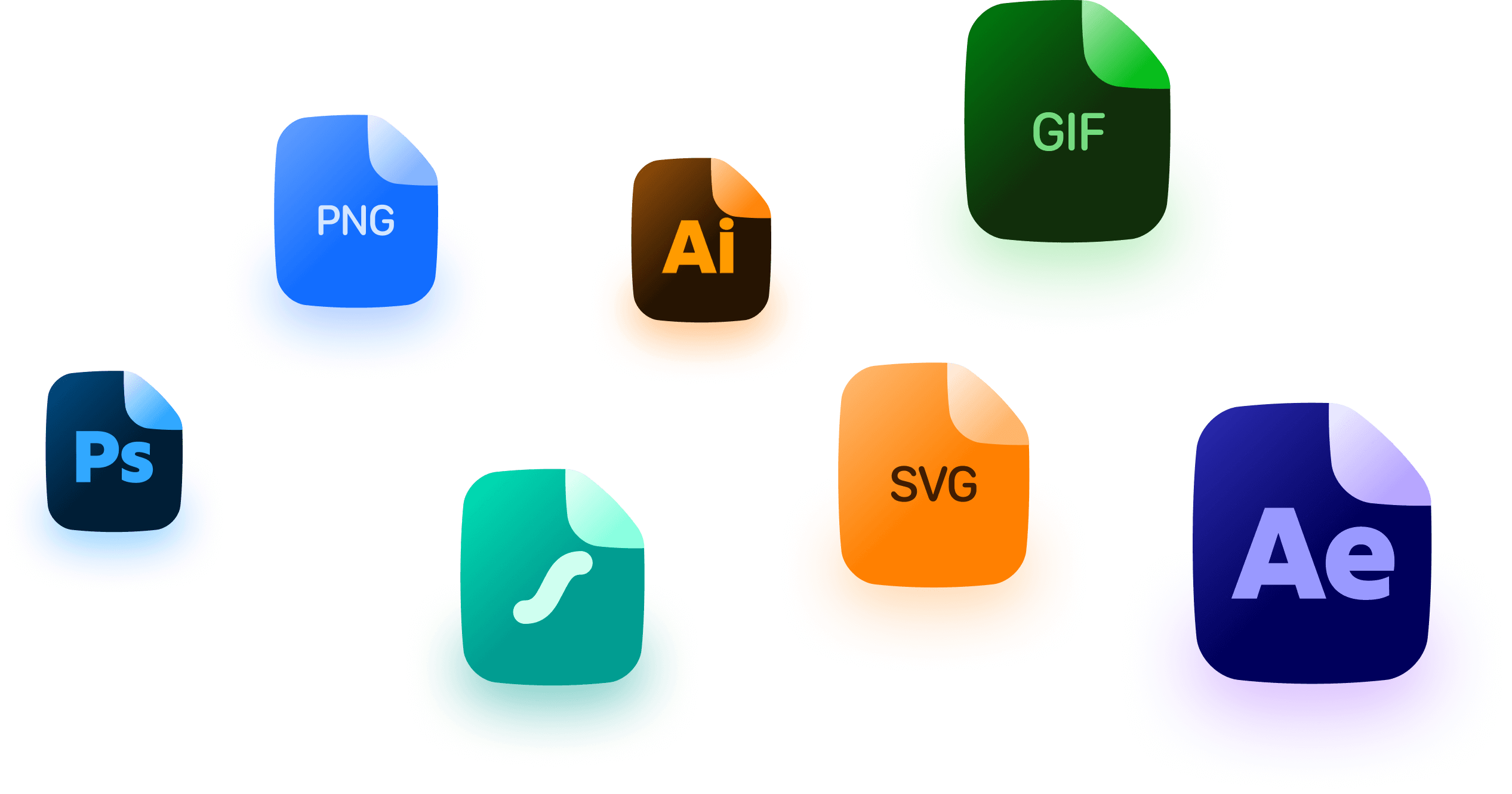
PNG, GIF, SVG, JPEG, WebP

PNG, GIF, SVG, JPEG, WebP

Design files

Design files

After Effects (AEP), Illustrator (AI), Photoshop (PSD)

After Effects (AEP), Illustrator (AI), Photoshop (PSD)

Motion

Motion

Lottie (.json), dotLottie (.lottie)

Lottie (.json), dotLottie (.lottie)

Videos

Videos

coming soon

MP4, MOV, WebM

MP4, MOV, WebM

Lives where your team already works

Lives where your team already works

From upload to approval to delivery, every asset stays in sync across every tool.

From upload to approval to delivery, every asset stays in sync across every tool.

Built into your creative workflow

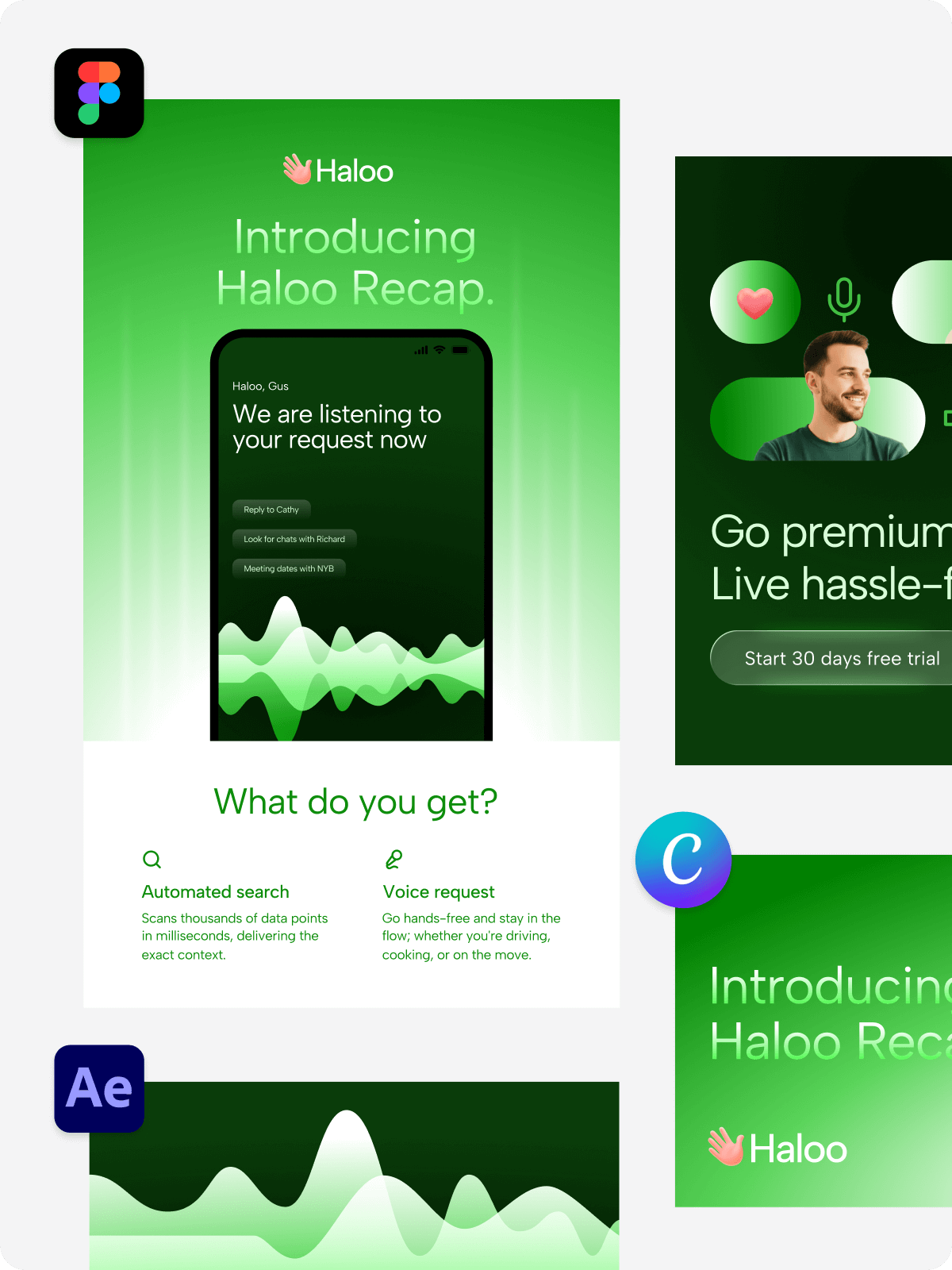
Access and sync assets directly inside Figma, After Effects, Canva, and more. Upload once. Use everywhere. Every version stays connected across tools.

Find it instantly

Own the entire asset lifecycle

Project command center

Built into your creative workflow

Built into your creative workflow

Find it instantly

Search by name, tag, format, project, or status.  Zero guesswork. Zero wasted time.

Own the entire asset lifecycle

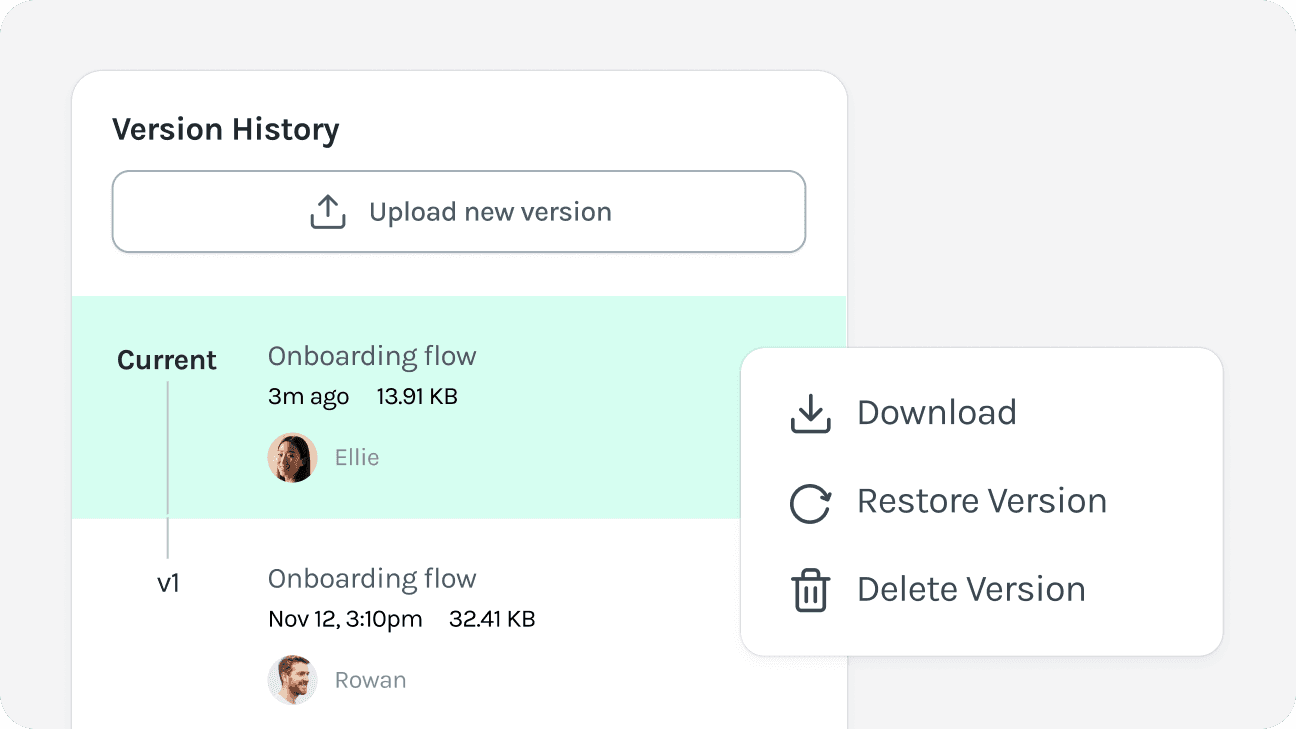
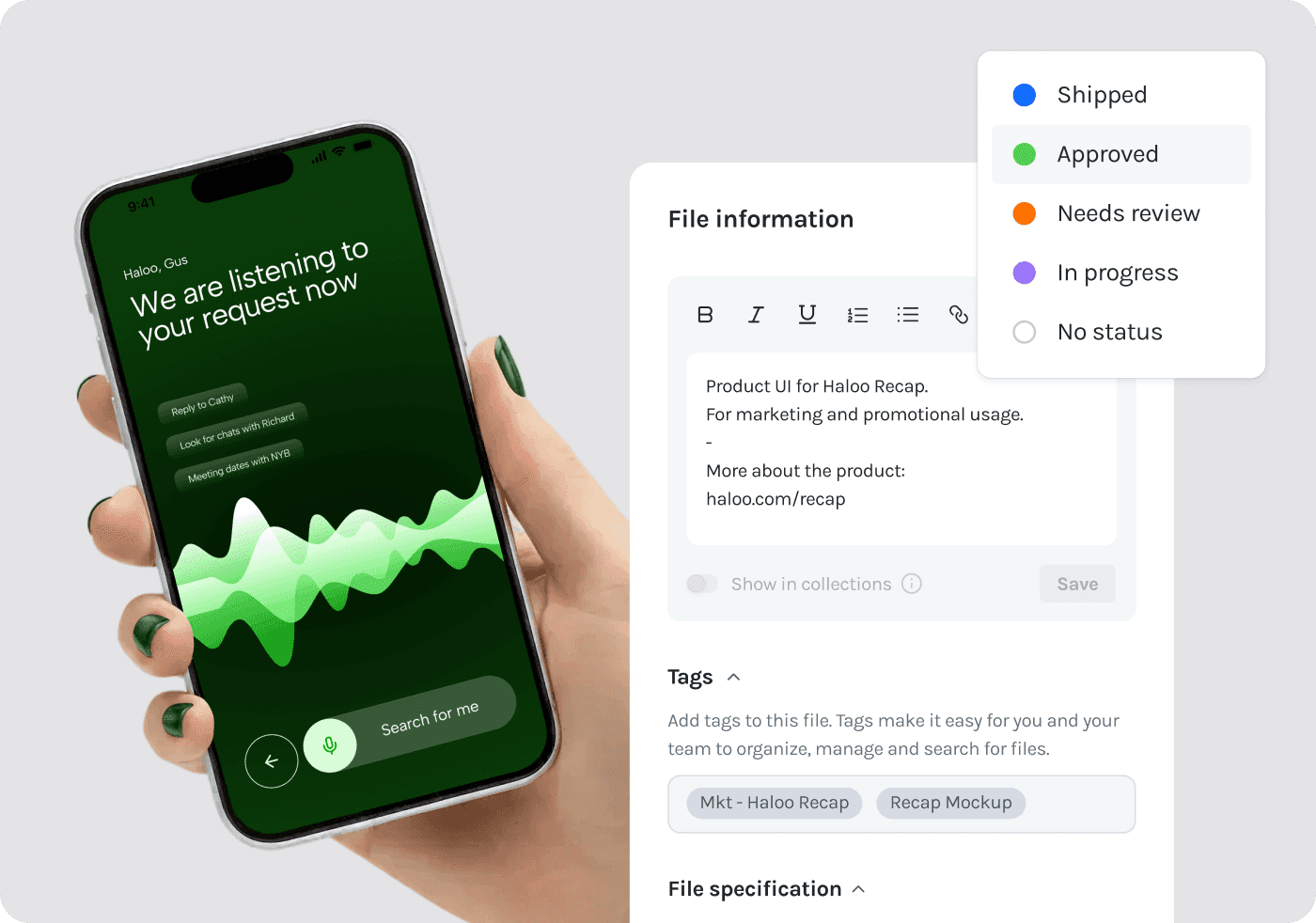
Version history, approvals, and frame-level feedback, all tracked in one system.

Project command center

Live previews, real-time status, and clear ownership - all centralized.

How it all works

How it all works

1. Upload your assets

1. Upload your assets

Drop in your PSDs, SVGs, PNGs or any file your team creates.

Drop in your PSDs, SVGs, PNGs or any file your team creates.

2. Manage and organize

2. Manage and organize

See who changed what, when, and which version is approved.

See who changed what, when, and which version is approved.

3. Access right inside your tools

3. Access right inside your tools

Pull the right asset into Figma, After Effects, or Canva.

Pull the right asset into Figma, After Effects, or Canva.

Teams save an average of 13.5 hours per week

Teams save an average of 13.5 hours per week

Built for the people who make, ship, and manage creative work.

Built for the people who make, ship, and manage creative work.

Product designers

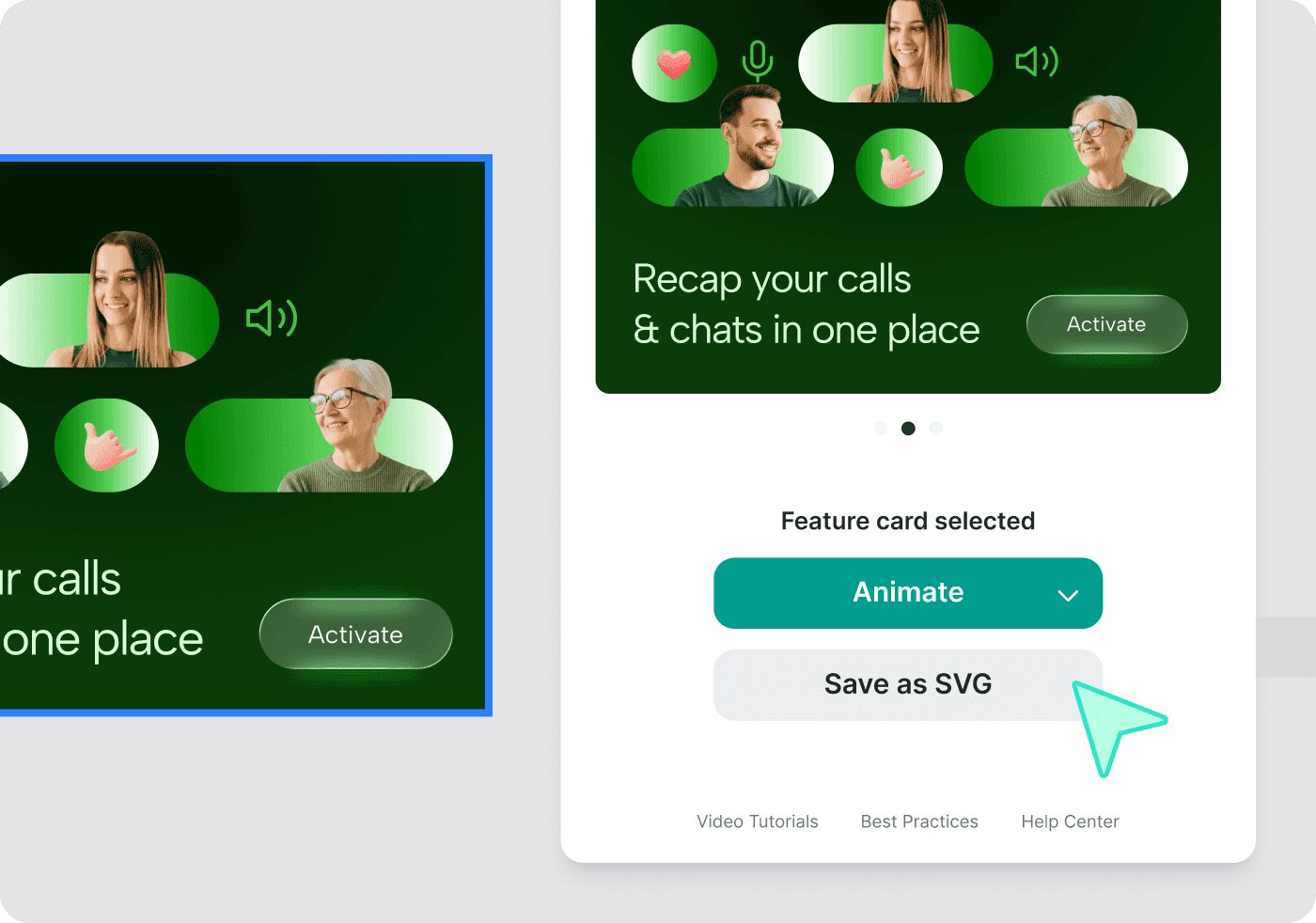
Push icons, illustrations, and UI assets from Figma into your team's shared library. Every update syncs.

Motion designers

Developers

Creative and brand leads

Marketing teams

Product designers

Push icons, illustrations, and UI assets from Figma into your team's shared library. Every update syncs.

Motion designers

Store source files next to exports, manage versions cleanly, and deliver production-ready motion with less back-and-forth.

Developers

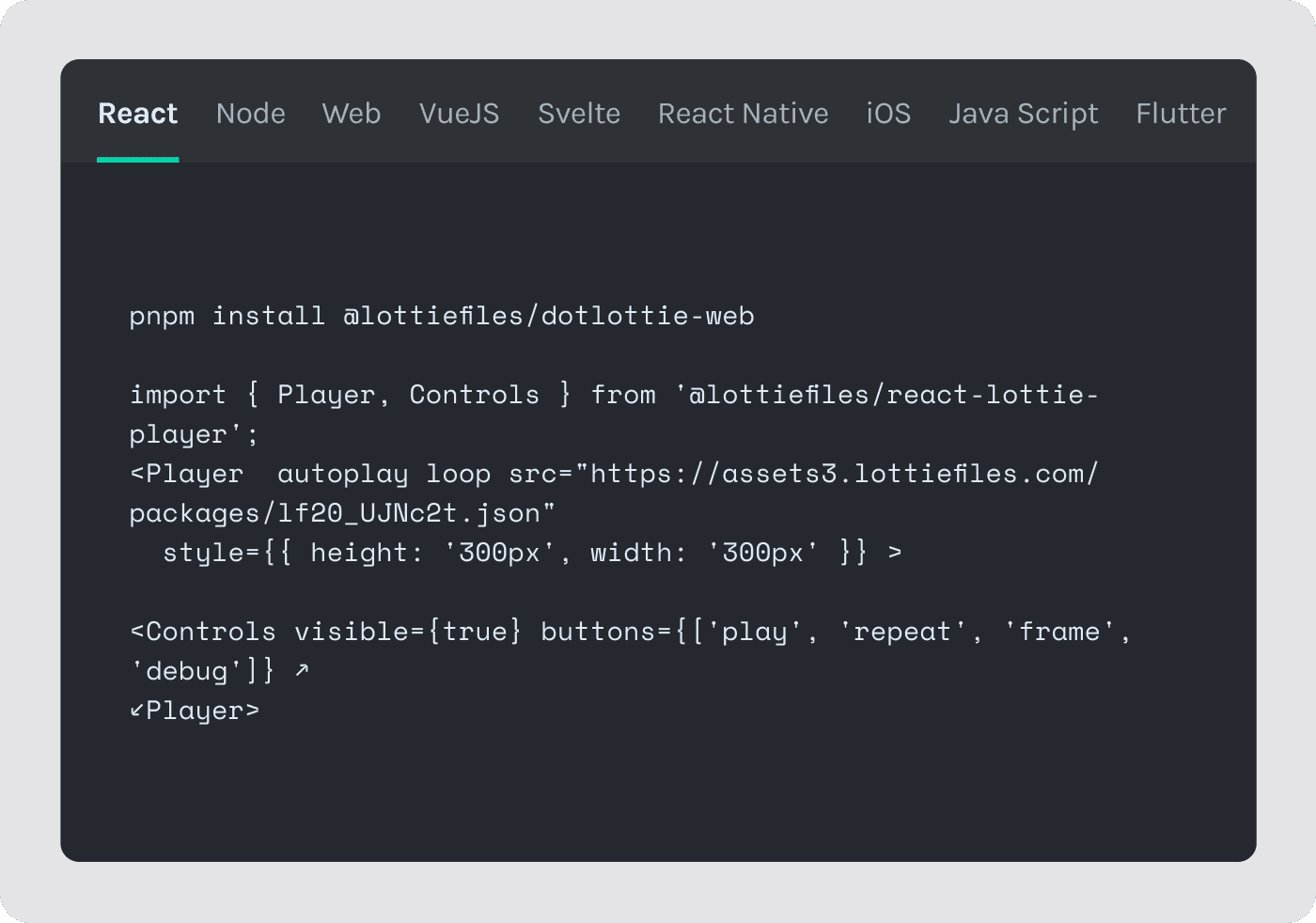
Grab CDN links and asset files from the library, implement the approved version, and stop debating which file is current.

Creative and brand leads

Get review workflows that are specific, auditable, and scalable. Keep brand consistency across teams and regions.

Marketing teams

Self-serve approved brand assets fast. Fewer requests, fewer delays, more output.

Security

Security

Security your IT team will sign off on

Security your IT team will sign off on

SSO/SAML for secure access

SSO/SAML for secure access

Role-based permissions

Role-based permissions

Audit logs for access and changes

Audit logs for access and changes

SOC 2 compliance

SOC 2 compliance

Dedicated support, onboarding, and SLAs

Dedicated support, onboarding, and SLAs

Design teams love LottieFiles

Design teams love LottieFiles

Frequently asked questions

Frequently asked questions

What's new, and what formats does LottieFiles now support?

LottieFiles began with motion. Now it runs your entire creative asset lifecycle, across formats. Now that same workflow extends to your full creative library, so your team can store, review, version, approve, and deliver more than just animations in one workspace.

Supported formats today: Lottie (.json), dotLottie (.lottie), PNG, GIF, SVG, JPEG, WebP, After Effects (AEP), Illustrator (AI) and Photoshop (PSD)

Coming next: Video (MP4, MOV, WebM).

Will my existing animations still work?

Yes. Your existing Lottie library and delivery workflows continue as-is. Digital Asset Management adds multi-format asset management.

Is there a file size limit?

Individual files can be up to 20MB. Enterprise storage options are available for larger needs.

Can external stakeholders access assets?

Yes. Share secure links with controlled access, without exposing your full workspace.