LottieFiles

Lottie Theming:
One file, infinite possibilities

Seamlessly switch between light mode, dark mode, and custom themes-all from a single dotLottie file. Expose your animation theme values as tokens and bind them to real data at runtime.

Seamlessly switch between light mode, dark mode, and custom themes-all from a single dotLottie file. Expose your animation theme values as tokens and bind them to real data at runtime.

Default

Sunset

Earth

Monochrome

Default

Sunset

Earth

Trusted by

17

million+ designers and developers from over

280,000

companies worldwide

Trusted by million+ designers and developers from over companies worldwide.

Theming, built on Motion Tokens

Streamline your workflow, gain creative control, and deliver consistent, high-quality animations across platforms.

Motion Tokens

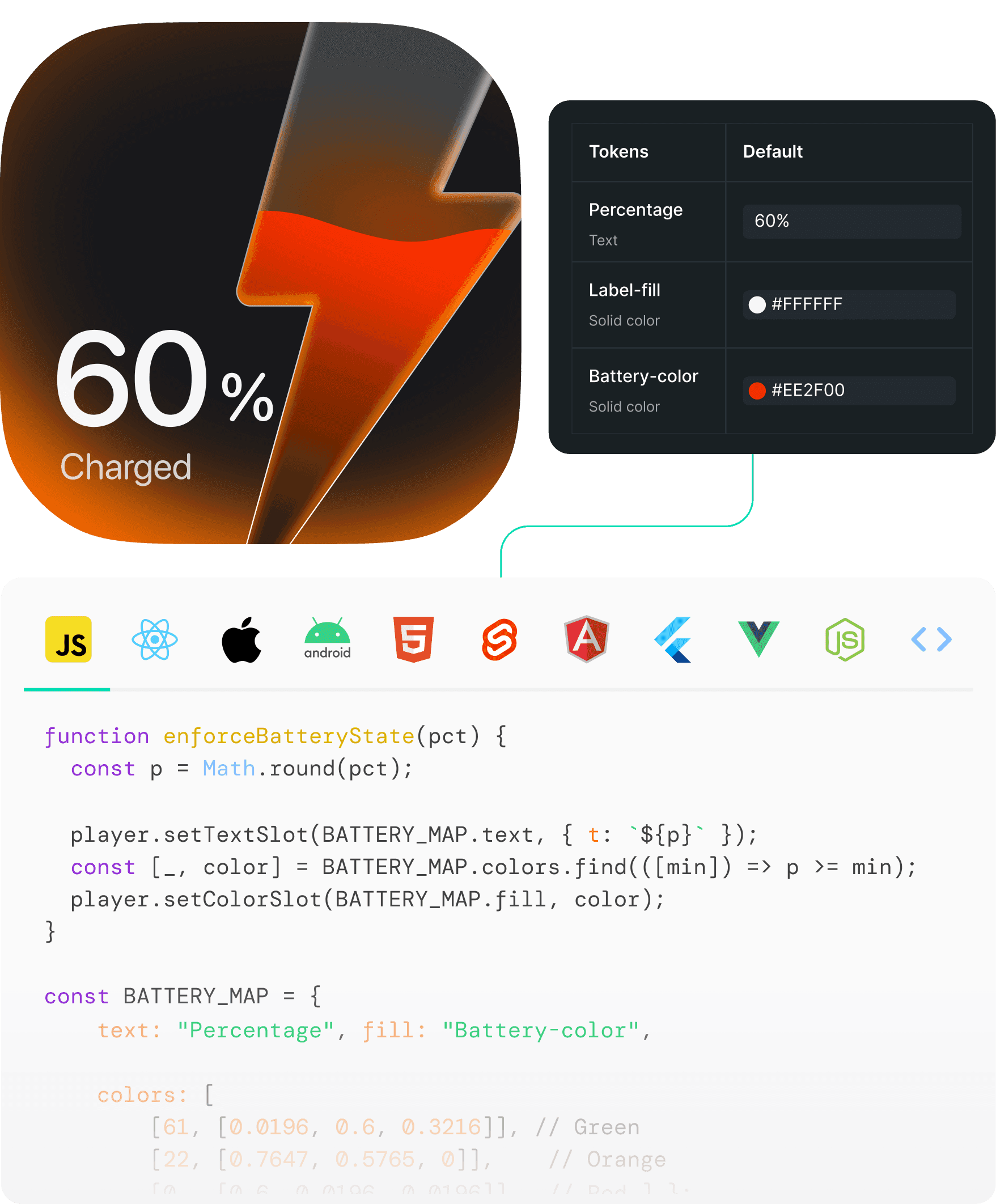
Bind your animation properties to real data. Change colors, text, and transforms at runtime, without re-exporting. Learn more

Manage themes

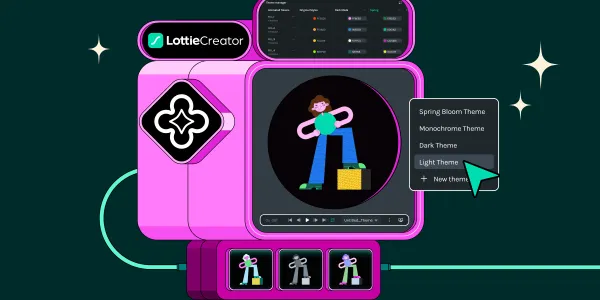
View and manage your token library, default themes, and additional themes allow you to define multiple visuals.

Generate themes with Al

Describe your brand style and let Al generate the theme token values. Fine-tune manually and reuse across your designs.

Simplify, switch and scale

Streamline your workflow, gain creative control, and deliver consistent, high-quality animations across platforms.

One file, multiple themes

One file, multiple themes

Build themes that fit every brand requirement by defining simple color slots. Move between light, dark, and custom event themes without creating separate files.

Build themes that fit every brand requirement by defining simple color slots. Move between light, dark, and custom event themes without creating separate files.

Creative flexibility

Creative flexibility

Spend more time creating. Update themes setups and remove repetitive file changes and work.

Uniform animations across devices

Uniform animations across devices

Stay consistent on every platform. Lottie Theming applies your setting instantly across web, iOS, Android and more.
How Themes and Motion Tokens work
1. Create an themed animation

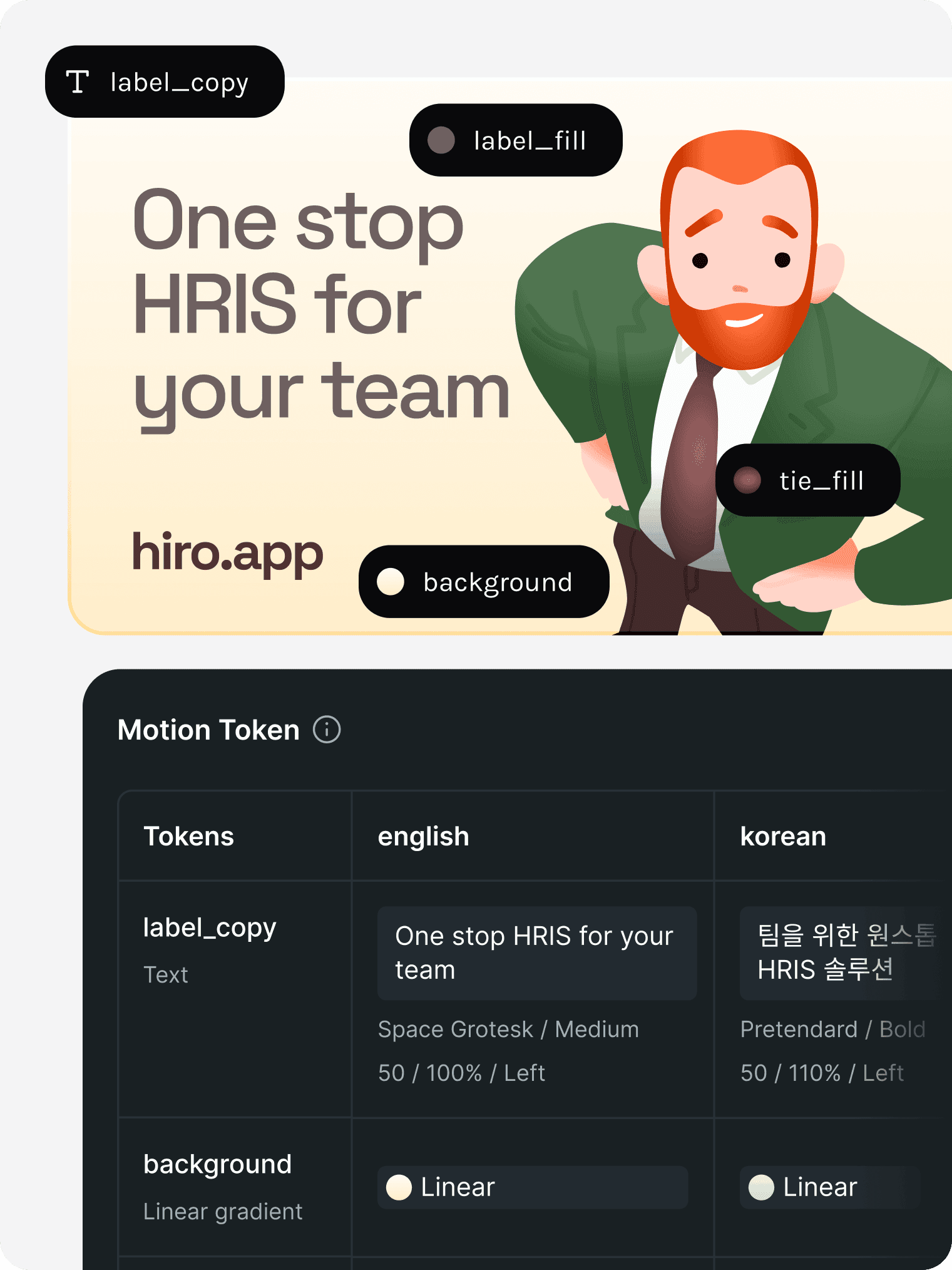
Select any color, text, or transform property in Lottie Creator and mark it as a token, allowing the property to be editable at runtime.

2. Export as dotLottie

3. Control at runtime

1. Create a themed animation

Select any color, text, or transform property in Lottie Creator and mark it as a token, allowing the property to be editable at runtime.

2. Export as dotLottie

Bundle Animations, Motion Tokens, Themes, States into versioned file. Portable and deployable in a single dotLottie file.

3. Control at runtime

Using Lottie runtimes for Web, iOS and Android to inject live data, switch themes, personalize text, and trigger state changes without any production friction.

Runtime Guarantees
Runtime Guarantees

Built for production

Built for production

Deterministic behavior: no hidden overrides.

Deterministic behavior: no hidden overrides.

Versioned inside the dotLottie file.

Versioned inside the dotLottie file.

Controlled through a stable runtime API.

Controlled through a stable runtime API.

Works consistently on Web, iOS, and Android.

Works consistently on Web, iOS, and Android.

Change properties. No re-render required.

Change properties. No re-render required.

Design teams love LottieFiles

Frequently asked questions

Frequently asked questions

What is Lottie Theming?

Lottie Theming is a powerful feature that allows you to customize your Lottie animations by changing animated properties such as colors, sizes, and more.

What is Lottie Theming?

Lottie Theming is a powerful feature that allows you to customize your Lottie animations by changing animated properties such as colors, sizes, and more.

Can I change the theme after downloading the animation?

Yes, since the themes are embedded within the dotLottie (.lottie) file, you can switch between them at any time by loading the file into the Lottie Creator.

What is prompt to Theming

Prompt to Theming allows you to generate theme variations using natural language prompts. Simply describe the mood, color palette, or visual direction you want, and Lottie Creator produces theme-ready outputs instantly. You can also fine tune suggested colors as you wish. With Responsible AI at its core, we will not be using your data to train AI models, ensuring privacy and ethical usage at all times.

How many themes can I add to a single animation?

There is no limit to the number of themes you can apply. You can create as many themes as needed, provided your animation's structure supports multiple color mappings.

Does Lottie Theming affect animation performance?

No, applying themes has a minimal impact on performance since only color properties are modified without re-rendering the animation.

What file types support Theming?

Theming is available for `.lottie` files. Other file formats like `.json` do not retain theme settings.