

+

See all versions
to Install the plugin, download ZXP installer
What's new


LottieFiles for After Effects:
Perfect for creating and collaborating
NEW
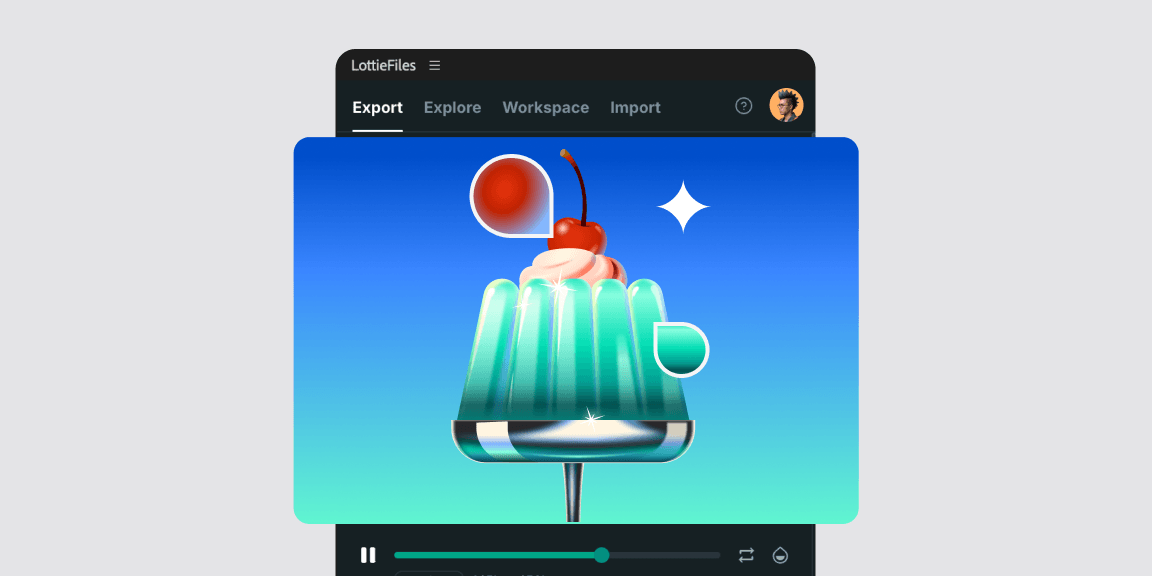
Gradient preservation
Import static linear and radial gradient fills and strokes as editable After Effects gradients.

Govern your motion with Motion System
Add motion as part of your design system. Define easing curves, animation presets, documentation and more. Access it directly within the LottieFiles plugin.

Import a Lottie to After Effects
Effortlessly import your Lottie animations into your After Effects project for further editing and customization.

Export Lottie from After Effects
Export your animations from Adobe After Effects to Lottie, the small yet versatile animation format.


Bulk render animations as Lottie
Bulk render multiple compositions as Lottie animations and save them to your team's workspace.

Use Lottie Feature Checker to test compatibility
Check which Lottie features are used in your animations, and whether they’ll play across different platforms like web, Android and iOS.

Save your animations to your team's library
Once rendered, seamlessly save your animations to your workspaces for quick and easy collaboration with your team.

Preview your animations instantly
Preview how your animations play across web and mobile in real-time as you continue to edit them.


Have fun creating animations 🥳
Custom background color
Preview animations with any background color.

Scan QR and preview
Scan animations with the LottieFiles mobile app to preview them on your device.

Render graph
Improve animations for better CPU utilization.

One click upload and share
Upload and share animations with a single click.
Instant file size
Know how big files are when you’re previewing them.
dotLottie export support
Export animations to the super tiny dotLottie format.
Access private animations
Access your private animations directly within the plugin.
How to get started
Download and install the plugin
Login to your LottieFiles account from within the plugin
This will ensure all your private and public animation files from your account are synced.
Preview your Lottie animations instantly
Watch your animation play exactly how it's supposed to right from within Adobe After Effects.
Test across web & mobile devices
Preview your Lottie animation not just on web but also on all your mobile devices too.
Frequently asked questions
What is a Lottie?
A Lottie file is a JSON-based animation file format that uses a textual, descriptive representation of the animation elements and movement towards a smaller file size and platform-independence, resolution independence and variable frame-rate during animation playback.
Open-source and free Lottie players exist for the web, iOS, Android, Windows and other platforms.
What does the LottieFiles plugin do?
The LottieFiles plugin converts your Adobe After Effects animation into a Lottie format file for use on the web and mobile. The plugin provides a smooth workflow for rapidly iterating on animations and testing feature support across different platforms.
The LottieFiles plugin also seamlessly integrates with the LottieFiles platform. This allows you to upload, test and publish animations, as well as search for Lottie animations and download Adobe After Effects project files.
What is the difference between Bodymovin vs LottieFiles?
The LottieFiles plugin implements all the Lottie generation features of Bodymovin. We have gone further by crafting an optimized instant preview and test-on-mobile devices workflow for a quicker, more efficient iteration cycle.
We also made it super easy to upload and privately share your animation with others at different points in development and added tools and features such as changing background color, reviewing Lottie file size and render performance graphs.
What file formats does the plugin export my animation as?
With the LottieFiles plugin for Adobe After Effects you can export your animations in the Lottie JSON, Optimized Lottie JSON, dotLottie, Optimized dotLottie and Telegram Sticker (TGS) formats.
Do I need to login to use the plugin?
Yes, to use the plugin you need to sign into your LottieFiles account.
Can I preview animations for web and mobile straight from within the plugin?
Yes you can. For mobile, there are 2 ways to preview your animation.
1. You can scan the QR code generated after uploading the animation on your mobile device
2. If you have connected your device to the plugin (and you can connect multiple) you can just select to push it to that device and then you’ll be prompted with a notification to open your LottieFiles app on that device. Open it up and watch your animation play!
If you have multiple devices connected to the plugin you can choose to push the animation to either a select few or all your applications. This one click action can save you a lot of time when you’ve got a lot of devices to test on.
Can I explore other Lottie animations within the plugin?
Yes, you can browse and search through all the Lottie animations on LottieFiles right from within the plugin itself by using the ‘Explore’ tab. After selecting an animation, you can download the Lottie file as well as its Adobe After Effects project (AEP) file.
Downloading the animation’s AEP file gives you the ability to redesign the animation and change the layers you want.
What do I do when my animation isn’t playing, it’s just stuck on ‘rendering’?
Not to worry, there’s a simple solution for this. In Adobe After Effects, go to Preferences > Scripting & Expressions. Under Application Scripting, select Allow Scripts to Write Files and Access Network.
Do I own the rights to animations I create using the plugin?
Yes. Any animation you create with the LottieFiles After Effects plugin is fully owned by you, — provided you have the rights to all the assets used within it (e.g., fonts, images, or third-party elements).
Is the plugin free?
Yes. You can install the plugin for free, but some limitations may apply.
Get ready to start making some Lottie magic
See all versions
to Install the plugin, download ZXP installer