LottieFiles

Professional results,

without complexity

Professional results,

without complexity

Creator makes it easy to create, edit, and manage animations all in one place.

Creator makes it easy to create, edit, and manage animations all in one place.

Advanced keyframe control

Advanced keyframe control

Gain precise control over your timeline. Refine, retime, and mirror keyframes in seconds with keyframe assistance.

Trim Path

Trim Path

Bring your paths to life by trimming them over time for smooth, flowing animations.

SVG import

SVG import

Drag and drop, or paste clean SVG imports that keep all your path details intact.

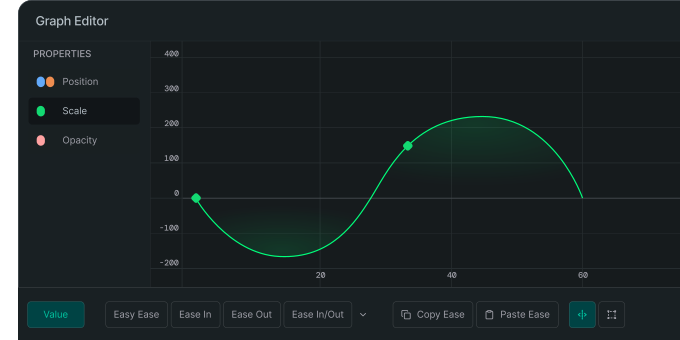
Graph Editor

Graph Editor

Control animation speed and timing between keyframes. Manipulate curves to create smooth easing, overshoots and snappy motion.
Preview in real-time

Preview in real-time

What you see in preview is exactly what gets rendered.

State Machines

State Machines

Connect animation states and create transitions that react to user inputs, data or events.

Motion Tokens

Motion Tokens

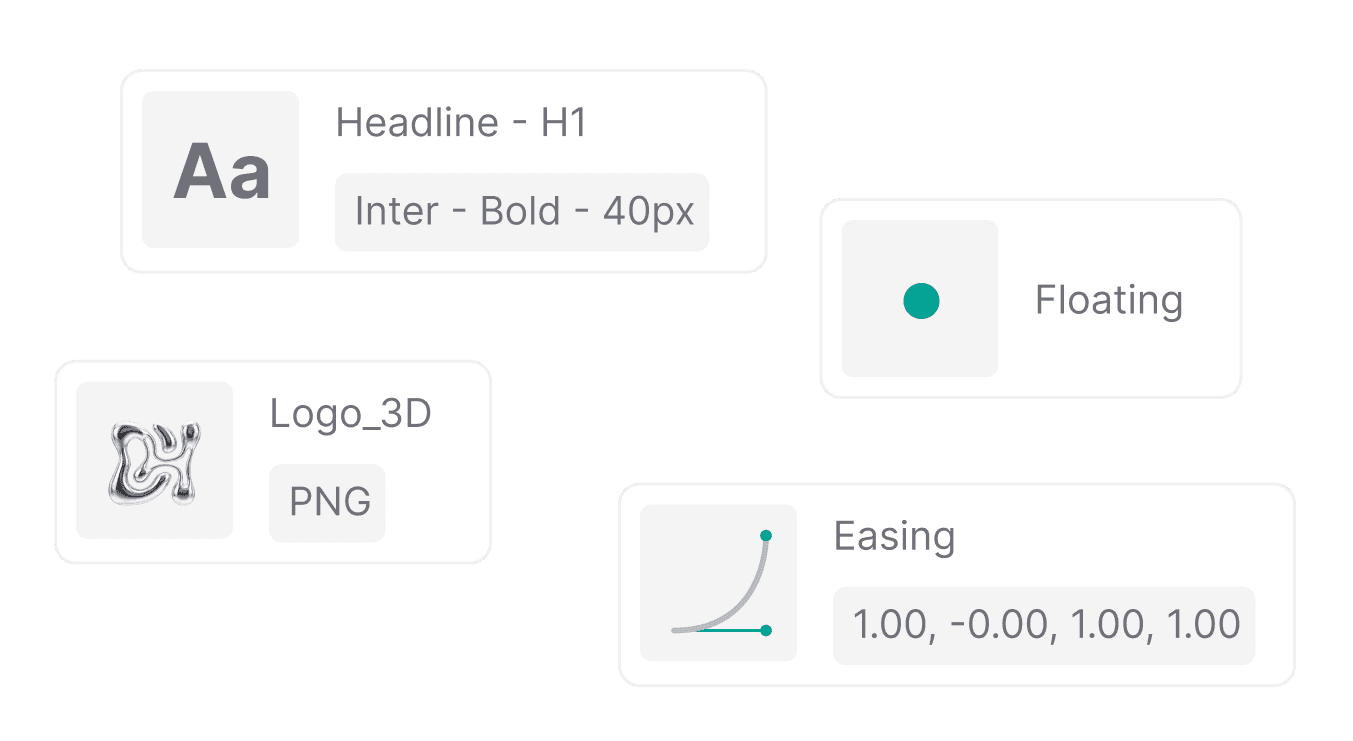
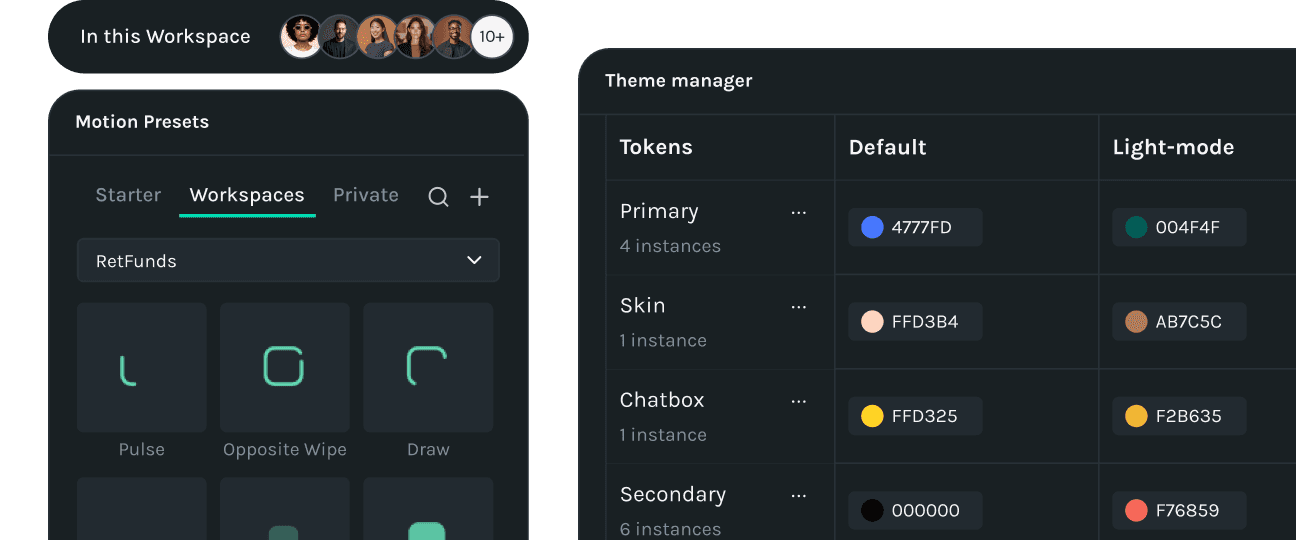
Bind your animation properties to real data. Change colors, text, and transforms at runtime.

Export and deliver anywhere

Export and deliver anywhere

Export as dotLottie, videos (WebM, MP4, MOV up to 4K), or GIF and share instantly through CDN links across web, iOS, and Android.

Advanced compositing and expressions

Advanced compositing and expressions

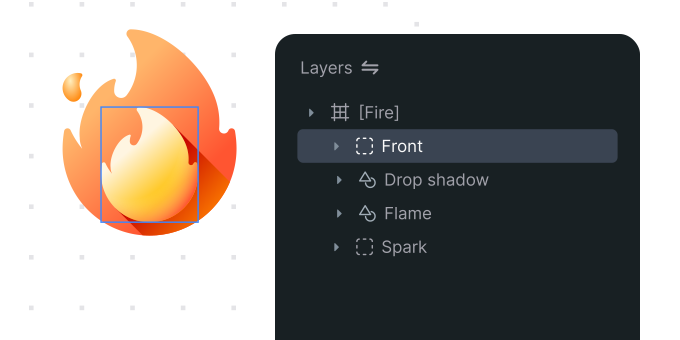
Enable complex designs by leveraging blend modes, masks, mattes, and nested scenes.

Enable complex designs by leveraging blend modes, masks, mattes, and nested scenes.

Matte and Mask

Matte and Mask

Craft textured reveals, light sweeps, or more cinematic transitions that bring your motion design to life.

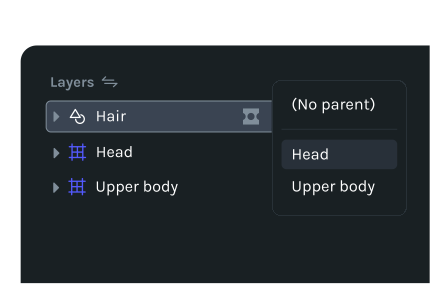
Parenting

Link elements to a parent layer for consistent movement and easier edits.
Blend modes

Blend modes

Blend layers through light, color, and texture to bring mood, depth, and cohesion to your motion.

Nested scenes

Nested scenes

Nest animations to manage complexity and keep your creative flow smooth.

Anchor point control

Anchor point control

Control the pivot point for scaling, rotation, and movement.

Advanced Duplicator

Advanced Duplicator

Automatically clone layers and animations with full control over copies, spacing, rotation, scale, and opacity.

Motion Path

Motion Path

See and sculpt the exact route your layers travel. Draw a path, drag the curves and turn any trajectory into fluid, frame-perfect animation.

Expand what’s possible with our plugin library

Expand what’s possible with our plugin library

A growing library for motion pros and product teams - speed up workflows, automate motion and add deep integrations.

A growing library for motion pros and product teams - speed up workflows, automate motion and add deep integrations.

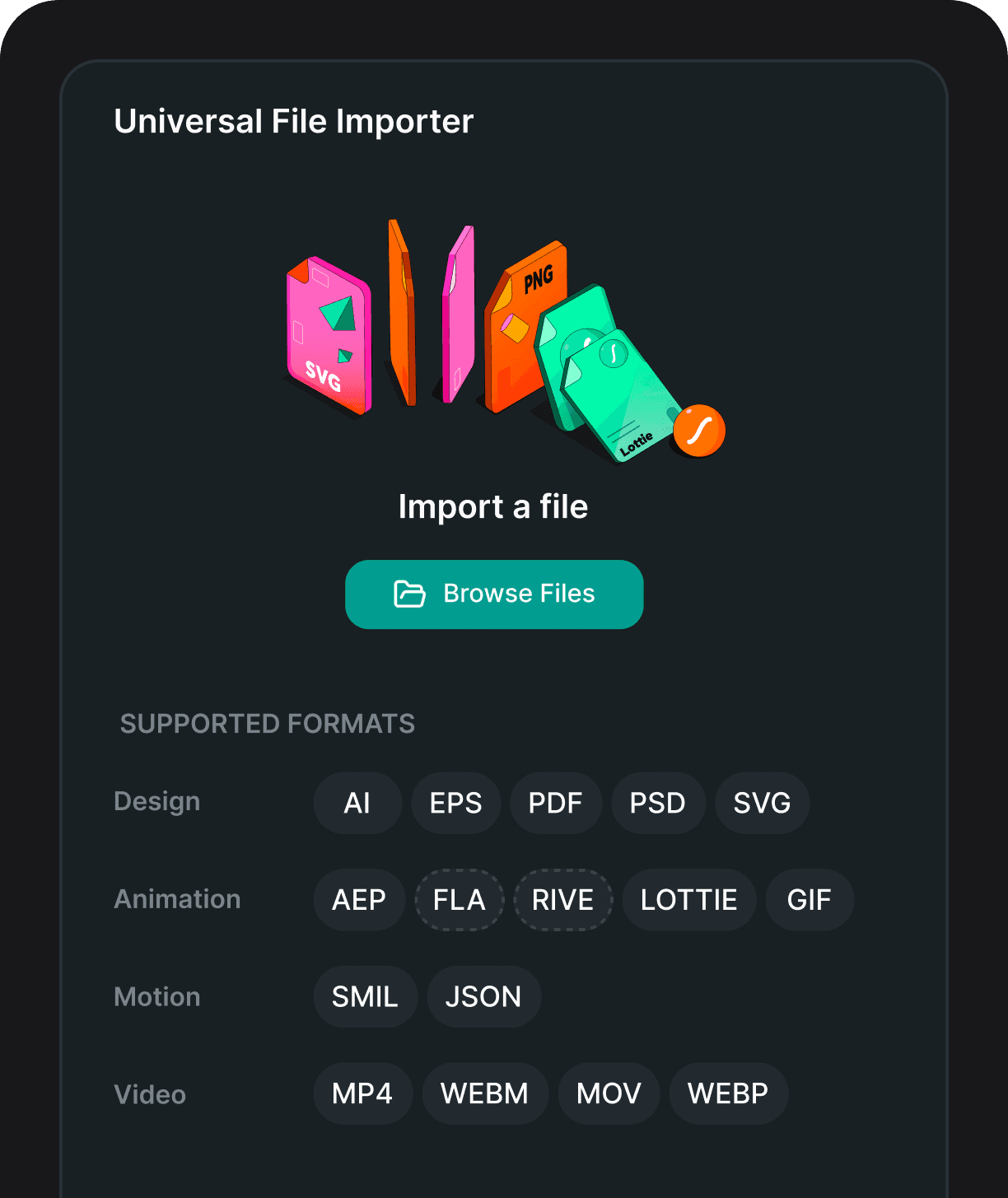
Universal File Importer

Import any design, animation, motion or video files into your Lottie project.

Spring Curve

Natural, physics‑based easing, without curve wrangling.

Motion Preset

Keep animations on-brand with presets shared in your workspace.

Physics Simulator

Create natural motion with keyframes generated for fall, bounce, and collision.

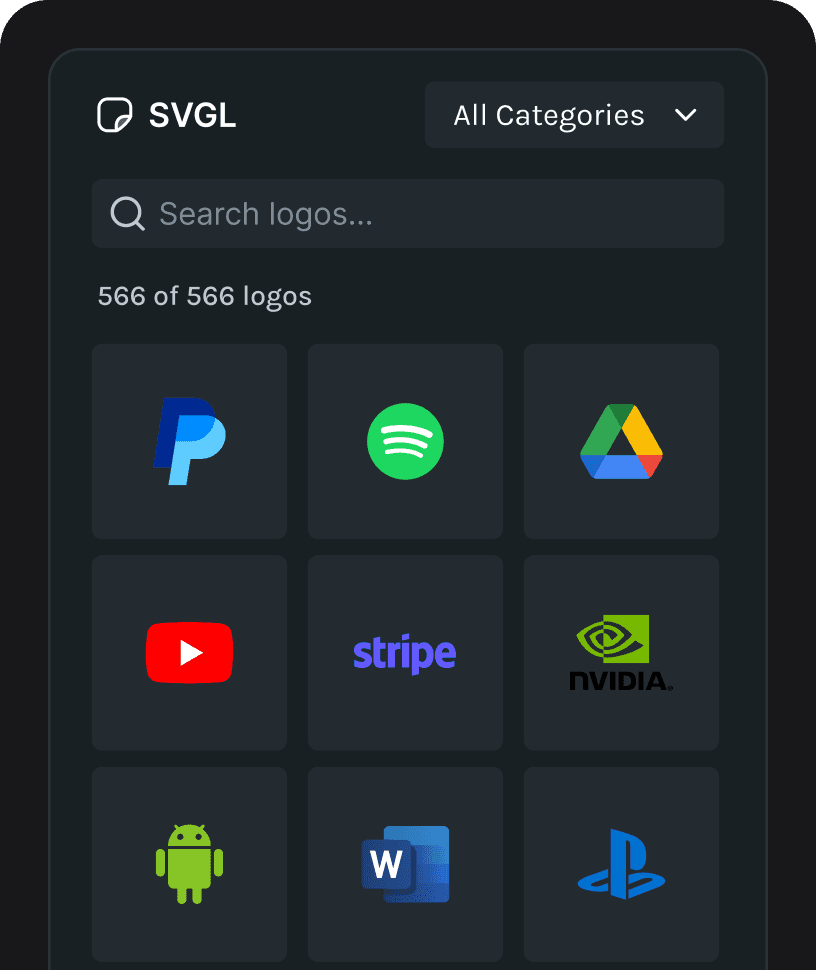
SVGL Logos

Discover popular SVG logos to use in your creations.

Remix thousands of animations made by the community

Remix thousands of animations made by the community

Explore free animations, and apply themes, state machines, and more to make them your own.

Explore free animations, and apply themes, state machines, and more to make them your own.

State Machines

State Machines

Animation logic
in a visual interface

Animation logic
in a visual interface

Connect animation states and create transitions that react to user input, data, or events.

Connect animation states and create transitions that react to user input, data, or events.

States

Set specific animation conditions that determine how your animation plays and responds.

Transitions

Link states together and set conditions for smooth, dynamic movement between them.

Inputs

Add numeric, string, boolean, or event to trigger behaviors and make animations smarter.

Interactions

Detect user actions like clicks, hovers, or data and fire instant state changes.

Prompt to State Machines

Turn text prompts into interactive Lottie animations with AI generated state machines.

Motion Tokens

Motion Tokens

Every animation property. Controlled by code.

Every animation property. Controlled by code.

Expose animation values as tokens and bind them to real data at runtime.

AI-powered tools to enhance your workflow

Discover how AI and creativity blend seamlessly with Motion Copilot, AI-based Theming and Prompt to State Machines.

Motion Copilot

Describe the motion you want and Motion Copilot will generate smooth keyframes for your animation.

Prompt to State Machines

Turn simple text prompts into complex state machines to make your animations interactive.

Prompt to Vector

Convert text prompts into high-quality AI-generated vector graphics that are ready to be animated.

Prompt to Themes

Use smart theming to create dark, light, and branded variations all within a single Lottie file.

AI-powered tools to enhance your workflow

Discover how AI and creativity blend seamlessly with Motion Copilot, AI-based Theming and Prompt to State Machines.

Motion Copilot

Describe the motion you want and Motion Copilot will generate smooth keyframes for your animation.

Prompt to State Machines

Turn simple text prompts into complex state machines to make your animations interactive.

Prompt to Vector

Convert text prompts into high-quality AI-generated vector graphics that are ready to be animated.

Prompt to Themes

Use smart theming to create dark, light, and branded variations all within a single Lottie file.

AI-powered tools to enhance your workflow

Discover how AI and creativity blend seamlessly with Motion Copilot, AI-based Theming and Prompt to State Machines.

Motion Copilot

Describe the motion you want and Motion Copilot will generate smooth keyframes for your animation.

Prompt to State Machines

Turn simple text prompts into complex state machines to make your animations interactive.

Prompt to Vector

Convert text prompts into high-quality AI-generated vector graphics that are ready to be animated.

Prompt to Themes

Use smart theming to create dark, light, and branded variations all within a single Lottie file.

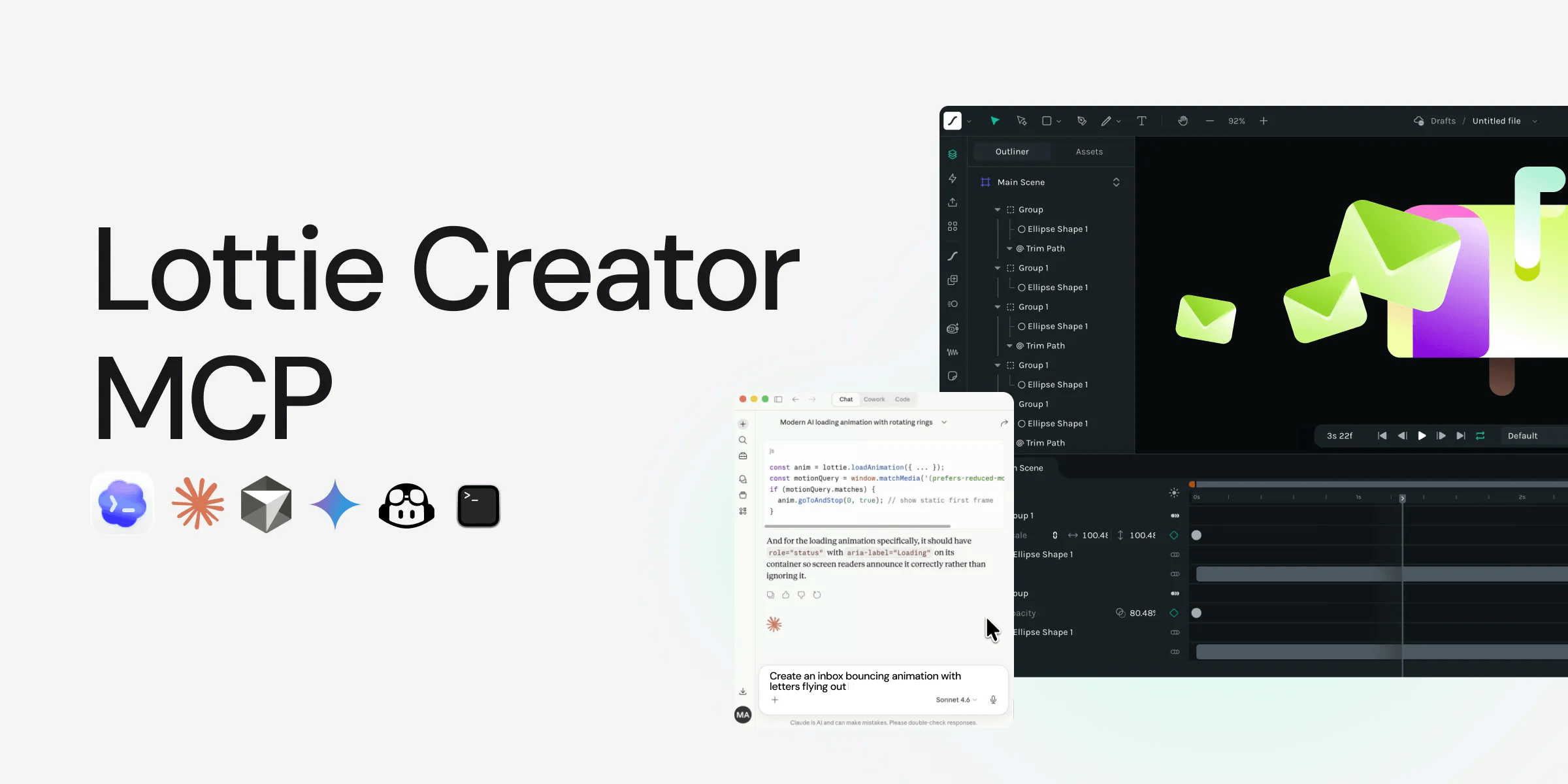
Lottie Creator speaks MCP

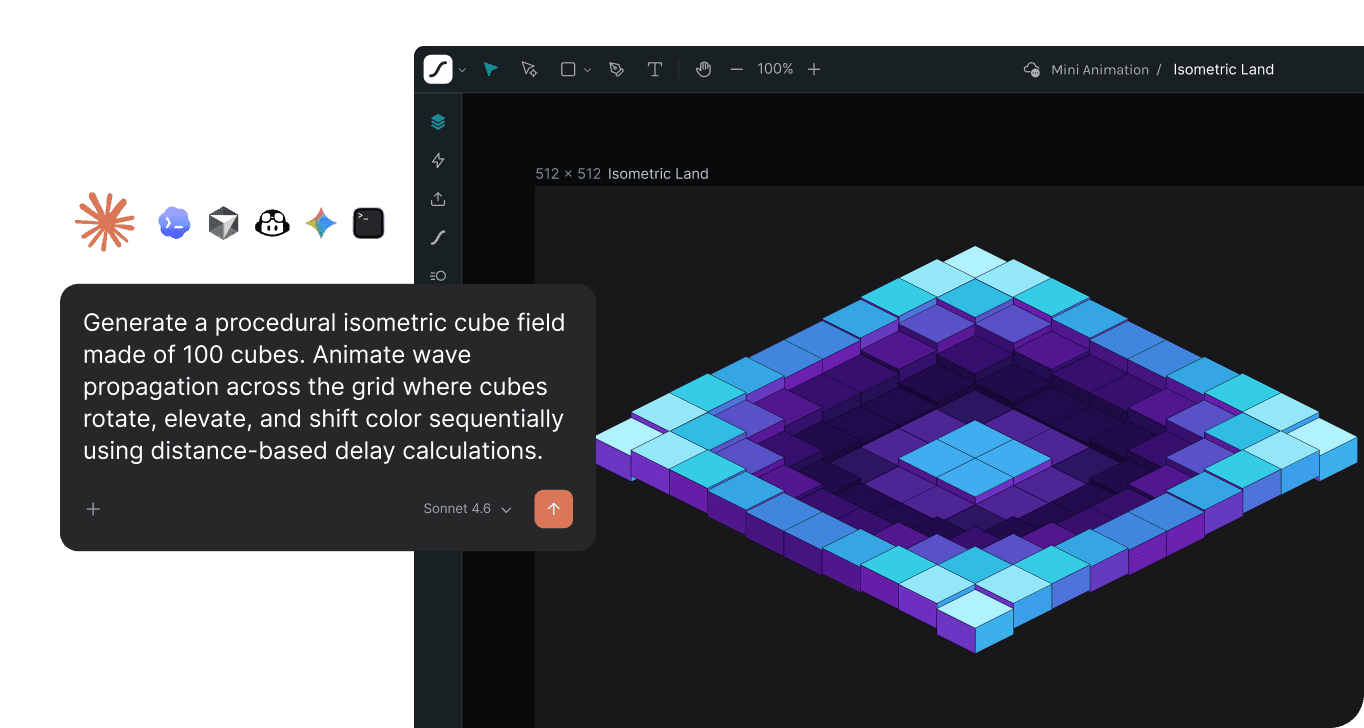
Connect any MCP-compatible AI and give it full access to build, edit, and generate animations on your behalf.

AI-powered tools

to enhance your workflow

AI-powered tools

to enhance your workflow

Discover how AI and creativity blend seamlessly with Motion Copilot, AI-based Theming and prompt to State Machines.

Motion Copilot
Prompt to State Machines
Prompt to Vector
AI-based Theming

Motion Copilot

Describe the motion you want and Motion Copilot will generate smooth keyframes for your animation.

Lottie Creator speaks MCP

Connect any MCP-compatible AI and give it full access to build, edit, and generate animations on your behalf.

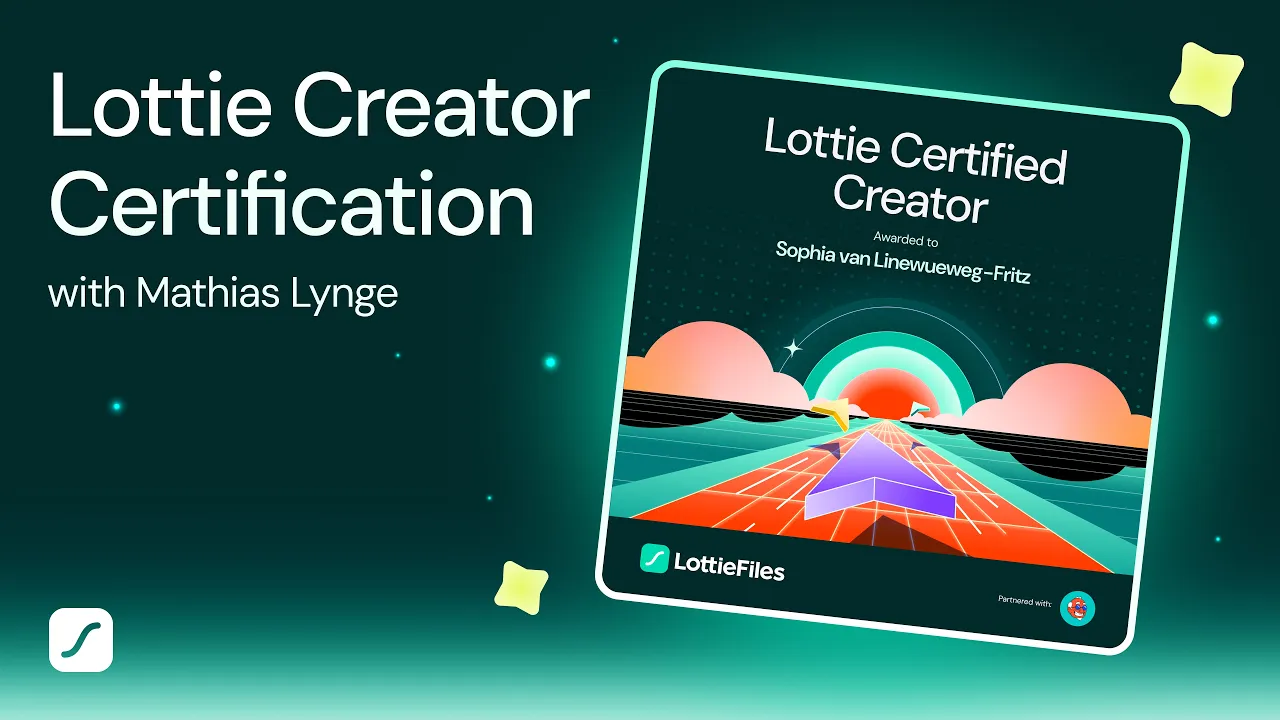
Become a Lottie certified expert

Become a Lottie certified expert

Built for how you work

Built for how you work

Whether you’re designing motion or scaling design systems, Creator adapts to your workflow from solo projects to full team production.

Whether you’re designing motion or scaling design systems, Creator adapts to your workflow from solo projects to full team production.

Freelancers, meet your new studio

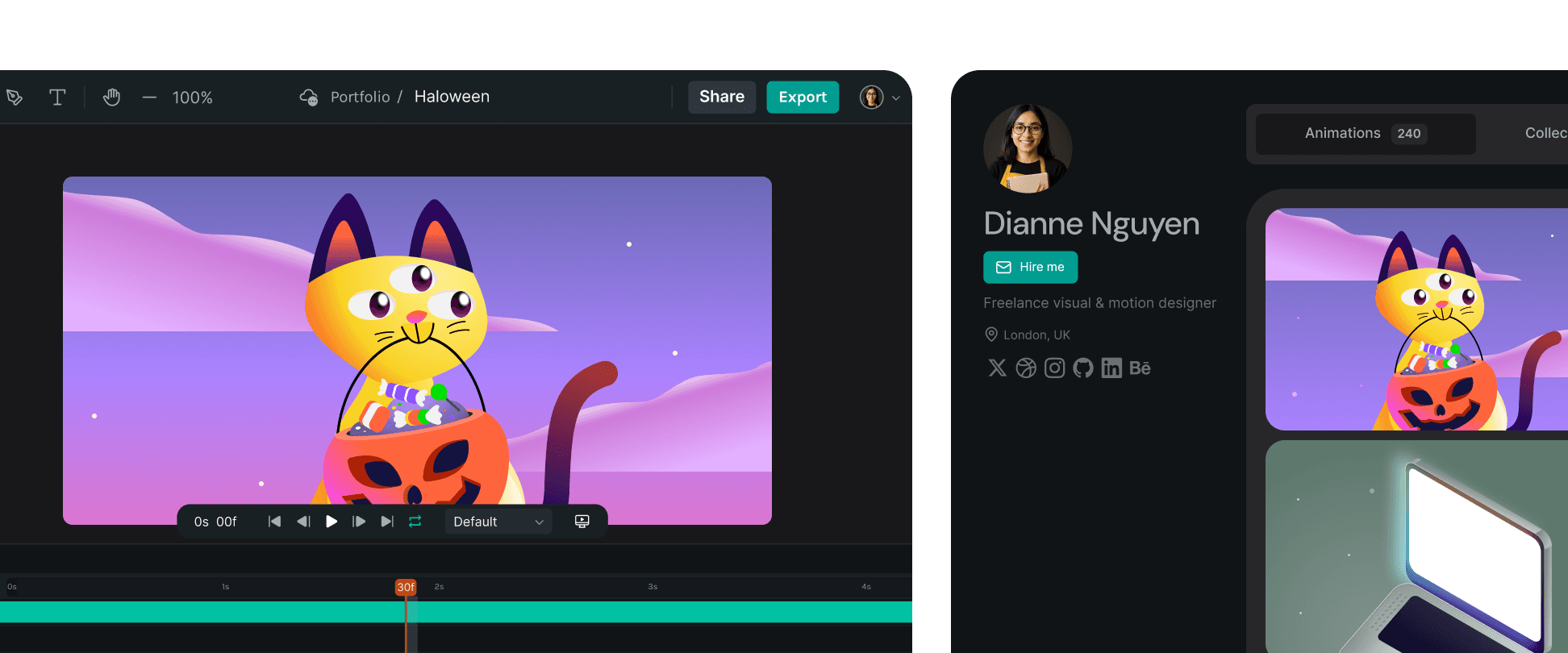
Create on any device. Deliver polished animations without heavy software. Share private preview links, publish to the LottieFiles community, and grow your portfolio.

Teams, meet your new creative workspace

Empower teams to collaborate in real time, keep motion consistent, and deliver production-ready Lotties without rework. Cloud projects keep every update aligned across your organization.
Frequently asked questions

Frequently asked questions

What is Lottie Creator?

Lottie Creator is a web based tool for designing and animating with Lottie. Create motion graphics, UI, and interactive animations in your browser using layers, shapes, text, and keyframes. Import SVGs or start from scratch.

What can I animate with Lottie Creator?

Lottie Creator lets you use the lightweight Lottie format to build motion for any use case, from UI micro-interactions (buttons, toggles, loaders) to complex illustrations and character sequences. Add and organize layers, drop in objects, refine timing with keyframes, and design interactive motion using state machines — all within one lightweight dotLottie file.

What are the formats supported by Lottie Creator?

Lottie Creator enables you to import Lottie JSON, dotLottie and SVG. Exports include Lottie JSON, dotLottie, Optimized Lottie formats, GIF, MP4, MOV, and WebM.

Is Lottie Creator free?

Lottie Creator is free to use. You can create as many files as you like, but free users can only export five animations. Upgrade to unlock unlimited exports and advanced tools like optimization, collaboration, and hosting.

Are animations from Lottie Creator responsive?

Yes. All Lottie files are vector-based, so they scale perfectly across devices and resolutions without pixelation.

Do I need animation experience to use Lottie Creator?

While animation experience can help, Lottie Creator is built with features that welcome newcomers. You can tap into a library of design assets and motion presets to build animations without prior knowledge, and use Motion Copilot, our AI assistant, to turn text prompts into editable keyframes you can refine further.

How can I share my animations from Lottie Creator?

You can share animations via a link, embed them on websites, or integrate them into apps with the exported Lottie JSON file. Use our AI assistants to turn text prompts into interactive animations, and with Remix, let others build on your work to inspire collaboration and spark new ideas.

Is my data secure with Lottie Creator?

Absolutely! We prioritize the security of our users' data and ensure that all animations and assets you upload are protected with state-of-the-art encryption.

How long can my Lottie animations be?

While there's no strict limit on the duration, Lottie animations are best suited for short, concise visuals. Ensure your animations enhance user experience rather than overwhelming it.

Can I use Lottie Creator on mobile devices?

Lottie Creator is optimized for desktop use. While you can view and make minor edits on mobile devices, for the best animation creation experience, we recommend using a desktop or laptop.