


+

to Install the plugin, download ZXP installer
Fully transparent background
Get fully transparent backgrounds for your animations, no need for green screens or chroma-keying.
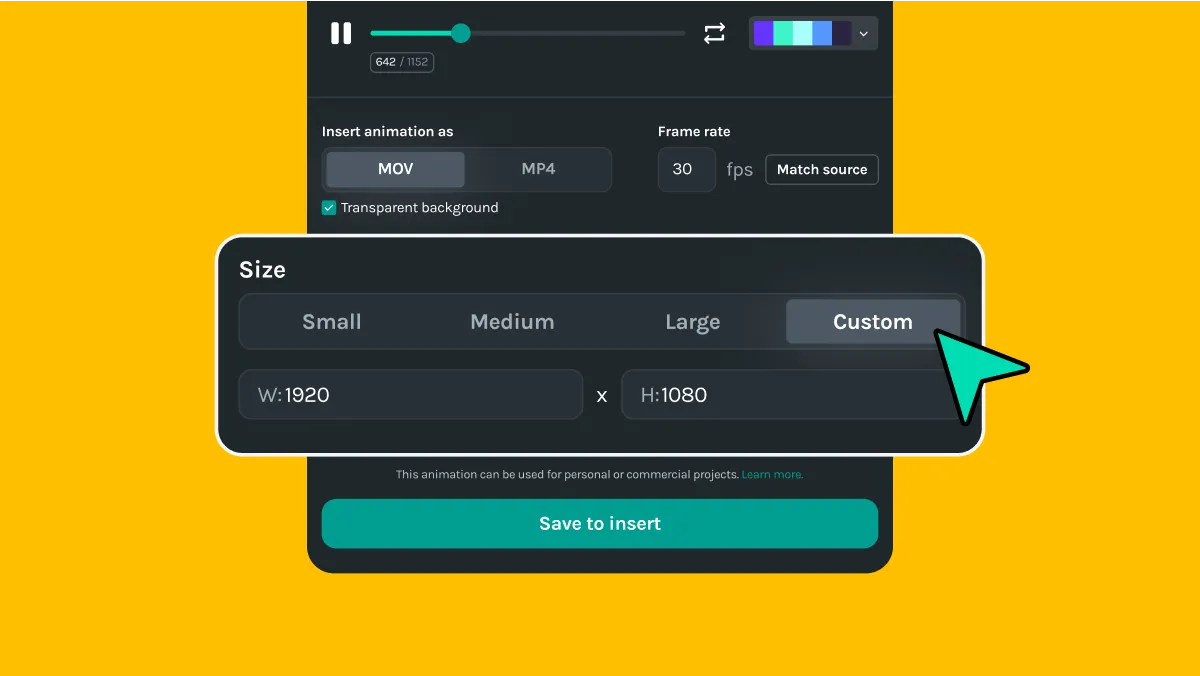
Customizable animation sizes
Insert your animation in any size to fit your frame perfectly.
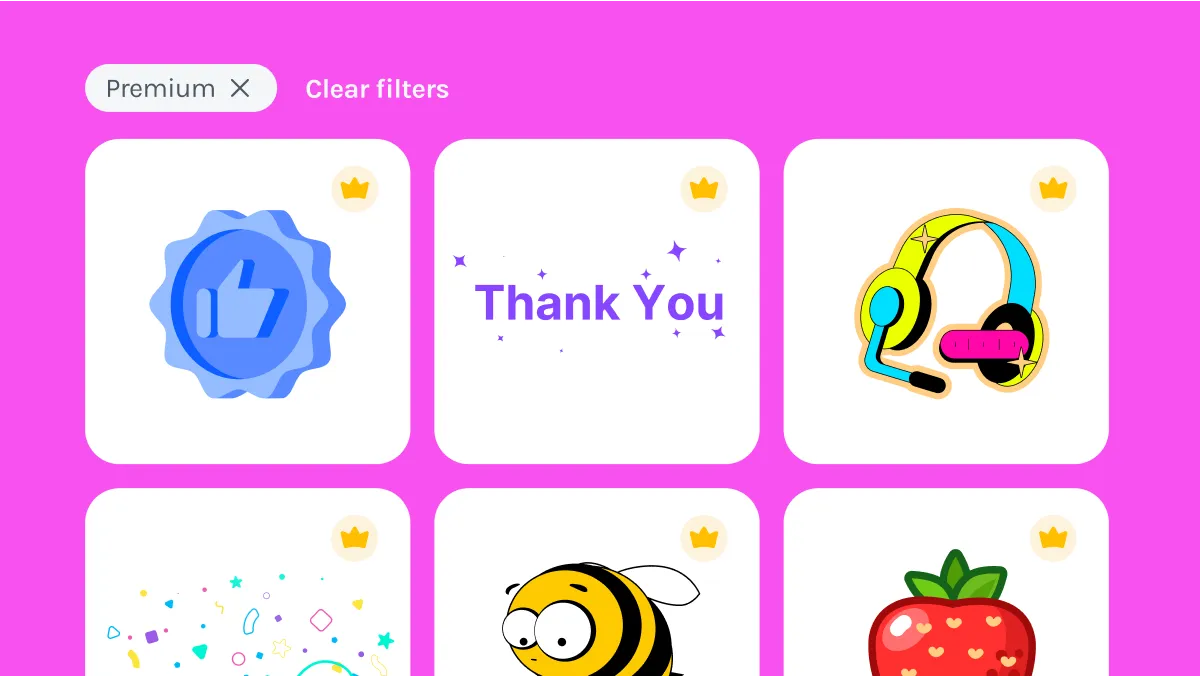
Premium animations
Gain access to over 400,000 exclusive and fully customizable premium animations and build your effects or transitions and adjust them to match your visual style.
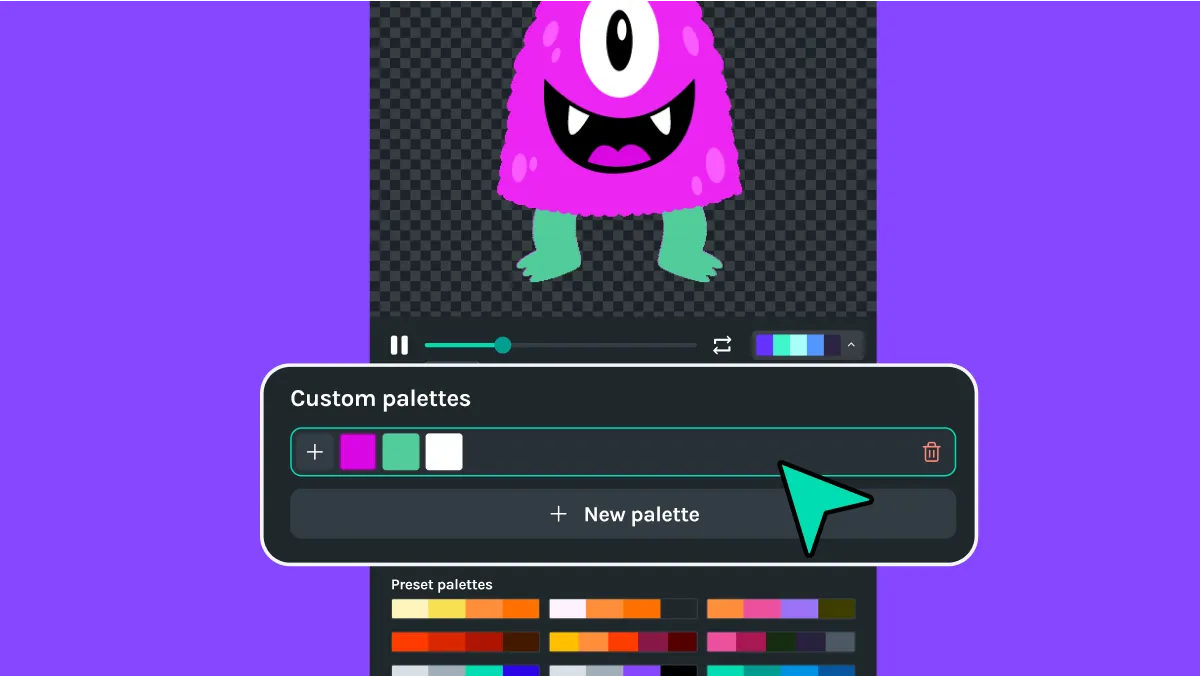
Customize animations for your brand
Apply any color palette or choose your own colors to match your brand style and aesthetic.
Animations for every industry
and use case imaginable
Choose from 100,000+ free, ready-to-use Lottie animations suitable for both personal and commercial use, with no credits or royalty fees required.
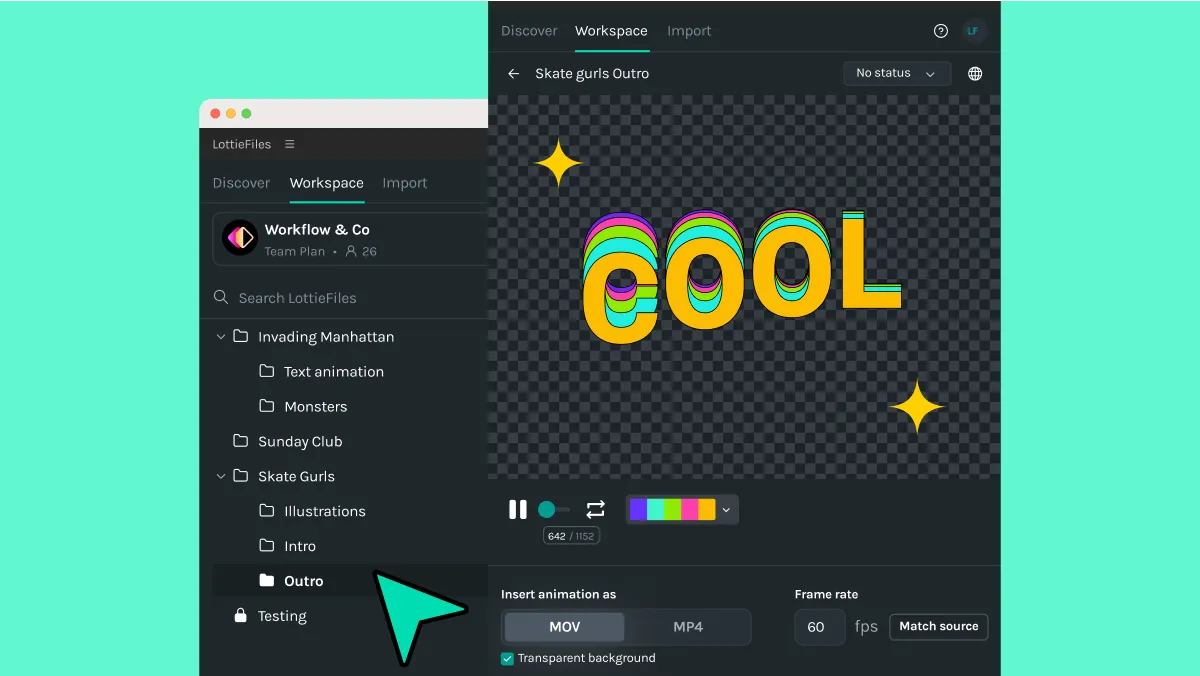
Streamline your design workflow process
Create your animation using your favorite design tools and save it to the LottieFiles platform to add it directly to your video editor.
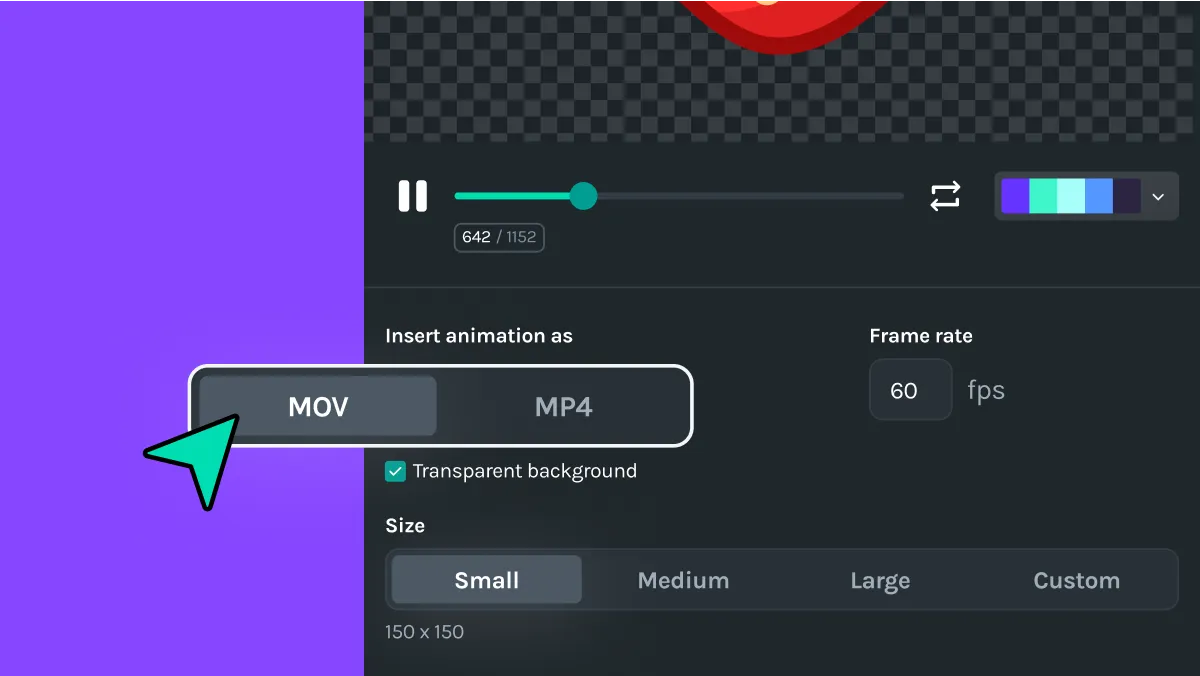
Choose your preferred file type
Insert your animations directly into your projects as MOV or MP4 files for seamless integration.
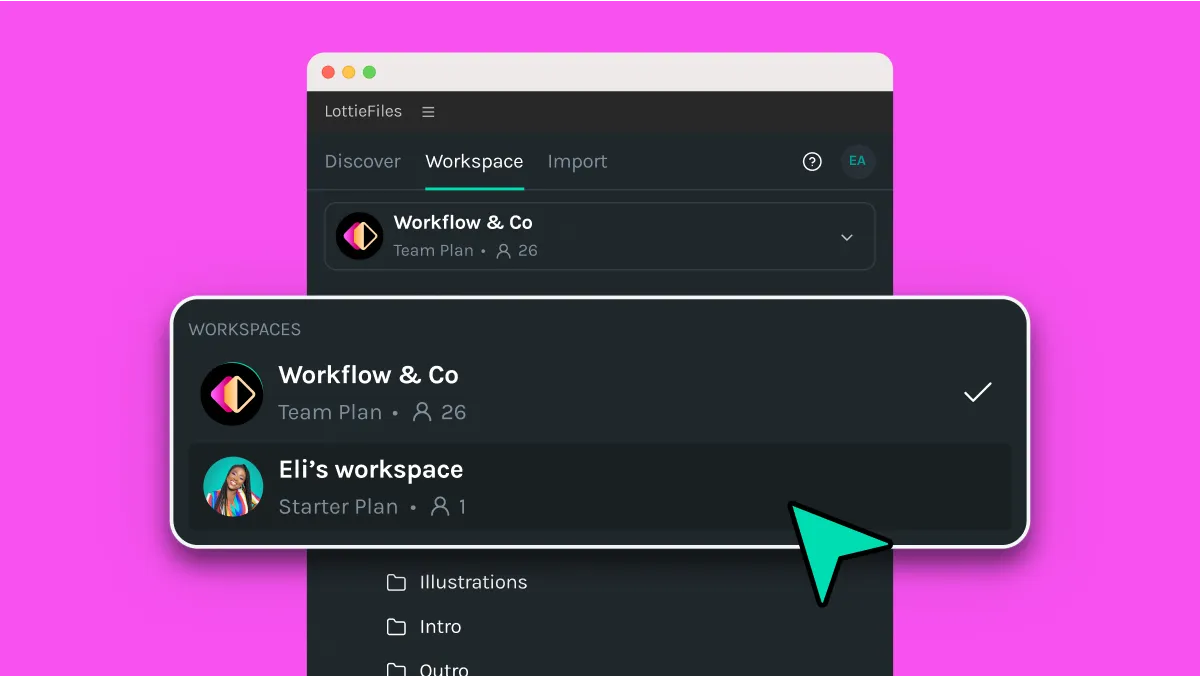
Access your private files and your team's animation library
Insert your private files and bring your team's shared library to your Premiere Pro for a more efficient and collaborative workflow.


Have fun creating your animated videos 🥳
Extensive library of
ready-to-use customizable animations
Animations can be used for personal or commercial projects. Learn more
Additional resources
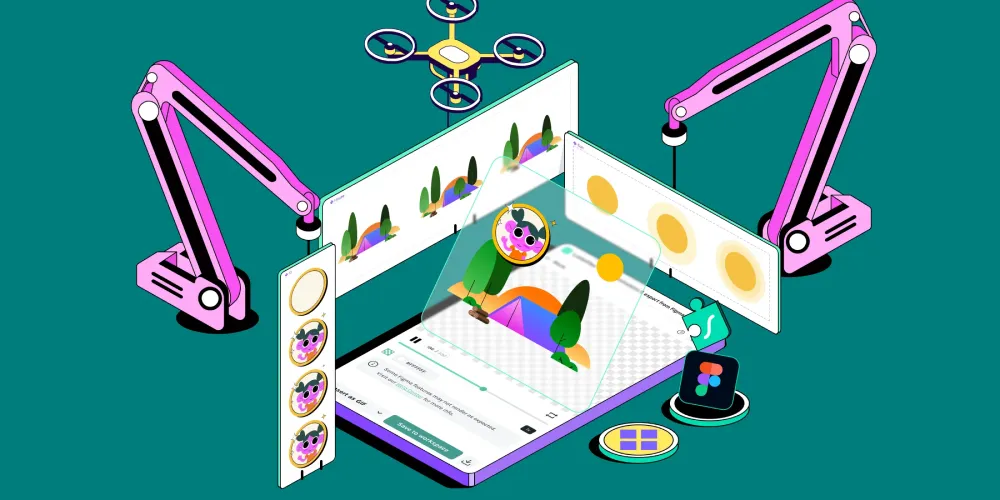
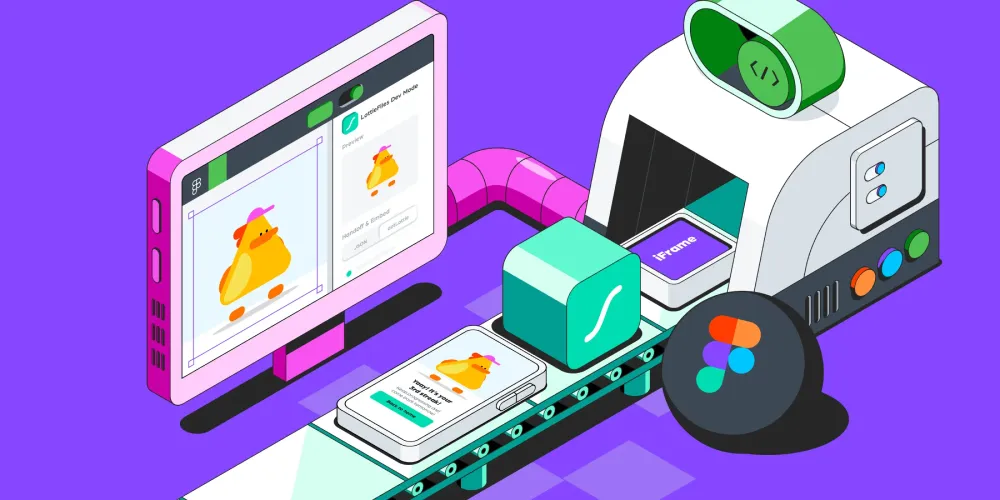
Here’s some inspiration for your organization to get started with LottieFiles for Adobe Premiere Pro.
Frequently asked questions
What is LottieFiles for Adobe Premiere Pro?
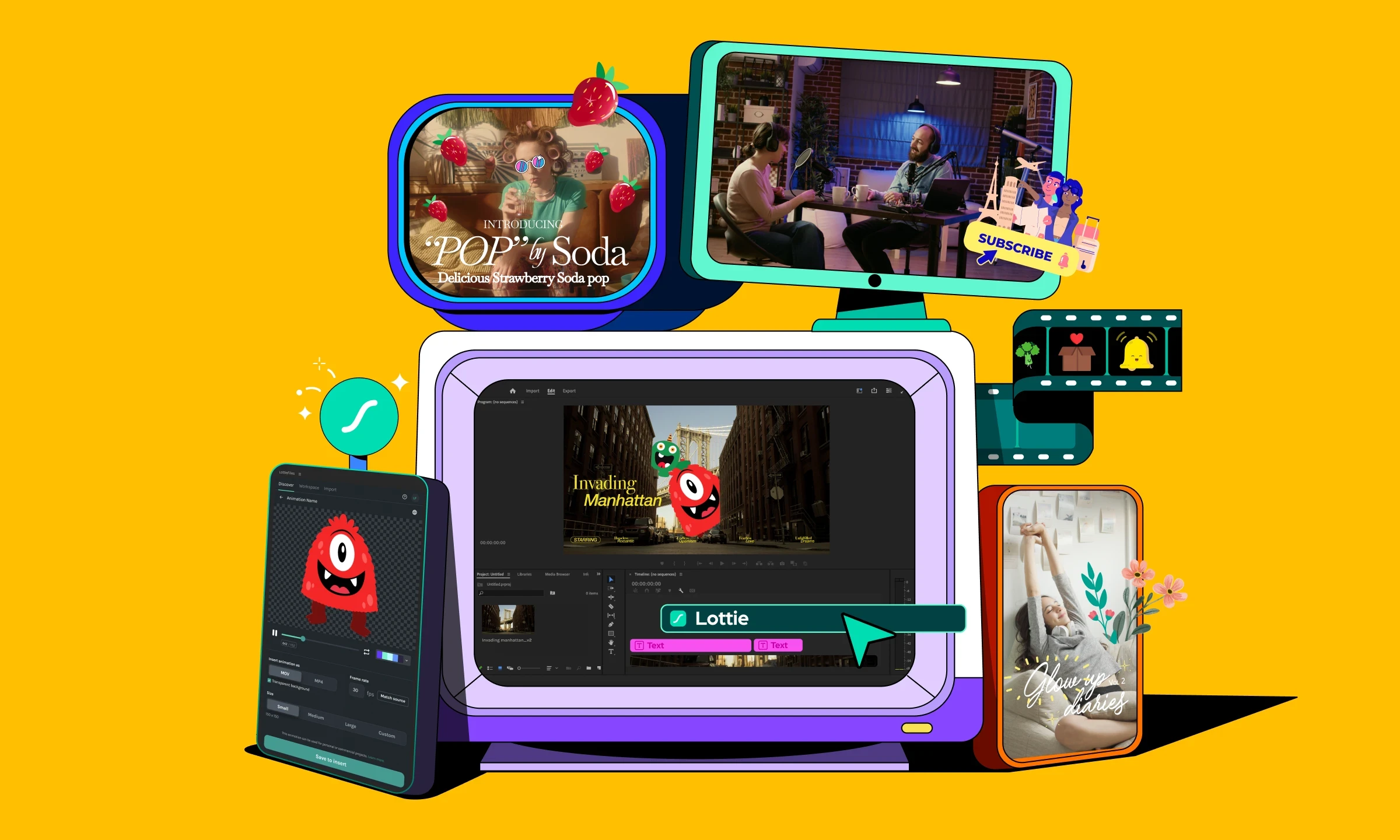
LottieFiles for Adobe Premiere Pro is a plugin that allows users to easily access and insert animation assets into their video projects. This can enhance promotional videos, educational content, social media posts, advertisements, freelance projects and more.
How do I install LottieFiles for Adobe Premiere Pro?
To install LottieFiles for Adobe Premiere Pro, download and install the plugin from Adobe Exchange or in ZXP format. Follow the installation guide, then log in to your LottieFiles account within the plugin to sync all your private, team and public animation files.
Why add animation to your videos?
Adding motion enhances the visual appeal and professionalism of your video projects. It also boosts engagement, conversion rates, evokes emotions and helps tell a more compelling story. Learn more about the benefits of motion here.
Can I use the animations from the LottieFiles plugin for commercial use?
Yes, all animations from the plugin are approved for commercial use. Enjoy royalty-free animation assets perfect for any video project.
Do I need to log in to use the plugin?
You can use the plugin as a guest with limited functionality. However, logging into your LottieFiles account allows you to sync your private team workspace and access more features.
What file formats does the plugin support for importing animations?
With LottieFiles for Adobe Premiere Pro, you can insert animations in MOV or MP4 format.
Do the animations have a transparent background?
You can insert a transparent MOV animation with a simple click of a button. No green screen or chroma keying is required.
I chose the transparent MOV option, but the inserted animation still has a black background.
Some machines may not be able to encode transparent MOVs correctly. If this happens, simply click on the animation in your project timeline and apply the Luma Key effect. Adjust the slider so that the black background disappears. Simple as that!
Can I add the animation I made myself?
You can create your own Lottie animations using Lottie Creator, LottieFiles for Figma, or After Effects. Save them to your team or private workspace to access them anytime within the LottieFiles for Adobe Premiere Pro plugin.
Can I preview animations before adding them to my Premiere Pro video editing project?
Yes, LottieFiles for Adobe Premiere Pro allows you to preview your selected animations within the application. This helps ensure they meet your design requirements before integration. You can also customize animations within the plugin to alter colors using the color palette feature.
Install LottieFiles for
Adobe Premiere Pro
to Install the plugin, download ZXP installer