
The Evolution of Lottie: Why dotLottie Is the New Baseline

Hey! I'm Jaime, Motion Design Strategist at LottieFiles. I spend most of my days talking to engineering teams at some of our biggest customers, and if there's one thing I keep hearing, it's some version of: "Lottie is great, but we're starting to hit walls."
And honestly? They're not wrong. Standard Lottie JSON got us really far. It turned complex motion into lightweight, scalable code and made animation a first-class citizen in product development. But product requirements have gotten a lot more demanding. Full interactivity, dynamic theming, cross-platform consistency, tight performance budgets. The JSON format just wasn't built for all of that.
That's why I want to talk about dotLottie. Not as a niche upgrade, but as the new default for how we build, ship, and manage motion.
So what actually is dotLottie?
Good question, and it's worth being precise here. A dotLottie (.lottie) file is an open-source format built on compressed archive technology. Think of it like a ZIP designed specifically for animations.
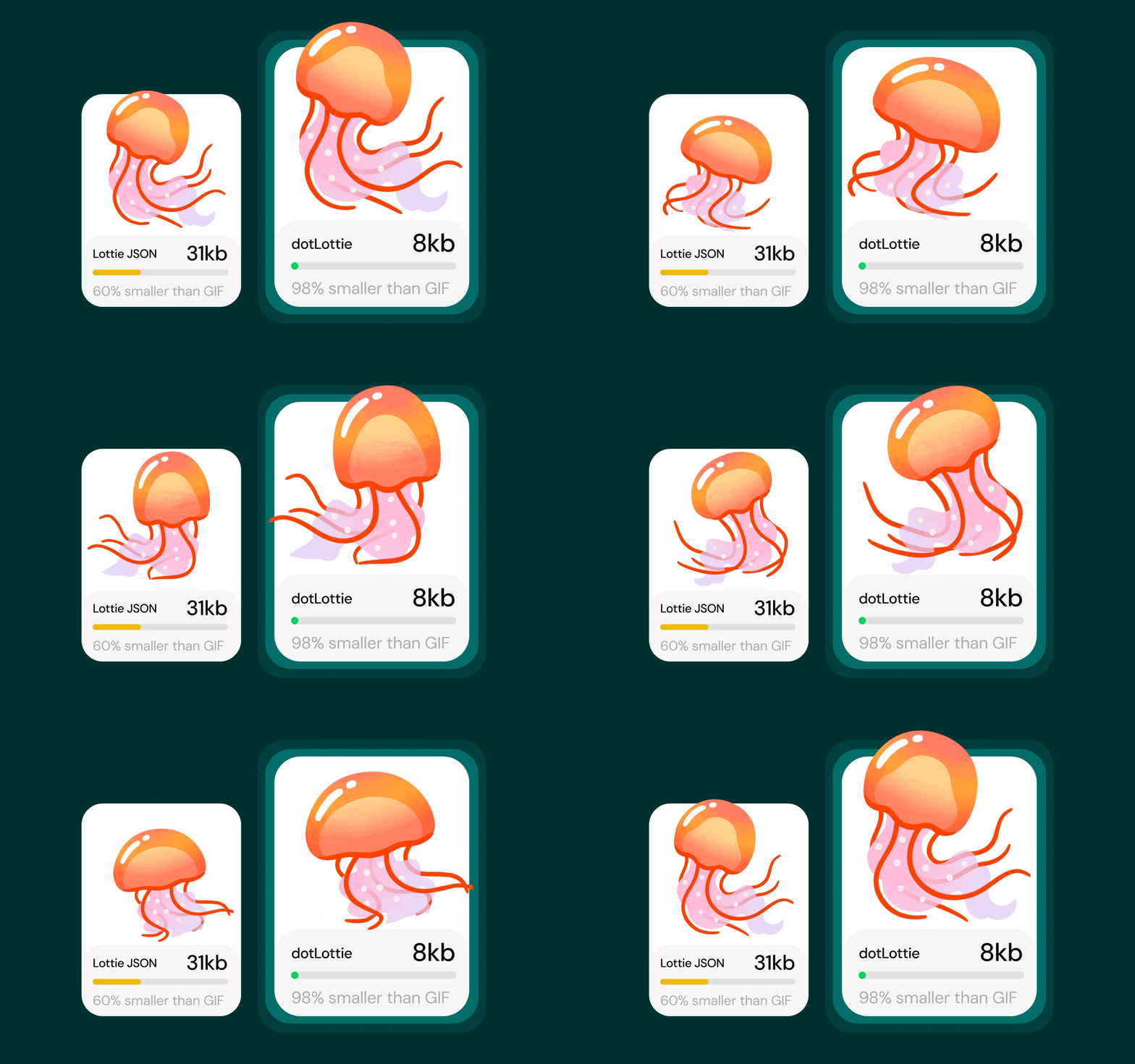
Where a standard Lottie is a raw JSON string, dotLottie uses Deflate compression. The result? Files that are up to 10x smaller. And beyond compression, you can bundle multiple animations, images, and fonts into a single, self-contained package. One file, everything included.
5 key reasons why this is such a big deal for developers
Okay, smaller files are nice. But that's not really the headline. The thing that gets me excited about dotLottie is that it fixes actual, daily friction in the development workflow. Let me walk through the ones I hear about most.
1) Same rendering engine everywhere
The new dotLottie players are all built on dotlottie-rs. It's a single shared rendering core. Web, iOS, Android: same logic, same output. That "it looks different on mobile" bug that's caused many a late-night Slack message? Essentially gone, because everyone is running the same underlying engine.
2) State Machines: interactivity that lives in the file
This one is my favorite to explain, because the reaction is always the same: "Wait, really?"
Traditionally, if you wanted an animation to respond to a hover or a click, you had to write custom event-listening logic on the dev side. The designer hands over a file, and then a developer has to wire up all the "if this, then that" transitions in code.
With dotLottie State Machines, that interactivity lives inside the file itself. The designer defines the states and the triggers. The developer just drops it in.
Here's a concrete example: imagine an "Add to Cart" button. Instead of a developer writing code to manage the idle → loading → success transition, the designer defines those states and a click trigger inside the dotLottie file using Lottie Creator. Drop it in, and it just works.
3) Motion Tokens: basically CSS variables, but for animation
If you've ever had to manage animations across multiple brands or themes, you know the pain. You end up with separate files for every color variation, and re-exporting every time something changes.
Motion Tokens solve this. They let your animation respond to real-time values like system settings, brand variables, whatever. No touching the file.
A practical dev example: build a single weather widget once. Use tokens for the temperature display and background gradient. At runtime, push new values to those tokens and the animation updates instantly. A static asset becomes a living, data-driven component.
If you'd like to dive in deeper, you can tune in below:
5) Multi-Animation bundles
You'll soon be able to pack an entire library of animations into a single .lottie file. For teams managing large UI libraries or complex flows, that's a meaningful reduction in asset management overhead.
How to actually get started
Migration is genuinely a drop-in experience. The new open-source players use the same familiar API. You're just swapping in the dotLottie version for your platform:
- Web: @lottiefiles/dotlottie-web (React and Vue wrappers available too)
- iOS: dotlottie-ios with native SwiftUI and UIKit support
- Android: dotlottie-android for standard Views and Jetpack Compose
All setup guides and API docs are at the LottieFiles Developer Documentation.
My honest take
Lottie JSON did its job brilliantly. But dotLottie is where the format needed to go: smaller, smarter, and built for the scale and complexity that modern products actually demand.
I've seen this play out with some really large companies. One Fortune 500 tech holding company is launching a new social platform with animated stickers. At the scale they're planning for, every byte matters. Switching to dotLottie cut their animation file sizes by 8–10x. That's not a marginal improvement. It's a meaningfully different architecture decision.
If you're running into bundle size issues, cross-platform rendering headaches, or you're just tired of writing glue code for animation states: give the new players a try. It's the same Lottie workflow you already know. Just a whole lot more capable.
You may also like
Hardware-Accelerated Lottie on the Web: dotlottie-web Now Ships WebGL & WebGPU
dotlottie-web now renders Lottie animations on the GPU — less CPU, smoother frames, same API.
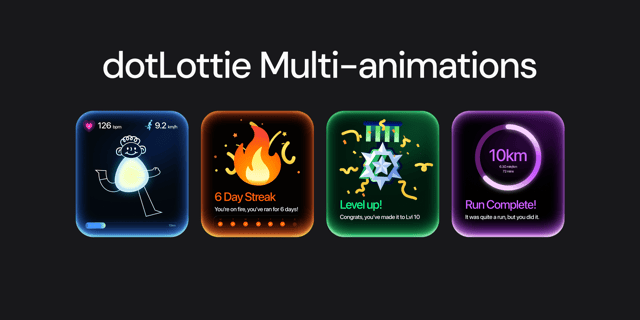
How Multi-Animation Works in dotLottie
Bundle multiple animations into one file with dotLottie.
Getting Started with dotLottie Player for Android
A tutorial on how to add Lottie animations using dotLottie player to your Android apps.
Introducing dotLottie Runtimes for Real-World Products
Ship consistent, high-performance Lottie animations across web, mobile, and frameworks with dotLottie runtimes.