
How Multi-Animation Works in dotLottie

Lottie has always been the go-to for shipping polished motion on the web and in apps; lightweight animations that play back crisply at any size, with none of the overhead of video. dotLottie builds on that foundation, adding a smarter file format designed for the way modern products actually get built. For a single loading spinner or a one-off illustration, either works fine.
But products aren't built from single moments. They're built from systems.A button has a default state, a hover state, a loading state, a success state. An icon library has fifty icons.
A design system has hundreds of animated components, each needing its own themes, its own logic, its own lifecycle. And until recently, each of those animations lived in its own file. For example, three states meant three files and fifty icons meant fifty files. Update a shared color and you're manually hunting across all of them, hoping nothing slips through.
This is the problem multi-animation was built to solve.
What is multi-animation?
Multi-animation is a feature of the dotLottie (.lottie) file format that lets you bundle multiple distinct animations inside a single file. Each with its own unique ID, its own themes, its own state machines, and its own identity.
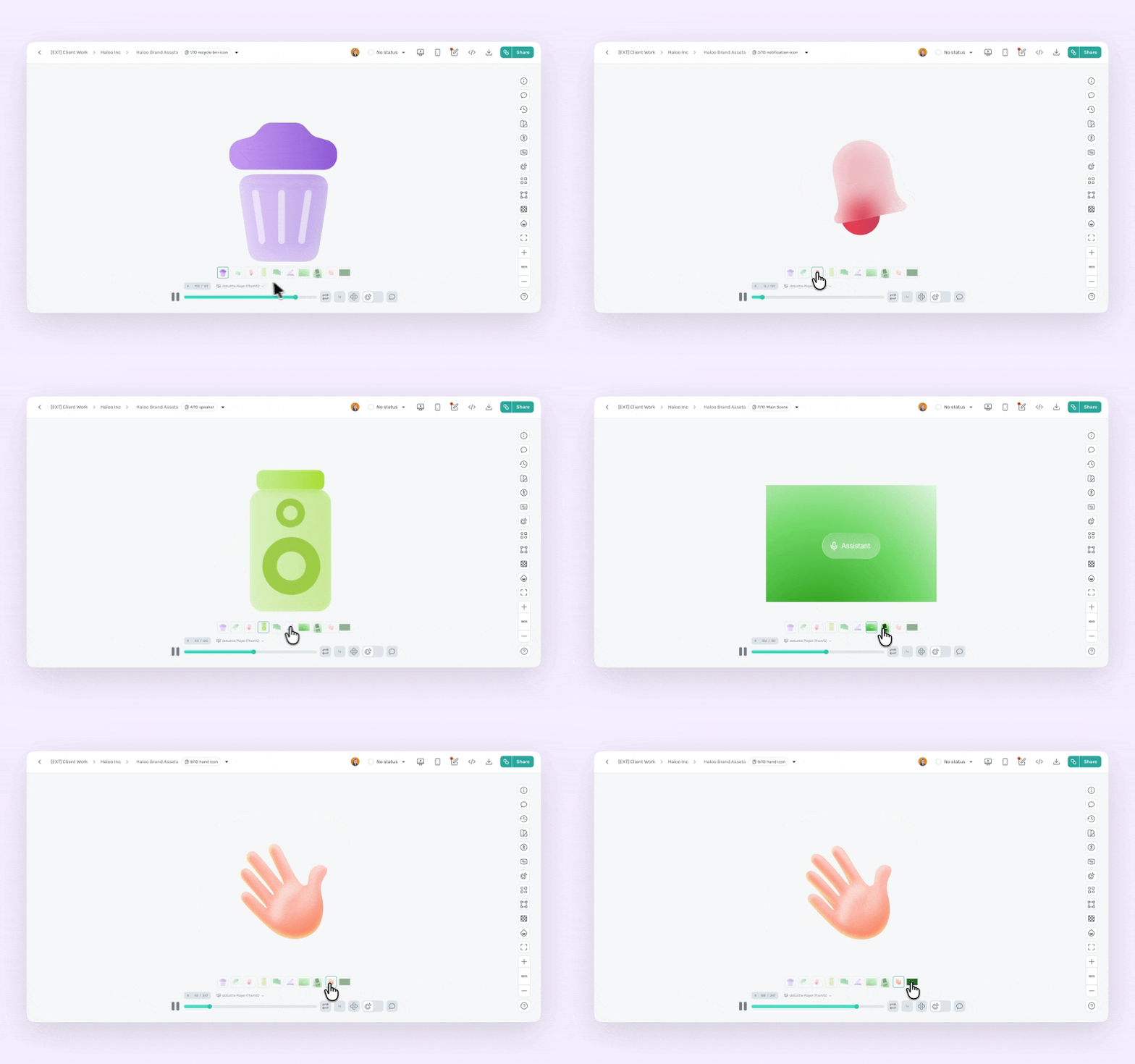
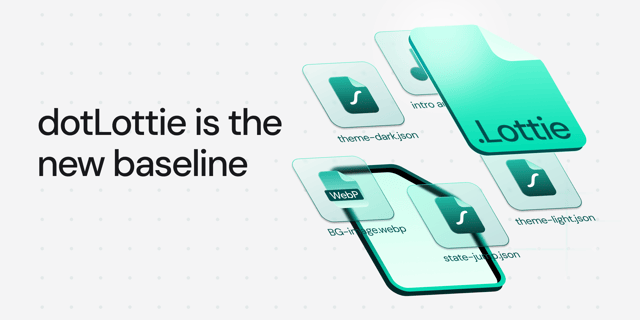
A dotLottie file is a ZIP archive that contains multiple JSON animation files, their shared themes, state machines, and a manifest.json that maps everything together.
The manifest.json is the brain. It lists every animation by ID, which themes apply to each animation, and which state machines belong to each scene. Here's what a real one looks like:
{
  "version": "2",
  "animations": [
    { "id": "idle" },
    { "id": "loading" },
    { "id": "success" }
  ],
  "themes": [
    {
      "id": "dark",
      // this theme applies to all three animations
      "animations": ["idle", "loading", "success"]
    }
  ],
  "stateMachines": [
    { "id": "idleStateMachine" },
    { "id": "loadingSuccessStateMachine" }
  ]
}
How to create multiple animation files in Lottie Creator
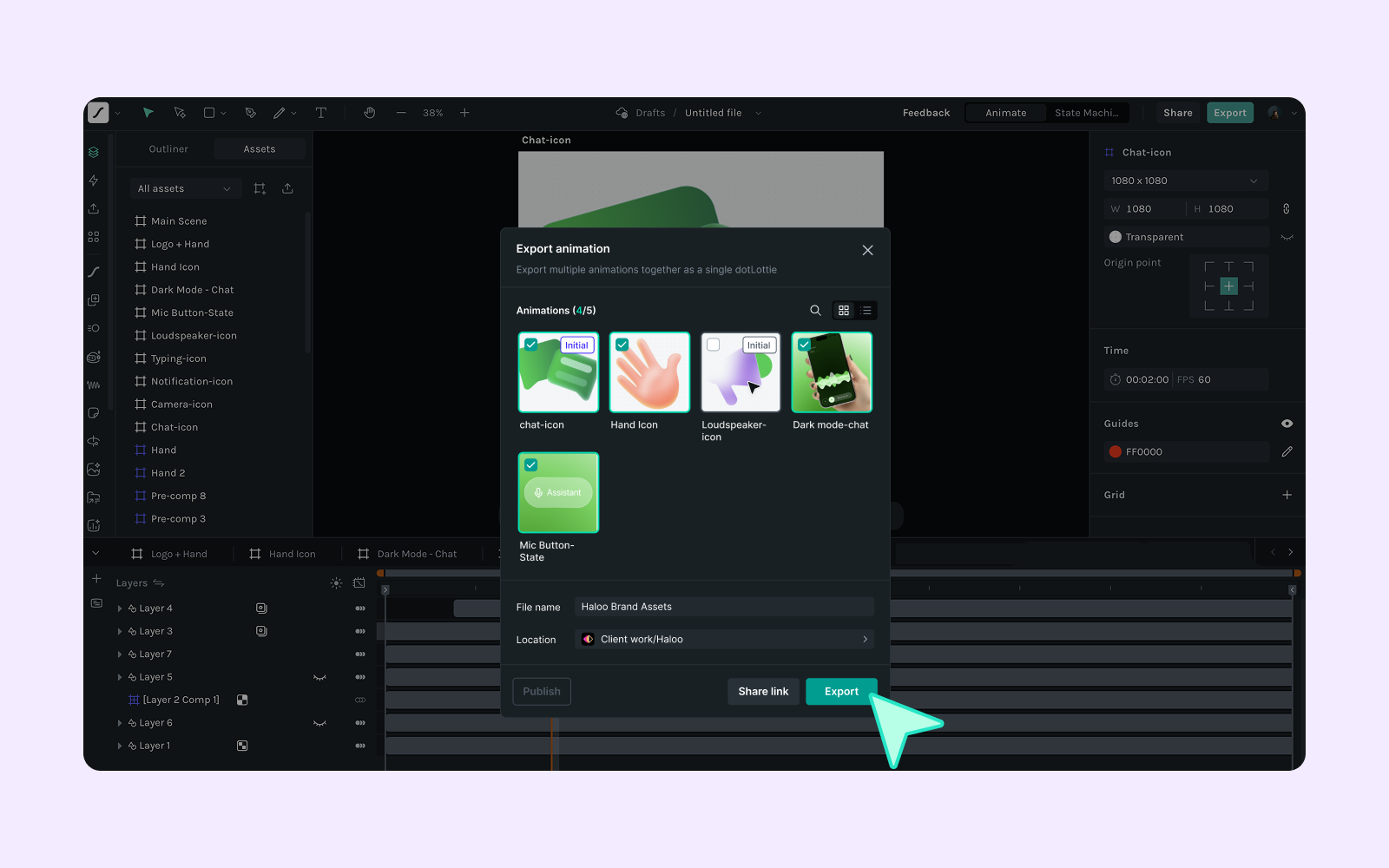
Building a multi-animation file doesn't require a new workflow. You build multiple scenes in one Lottie Creator project, then export once.
Each top-level scene in the scenes panel becomes its own animation. They share the same asset manager but are otherwise independent. Nested scenes export as standalone animations too, no parent bleedthrough. When you're done, export it. A dropdown list of all top-level scenes will let you select or deselect what you don't need.
What can you actually build?
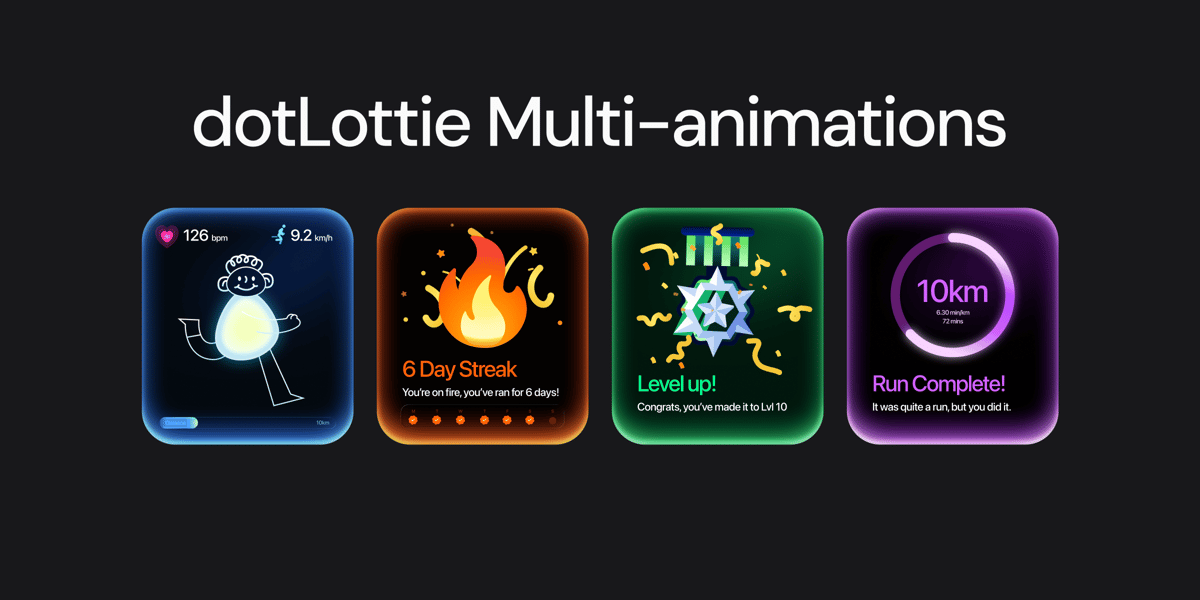
You can use multiple animations in different scenarios. Here is an some example fitness app where use multiple animations.
Everything that belongs together now lives together
Just update once and change everywhere.
All scenes share the same asset manager. Change a brand color or swap an asset and every animation in the file updates; no manual syncing across separate files.
- One handoff, not a spreadsheet: One file, one link, one thing to version and deploy. No juggling files across projects and versions.
- Design and code speak the same language: The ID you name the scene in Creator is the ID you call in code. No translation layer, no version drift, no mismatches between what was designed and what shipped.
The folder of scattered files was never the right model. It was just the only model available. Multi-animation within dotLottie gives designers, developers, and teams the right one.
You may also like
Hardware-Accelerated Lottie on the Web: dotlottie-web Now Ships WebGL & WebGPU
dotlottie-web now renders Lottie animations on the GPU — less CPU, smoother frames, same API.
The Evolution of Lottie: Why dotLottie Is the New Baseline
dotLottie is the new default for how we build, ship, and manage motion.
Getting Started with dotLottie Player for Android
A tutorial on how to add Lottie animations using dotLottie player to your Android apps.
Introducing dotLottie Runtimes for Real-World Products
Ship consistent, high-performance Lottie animations across web, mobile, and frameworks with dotLottie runtimes.