



Lottie Creator is your full-featured, web-based animation tool for creating lightweight, interactive motion. Create, animate and export Lottie or dotLottie with AI-powered tools, plus State Machines and Motion Tokens in dotLottie. No After Effects required.
Watch video
Gain precise control over your timeline. Refine, retime and mirror keyframes in seconds with keyframe assistance.
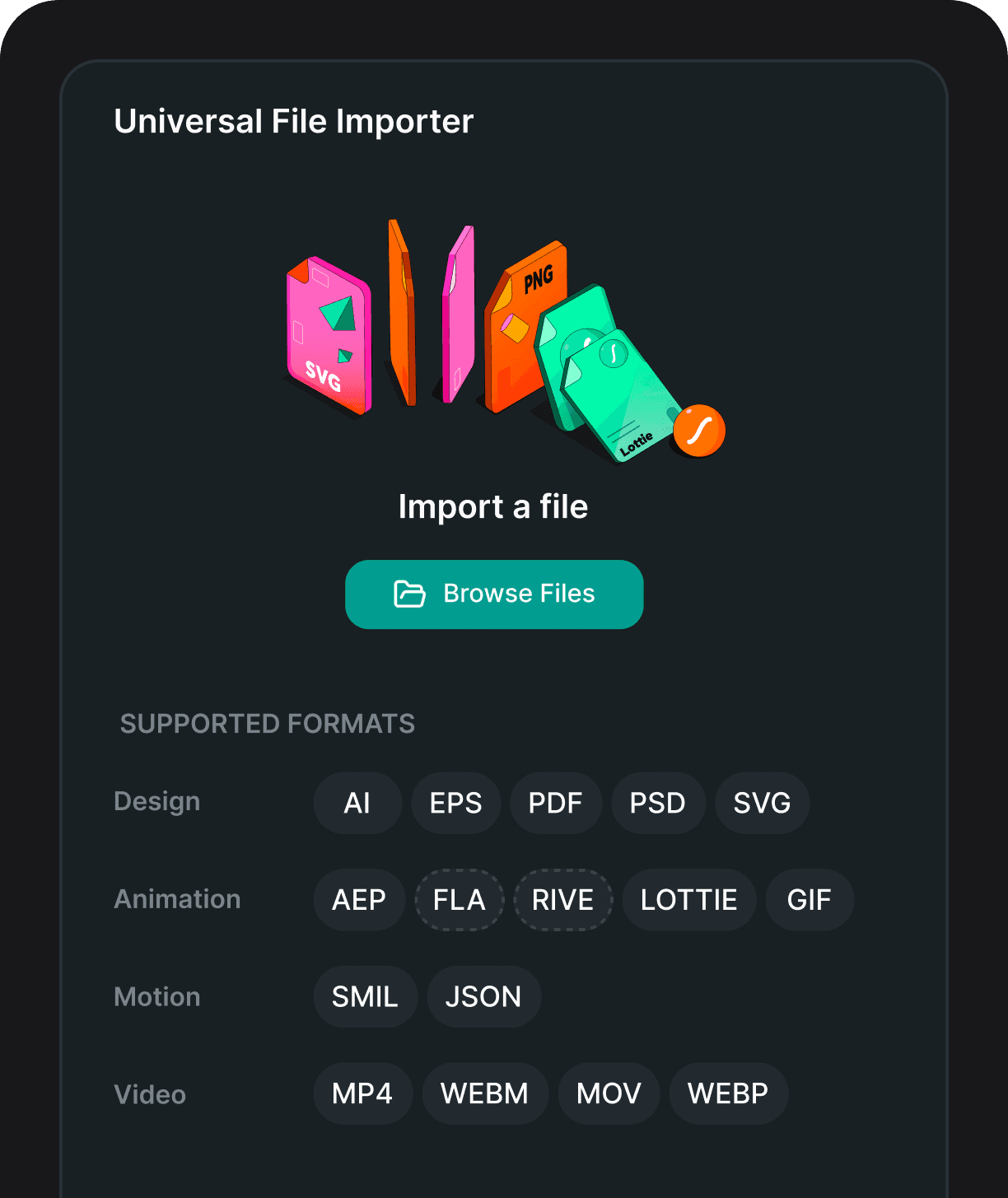
Bring your own design. Drag and drop or paste any SVG and every path detail comes through untouched.
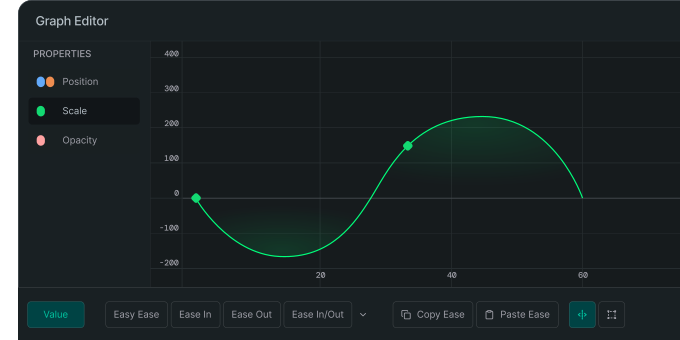
Control animation speed and timing between keyframes. Manipulate curves to create smooth easing, overshoots and snappy motion.
Write your prompt and Motion Copilot will build an editable animation with keyframes, shapes, text, gradients, drop shadows and more. Think of it as your assistant in creating high-quality animations.


Craft textured reveals, light sweeps, or more cinematic transitions that bring your motion design to life.
Parenting
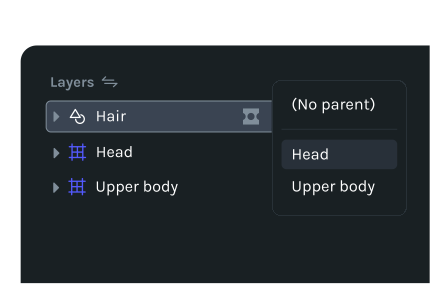
Link elements to a parent layer for consistent movement and easier edits.
Blend layers through light, color, and texture to bring mood, depth and cohesion to your motion.
What you see in preview is exactly what gets rendered.
Export as Lottie JSON, dotLottie, WebM, MP4, MOV, GIF and share instantly through CDN links across web, iOS and Android.
Automatically clone layers and animations with full control over copies, spacing, rotation, scale, and opacity.
Control the pivot point for scaling, rotation and movement.
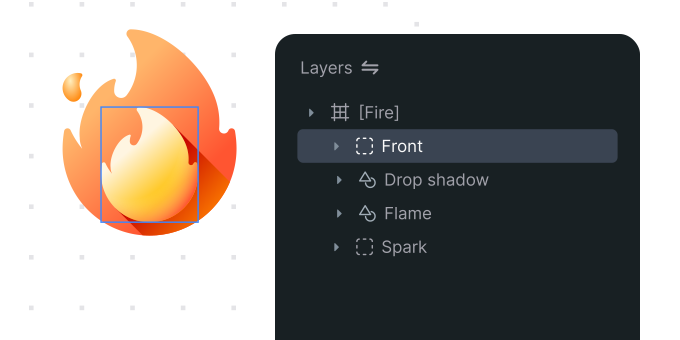
Nest animations to manage complexity and keep your creative flow smooth.

Define the trajectory your object follows across the canvas.
Control how much of a path is visible by animating its start and end points.
Describe the motion you want, and Motion Copilot builds it for you, shapes, colors, shadows, keyframes and more. Watch it work in real time, and refine it however you wish.
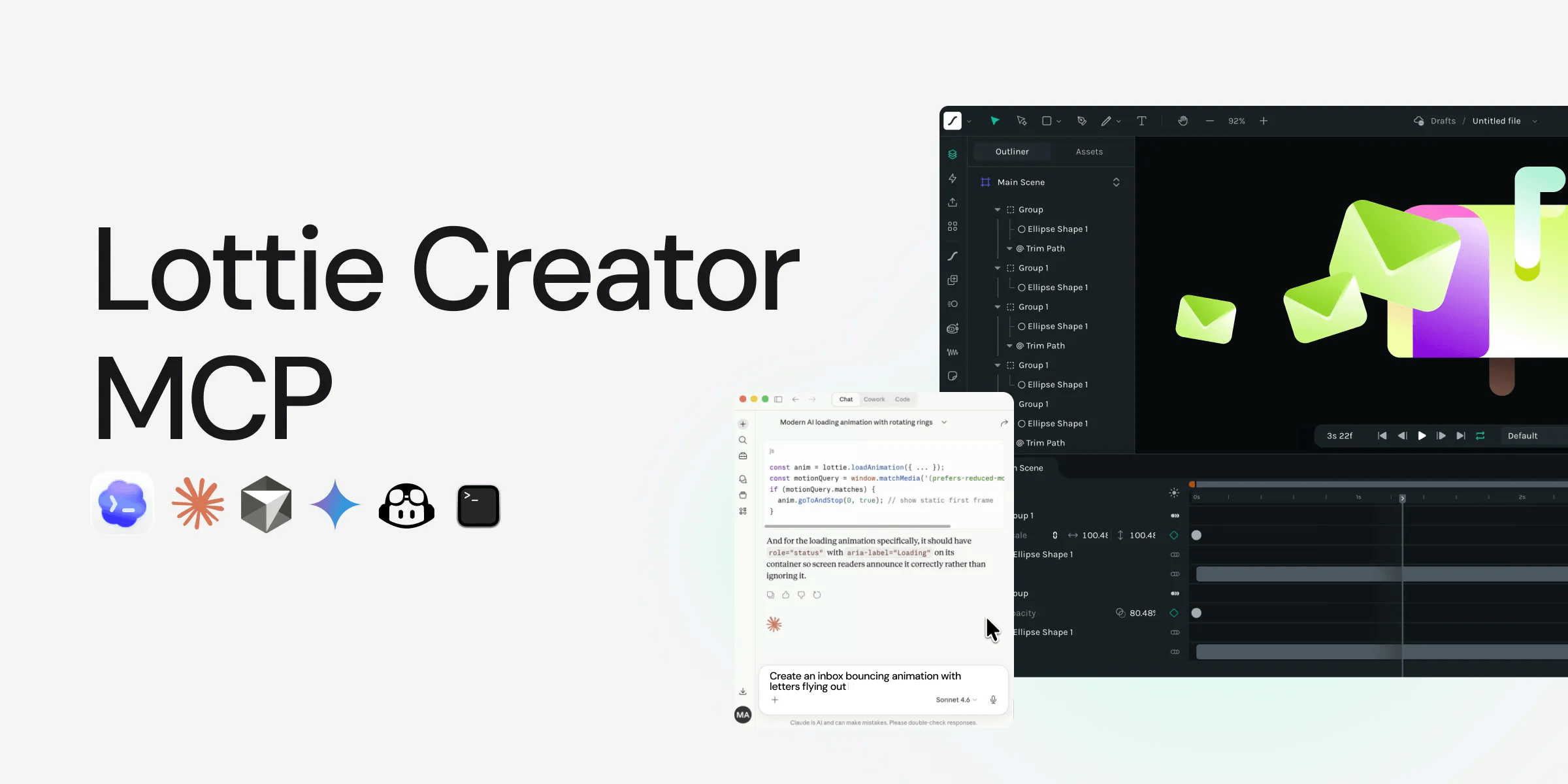
Connect any MCP-compatible AI and give it full access to build, edit and generate animations on your behalf. Explore MCP Guide
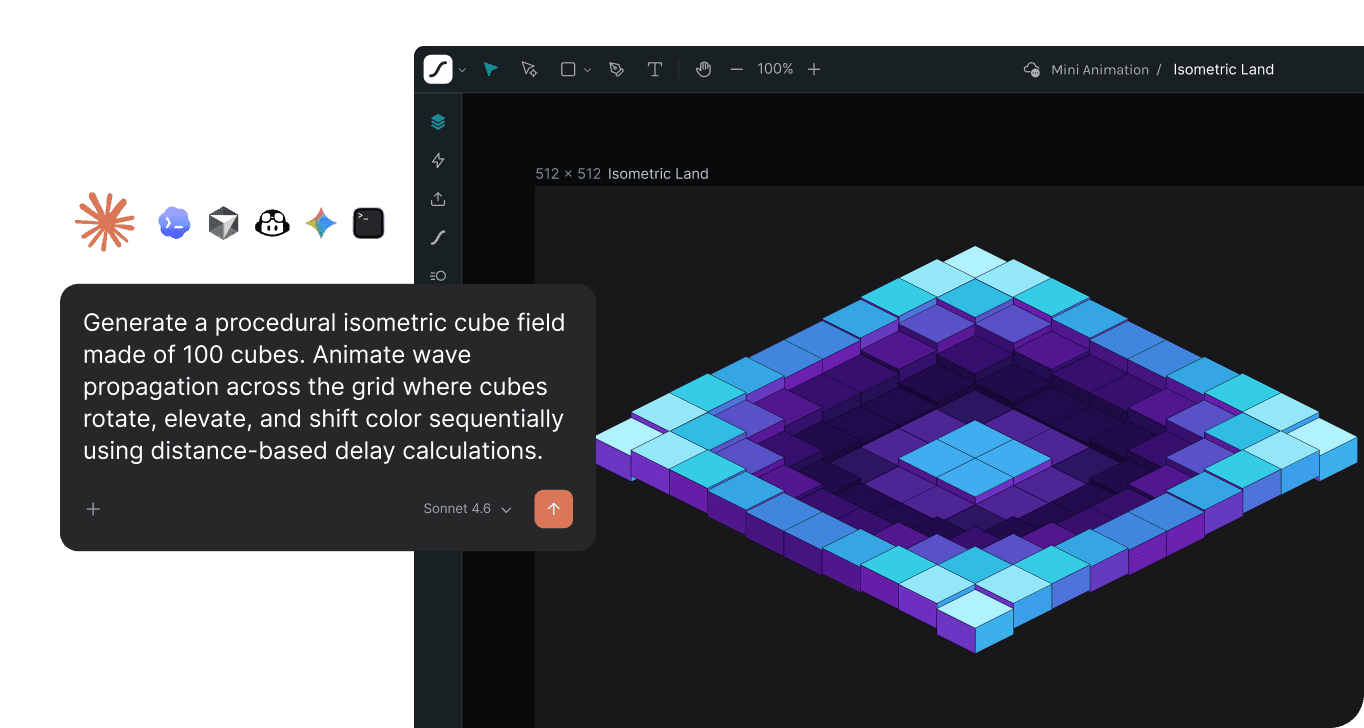
Connect browser AI agents directly to Lottie Creator to create and edit animations from your prompts. Currently supported in Google Chrome.

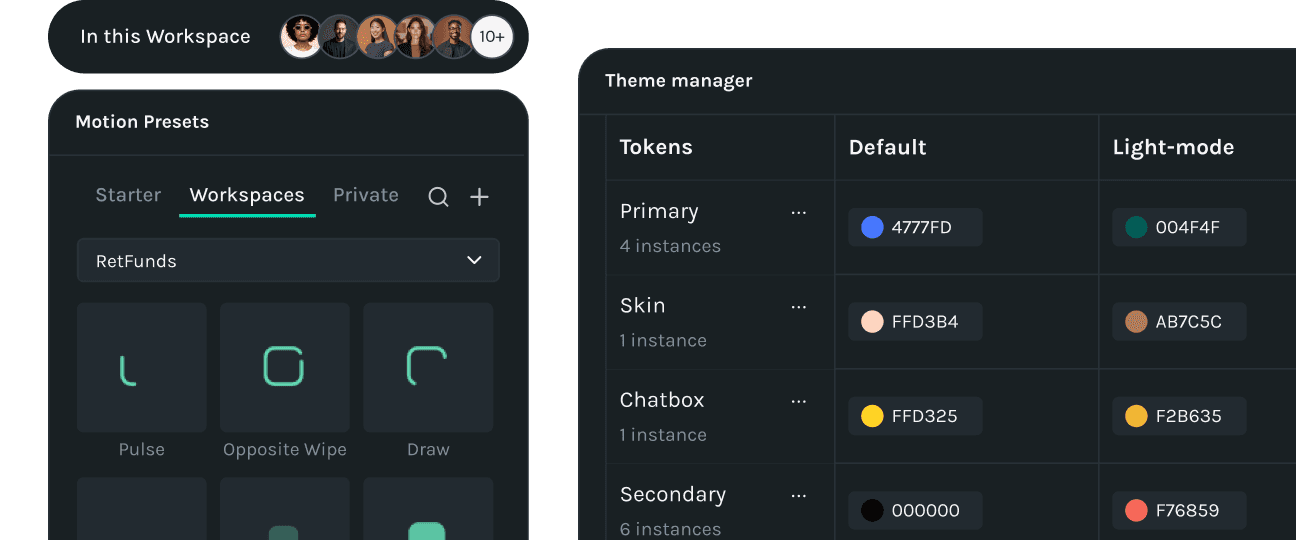
Use smart theming to create dark, light and branded variations all within a single dotLottie file.

Convert text prompts into high-quality Al-generated vector graphics that are ready to be animated.

Turn simple text prompts into complex state machines to make your animations interactive.

Motion presets, easing curves, colors and fonts. Capture them once as you create and turn them into reusable blocks for future animations.
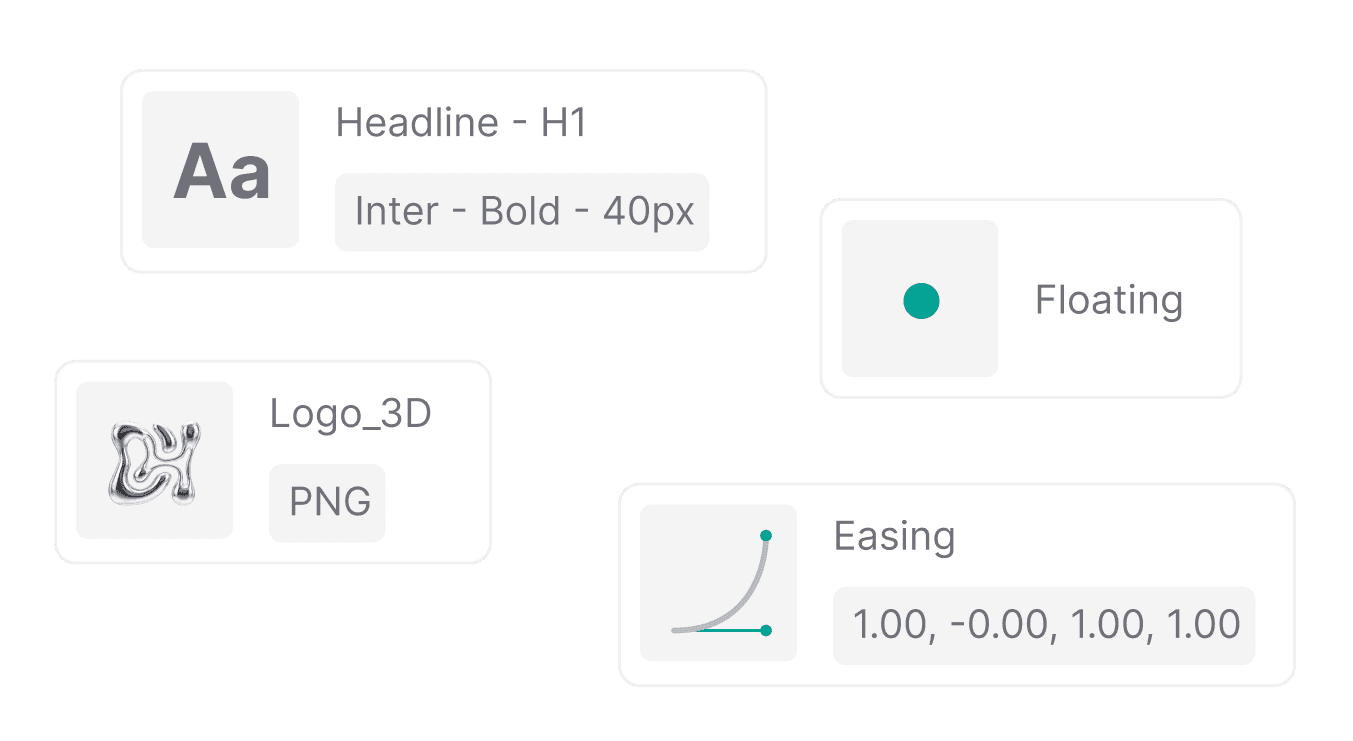
Use the motion building blocks in your designs. Pull from your motion system and apply them without rebuilding from scratch.

One shared system for the entire team. Pull from the same library so every animation stays consistent.

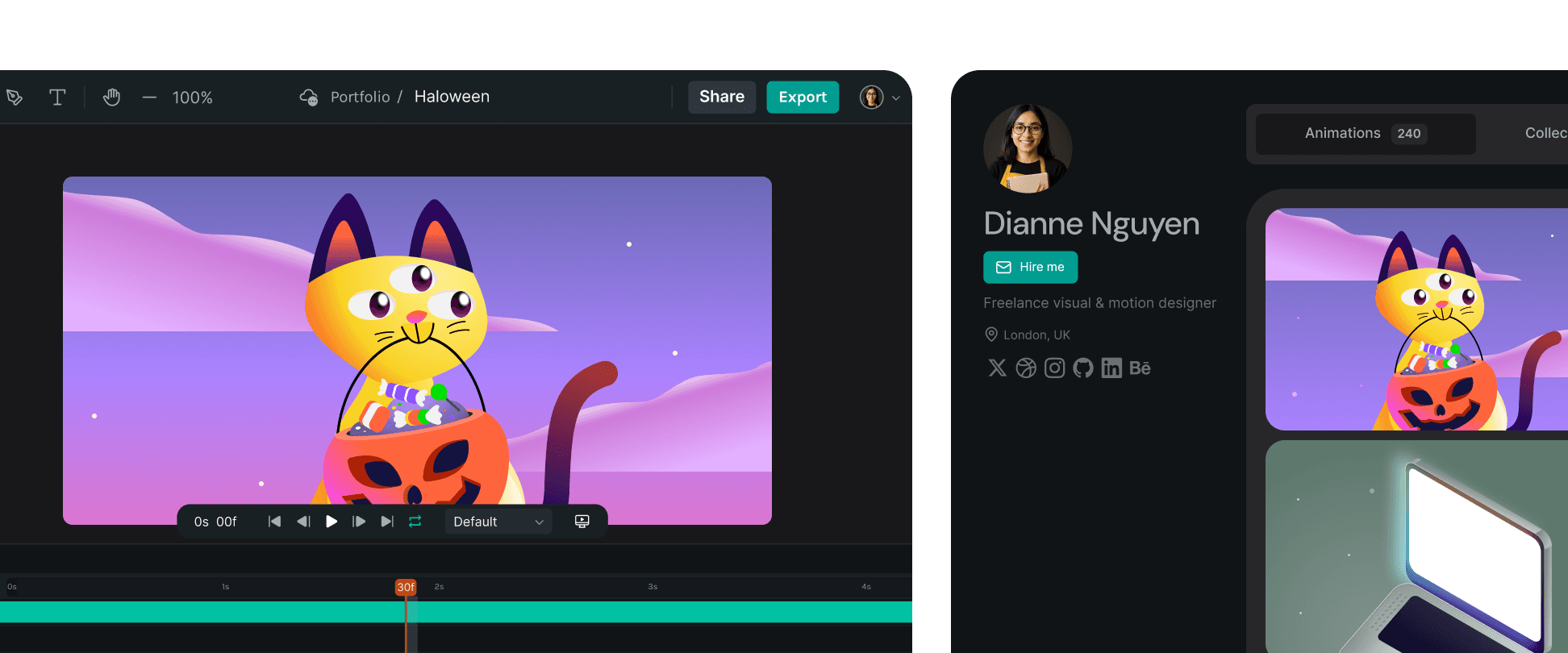
Freelancers, meet your new studio
Create on any device. Deliver polished animations without heavy software. Share private preview links, publish to the LottieFiles community and grow your portfolio.
Teams, meet your new creative workspace
Empower teams to collaborate in real time, keep motion consistent and deliver production-ready Lotties without rework. Cloud projects keep every update aligned across your organization.





Push your animation game to the next level.