
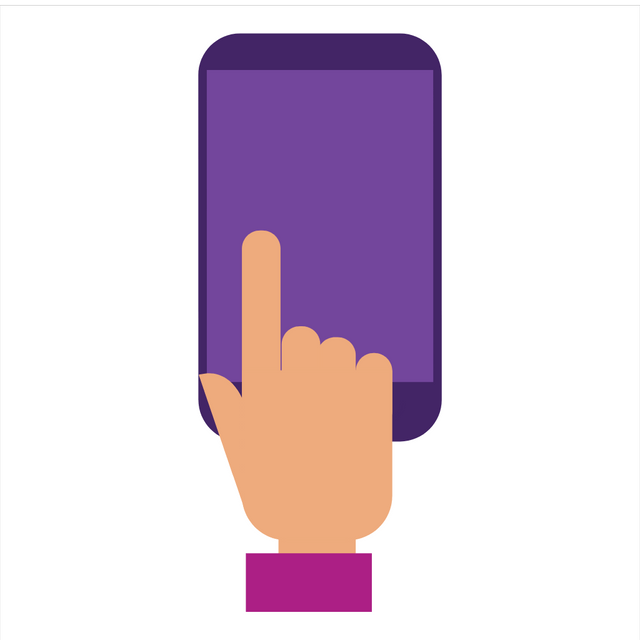
Animation gratuite Touchscreen Gestures
Gesture icon animations on smartphone touchscreens are graphical elements designed to provide visual cues on how users can interact with their devices through touch gestures. These animations typically appear as part of tutorials, guides, or as contextual indicators when users are using a particular app or feature. Here are some common types of gesture icon animations. Swipe : Indicates a finger moving across the screen in one direction, often accompanied by an arrow or line trail that follows the finger movement. This indicates how to swipe to switch between screens or reveal hidden content. These gesture icon animations are designed to be intuitive and easy to understand, helping users learn and remember how to use the various touchscreen functions on their smartphones. Additionally, these animations are often subtle and unobtrusive, ensuring the user experience remains smooth and enjoyable.
Gesture icon animations on smartphone touchscreens are graphical elements designed to provide visual cues on how users can interact with their devices through touch gestures. These animations typically appear as part of tutorials, guides, or as contextual indicators when users are using a particular app or feature. Here are some common types of gesture icon animations. Swipe : Indicates a finger moving across the screen in one direction, often accompanied by an arrow or line trail that follows the finger movement. This indicates how to swipe to switch between screens or reveal hidden content. These gesture icon animations are designed to be intuitive and easy to understand, helping users learn and remember how to use the various touchscreen functions on their smartphones. Additionally, these animations are often subtle and unobtrusive, ensuring the user experience remains smooth and enjoyable.
- dotLottie optimiséRecommandé2.8 KB
Taille de fichier la plus petite avec prise en charge des thèmes, des machines à états et de l'interactivité.
87 % plus petit que Lottie JSON - dotLottie3.3 KB
Animation Lottie compressée qui prend en charge les thèmes et les machines à états.
- Lottie JSON optimisé15.2 KB
Format JSON optimisé pour un chargement plus rapide avec une prise en charge Lottie standard.
28 % plus petit que Lottie JSON - Lottie JSON21.2 KB
Format d'animation Lottie standard avec une large compatibilité entre les outils et les plateformes.
Other export formats
Interactions et plugins
Voir tout


Gratuit à utiliser sous la licence Lottie Simple