
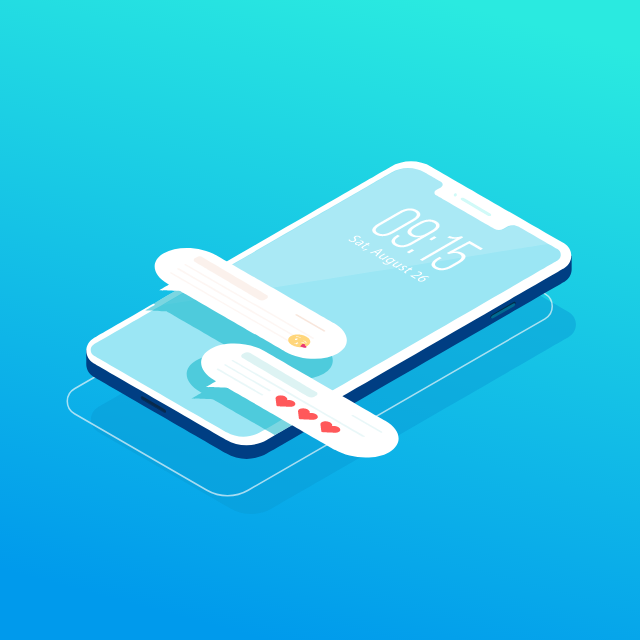
Animação gratuita Notification Isometric
Hello, Isometric design animation for chatting. If you want to use the animation without background follow this: Go to 'Edit Layer Colors.' Layers panel in left side and go down. At the end of the layers panel you will see the Background layer. Select the layer. At the top right corner you will see 'layer visibility. Turn the visibility off. Go the right panel and scroll down. You will see the 'Upload to Lottiefiles' Upload the animation and you can see the animation in your private animation. Free free to contact Go to my profile and "Hire Me"
Hello, Isometric design animation for chatting. If you want to use the animation without background follow this: Go to 'Edit Layer Colors.' Layers panel in left side and go down. At the end of the layers panel you will see the Background layer. Select the layer. At the top right corner you will see 'layer visibility. Turn the visibility off. Go the right panel and scroll down. You will see the 'Upload to Lottiefiles' Upload the animation and you can see the animation in your private animation. Free free to contact Go to my profile and "Hire Me"
- dotLottie otimizadoRecomendado
Menor tamanho de arquivo com suporte a temas, máquinas de estado e interatividade.
- dotLottie11.1 KB
Animação Lottie compactada que suporta temas e máquina de estado.
- Lottie JSON otimizado74.5 KB
Formato JSON otimizado para carregamento mais rápido com suporte padrão a Lottie.
23% menor que o Lottie JSON - Lottie JSON96.8 KB
Formato de animação Lottie padrão com ampla compatibilidade entre ferramentas e plataformas.
Other export formats
Interações e plugins
Ver todos


Livre para usar sob a Licença Lottie Simples