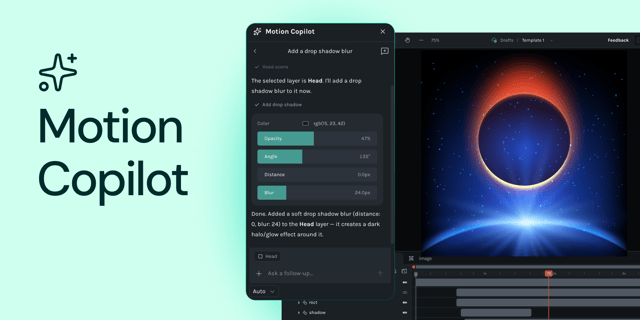
Introducing Motion Copilot 2.0 in Lottie Creator
Jul 22, 2026•5 min read
Motion Copilot is no longer just a keyframing helper; it's a full animation assistant.

Dive into articles on Create, covering tutorials, tips, guides, inspiration and the latest updates.
27 articles
Motion Copilot is no longer just a keyframing helper; it's a full animation assistant.
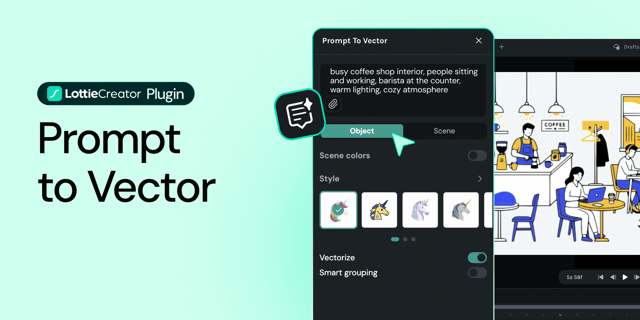
Prompt to Vector just got a big upgrade. You type what you want, it gives you editable SVGs.

This AE plugin converts video and GIF files into Lottie animations entirely on your machine.
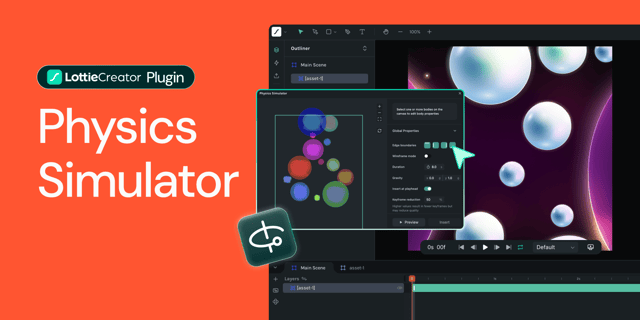
Create realistic motion instantly with the new Physics Simulator in LottieFiles Creator. Add gravity, collisions, mass, and friction—no manual keyframing or math required.
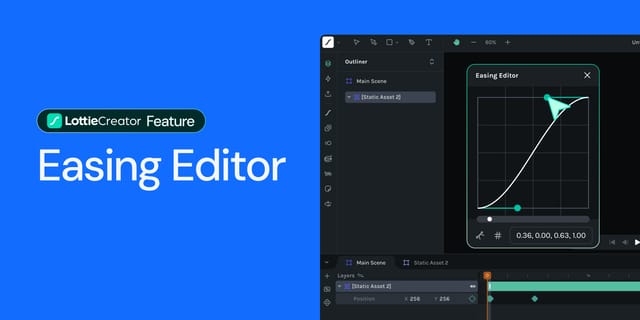
From linear to ease, sine, quad, and cubic curves, discover how to create smooth motion transitions in Lottie Creator.

Which is right for me, the LottieFiles for After Effects extension, or Bodymovin?

Create dark, light, or custom modes for your animations using this easy-to-follow step-by-step guide.

Create your animation your way, with infinite possibilities.

Get inspired and create your own Remix versions.

Explore AI Prompt to Vector and Raster to Vector now on Figma.

Easily define your Lottie animation’s frames using segments.

Learn how to use components to create more intricate, production-ready Lottie animations on Figma.