
Share and Customize with Lottie Creator Remix


With new features and updates coming to Lottie Creator, we're thrilled to introduce the new Remix feature. This exciting addition allows you to share your animation files with anyone, letting them tweak and remix your Lottie animations to create their own versions.
Not only does Remix enable you to create unique variations of animations, but it is also a fantastic way to inspire creativity and collaboration among animators. Additionally, it's an excellent tool for learning the basics of animation.
What is a Remix
A Remix link is a unique URL that allows you to share your Lottie Creator project with others. By providing this link, recipients can create a copy of your project in their LottieFiles account. They can then customize and modify the Lottie animation to reflect their creative ideas.
The Remix feature is designed to make sharing your creative work easier than ever. By marking your file for Remix, you provide recipients with the opportunity to explore your animation process, understand how it's constructed or keyframed, and apply their creative touches. It's also a great way for those new to motion design to learn some of the tricks used by experienced animators. Ultimately, the feature fosters a collaborative environment where ideas can flow freely, and innovation thrives.
How to Remix
To generate a Remix link, navigate to the share button in your Lottie Creator project and enable the Remix link. The recipient can then examine your techniques, make modifications, and save their own versions.
Let's start remixing!!
Let's start with a bit of fun, shall we? Here's our original Lottie animation. We passed it around the team to see what their versions would look like, and these were the results.


Now, what's your version? Drop by the links, try remixing, and share it on social media! We hope you enjoy these new updates and look forward to more Creator updates in the future!
You may also like

How to Create Animations with AI Using Lottie Creator WebMCP
Guide to creating and refining animations with AI using Lottie Creator WebMCP.
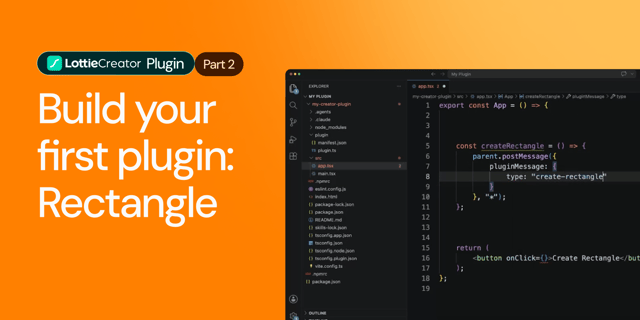
How to Build Your First Lottie Creator Plugin: Create and Animate a Rectangle
Creating a beginner-friendly Lottie Creator plugin using the Creator plugin API.
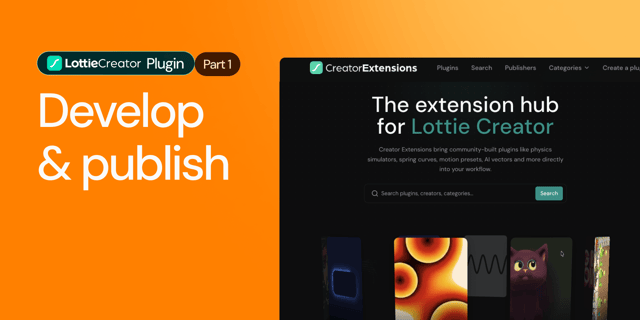
How to Develop and Publish a Plugin for Lottie Creator
Learn how to create, test and publish a plugin to LottieFiles Extensions.

Lottie/dotLottie vs. GIF: Choosing the Right Animation for You
The two most popular web animation formats, Lottie and GIF, collide head-on. This blog will focus on the 5 most important parameters to tell you who's the boss!