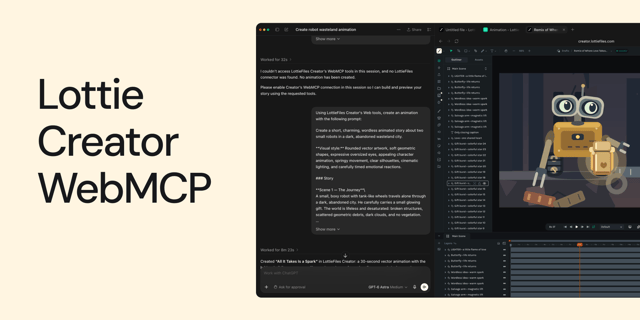
How to Create Animations with AI Using Lottie Creator WebMCP
Sep 16, 2026•3 min read
Guide to creating and refining animations with AI using Lottie Creator WebMCP.

Dive into articles on Lottie Creator, covering tutorials, tips, guides, inspiration and the latest updates.
29 articles
Guide to creating and refining animations with AI using Lottie Creator WebMCP.
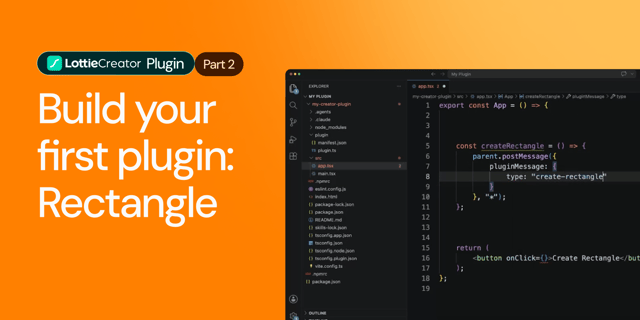
Creating a beginner-friendly Lottie Creator plugin using the Creator plugin API.
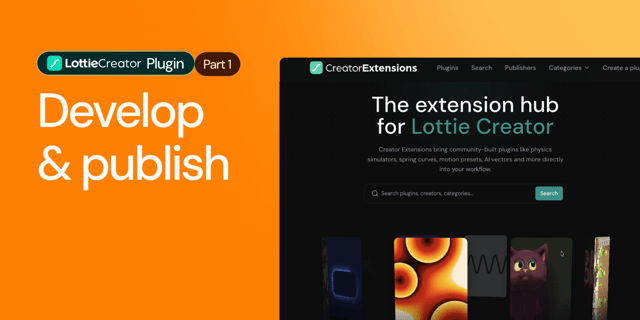
Learn how to create, test and publish a plugin to LottieFiles Extensions.
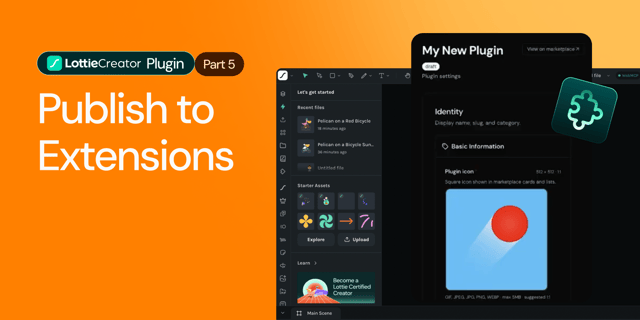
Learn how to prepare, package and publish your Lottie Creator plugin to LottieFiles Extensions.
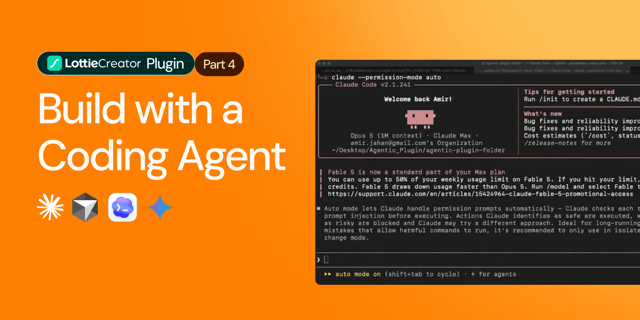
Learn how to build a Lottie Creator plugin with an AI coding agent, from setup and prompting to testing and iteration.
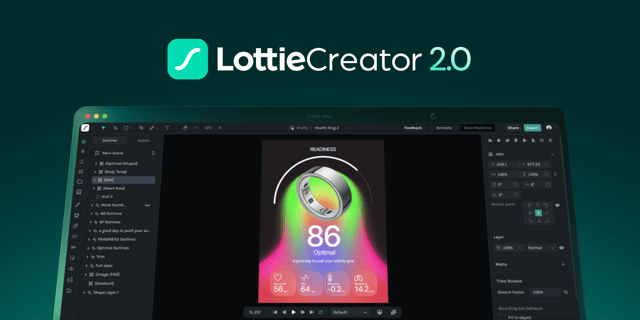
Reimagine animation creation with Lottie Creator
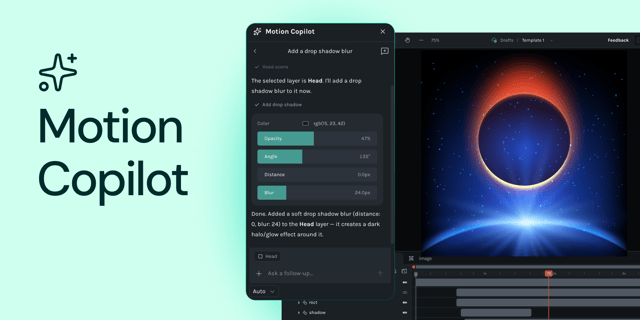
Motion Copilot is no longer just a keyframing helper; it's a full animation assistant.

The right motion design tool in 2026 is determined by one question: where does the animation live?
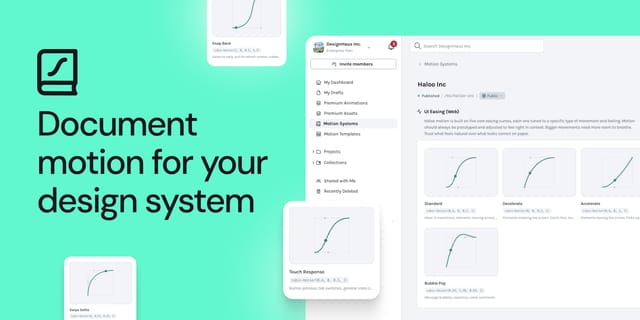
Here's how to actually document motion in your design system, step by step.
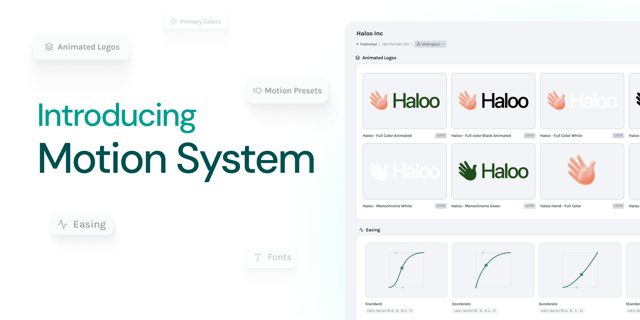
LottieFiles Motion System is the first workspace-level governance layer for motion.
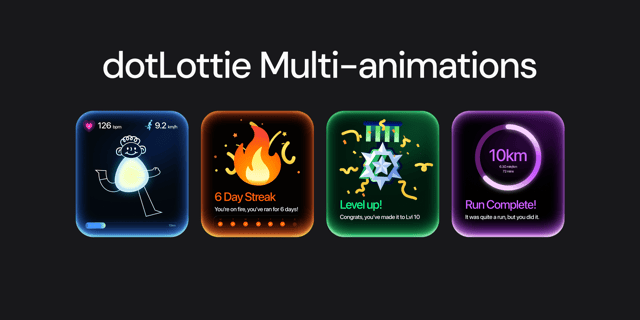
Bundle multiple animations into one file with dotLottie.
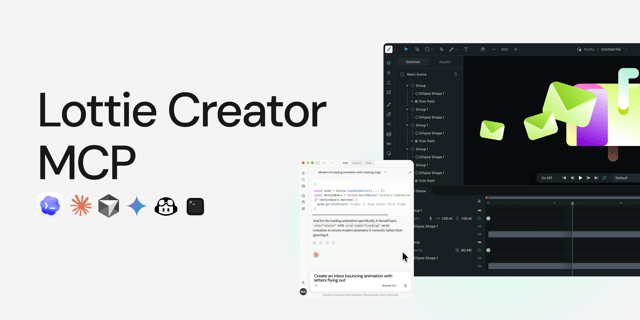
Connect Claude, Cursor, or any MCP-compatible AI to Lottie Creator