
AI tools to supercharge your motion workflow
Motion design has become an industry standard, and our AI-powered tools are designed to help you get started with ease and confidence.
Motion design has become an industry standard, and our AI-powered tools are designed to help you get started with ease and confidence.

Motion Copilot

MCP

Prompt to State Machines

Prompt to Themes

Prompt to Vector

Raster to Vector
Motion Copilot
Describe what you want and Lottie Creator's built-in AI builds it; shapes, keyframes, easing, and loops, all editable and undoable in one click.
Motion Copilot
MCP
Prompt to State Machines
Prompt to Themes
Prompt to Vector
Raster to Vector
Lottie Creator MCP
Connect AI assistants like Claude, Cursor, and Windsurf directly to your animation workflow in Lottie Creator. Create, edit, and iterate on Lottie animations using natural language, your AI works inside the editor, on your behalf.
Motion Copilot
MCP
Prompt to State Machines
Prompt to Themes
Prompt to Vector
Raster to Vector
Motion Copilot
Write the movement you want to animate, and our Motion Copilot will generate editable, ready-to-use keyframes.
Motion Copilot
MCP
Prompt to State Machines
Prompt to Themes
Prompt to Vector
Raster to Vector
Motion Copilot
Write the movement you want to animate, and our Motion Copilot will generate editable, ready-to-use keyframes.
Trusted by
16
million+ designers and
developers from over
280,000
companies worldwide
Trusted by
16
million+ designers and
developers from over
280,000
companies worldwide
Trusted by
16
million+ designers and
developers from over
280,000
companies worldwide
Motion Copilot
Motion Copilot
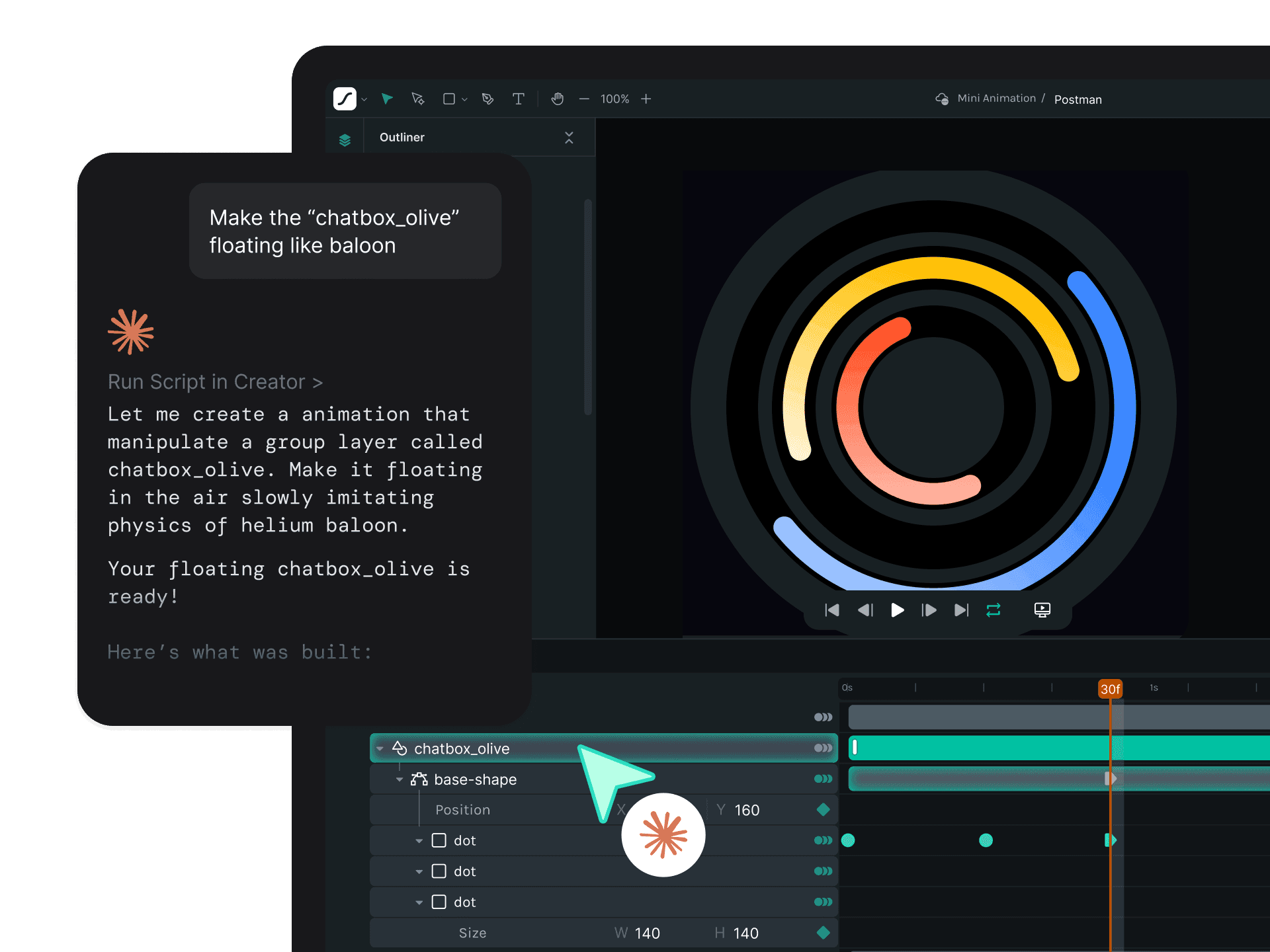
Motion Copilot is your AI animation assistant inside Lottie Creator
Describe what you want and let Lottie Creator's native AI handle the rest. It creates shapes, sets keyframes, applies easing, and builds looping animations. It understands your selection, streams its reasoning as it works, and keeps every change undoable with a single click.
Describe what you want and let Lottie Creator's native AI handle the rest. It creates shapes, sets keyframes, applies easing, and builds looping animations. It understands your selection, streams its reasoning as it works, and keeps every change undoable with a single click.
Create anything on the canvas
Create anything on the canvas
Ask for shapes, text, or vector paths and it draws them, complete with solid fills, gradients, drop shadows, rounded corners and font styling. Ask for an icon, a button state, or a whole layout, and it builds it on the canvas.
Ask for shapes, text, or vector paths and it draws them, complete with solid fills, gradients, drop shadows, rounded corners and font styling. Ask for an icon, a button state, or a whole layout, and it builds it on the canvas.
Add motion to your design
Add motion to your design
Animate with keyframes on position, scale, opacity, rotation and color. Easing curves, seamless loops and staggered timing. Motion Copilot reads existing animation state first, so follow-ups build on what is already there.
Animate with keyframes on position, scale, opacity, rotation and color. Easing curves, seamless loops and staggered timing. Motion Copilot reads existing animation state first, so follow-ups build on what is already there.
Organize layers and scenes
Organize layers and scenes
Reorder, group, duplicate with an offset, rename, lock, hide and align. Set scene duration, apply masks and catch layout issues like an element clipped outside the canvas.
Reorder, group, duplicate with an offset, rename, lock, hide and align. Set scene duration, apply masks and catch layout issues like an element clipped outside the canvas.
Edit everything at once
Edit everything at once
Apply one instruction to many objects at once and animate a group as a coordinated set. If you've selected different kinds of objects, it flags the ones an instruction doesn't fit instead of forcing it on everything.
Apply one instruction to many objects at once and animate a group as a coordinated set. If you've selected different kinds of objects, it flags the ones an instruction doesn't fit instead of forcing it on everything.
Adaptive controls
Adaptive controls
Get relevant controls that let you refine the outcome without rewriting your prompt. Adjust key parameters such as intensity, direction, or repeat behavior using simple sliders and toggles.
Get relevant controls that let you refine the outcome without rewriting your prompt. Adjust key parameters such as intensity, direction, or repeat behavior using simple sliders and toggles.

Pick a model for your AI
Pick a model for your AI
Choose Auto for the best available model, or pick one yourself.
Choose Auto for the best available model, or pick one yourself.

Real-time built in help
Real-time built in help
Ask technical questions and get instant answers.
Ask technical questions and get instant answers.

Multilingual support
Multilingual support
Write prompts in your preferred language. Motion Copilot supports 14+ languages.
Write prompts in your preferred language. Motion Copilot supports 14+ languages.

MCP
MCP
Animate with MCP or WebMCP
Animate with MCP or WebMCP
Connect an MCP-compatible AI through Lottie Creator MCP, or let a compatible browser AI agent work directly with Lottie Creator through WebMCP. Either way, the AI gets full access to build, edit and generate animations for you.
Connect an MCP-compatible AI through Lottie Creator MCP, or let a compatible browser AI agent work directly with Lottie Creator through WebMCP. Either way, the AI gets full access to build, edit and generate animations for you.
Prompt an animation into existence.
Prompt an animation into existence.
Swap colors, timing, layers by description.
Swap colors, timing, layers by description.
Generate 10+ variants in one go.
Generate 10+ variants in one go.
Check brand fit and accessibility without leaving Lottie Creator.
Check brand fit and accessibility without leaving Lottie Creator.
Export straight into your dev workflow.
Export straight into your dev workflow.
Prompt to State Machines
Prompt to State Machines
Build interactive logic with State Machines
Build interactive logic with State Machines
Let our LLM-driven AI build your logic. Simply describe the result, and let it instantly generate the complete visual node map with states, transitions, and triggers.
Let our LLM-driven AI build your logic. Simply describe the result, and let it instantly generate the complete visual node map with states, transitions, and triggers.
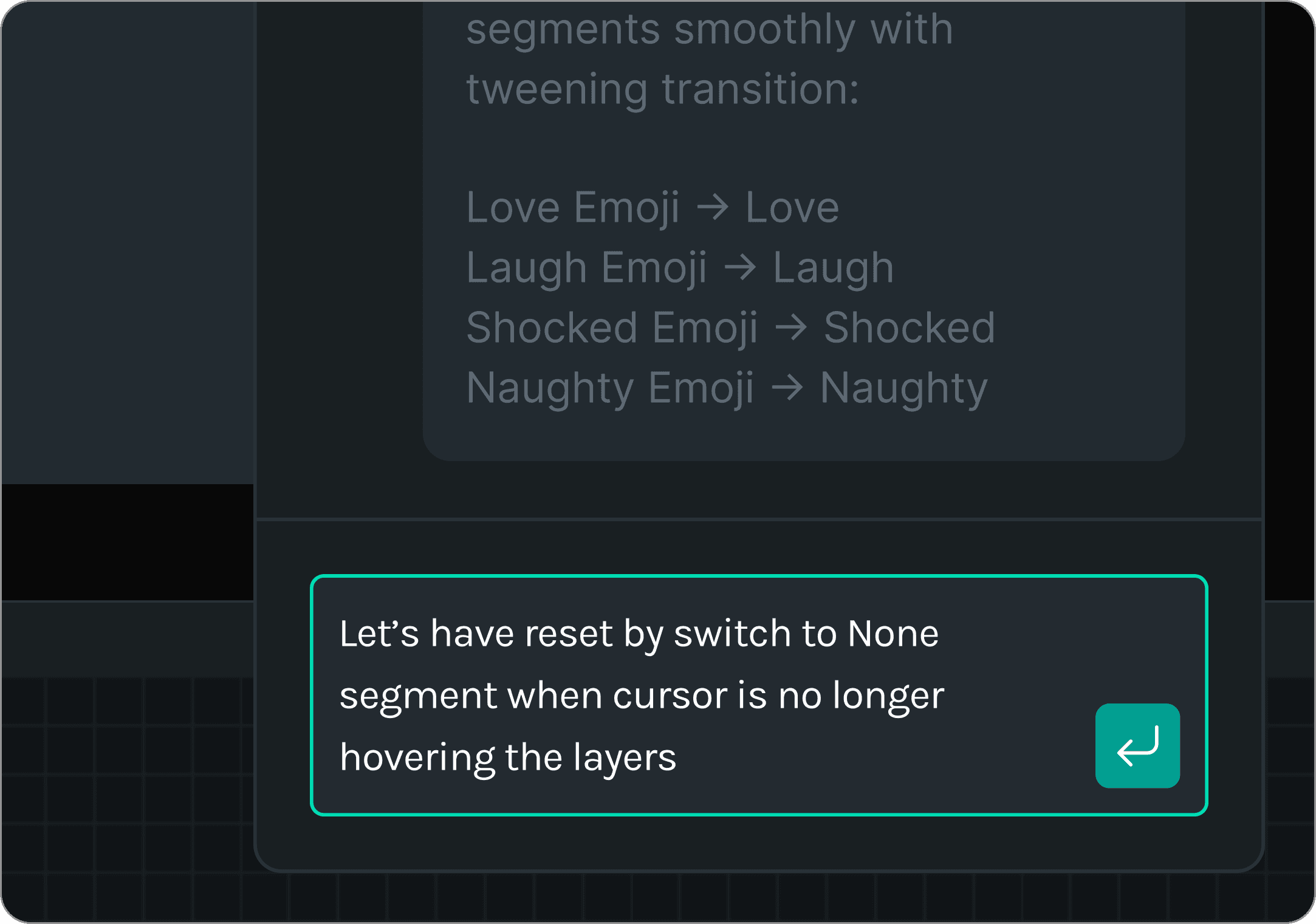
Quick tips building interactions with Prompt to State Machines
Quick tips building interactions with Prompt to State Machines
Keep your layers and segments clean and organized
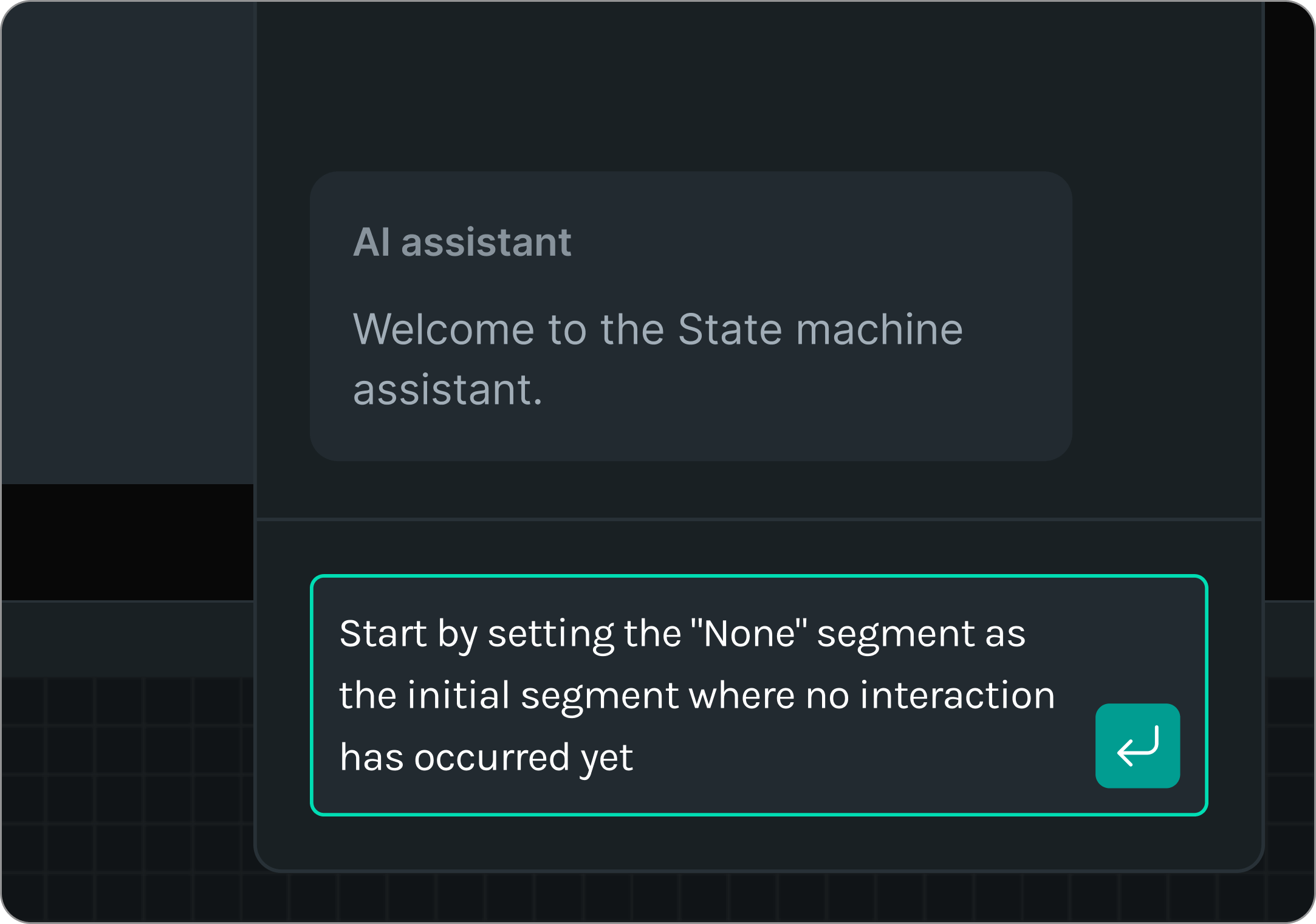
Define your initial states and any time-based segments
Use exact segment names from Animate Mode
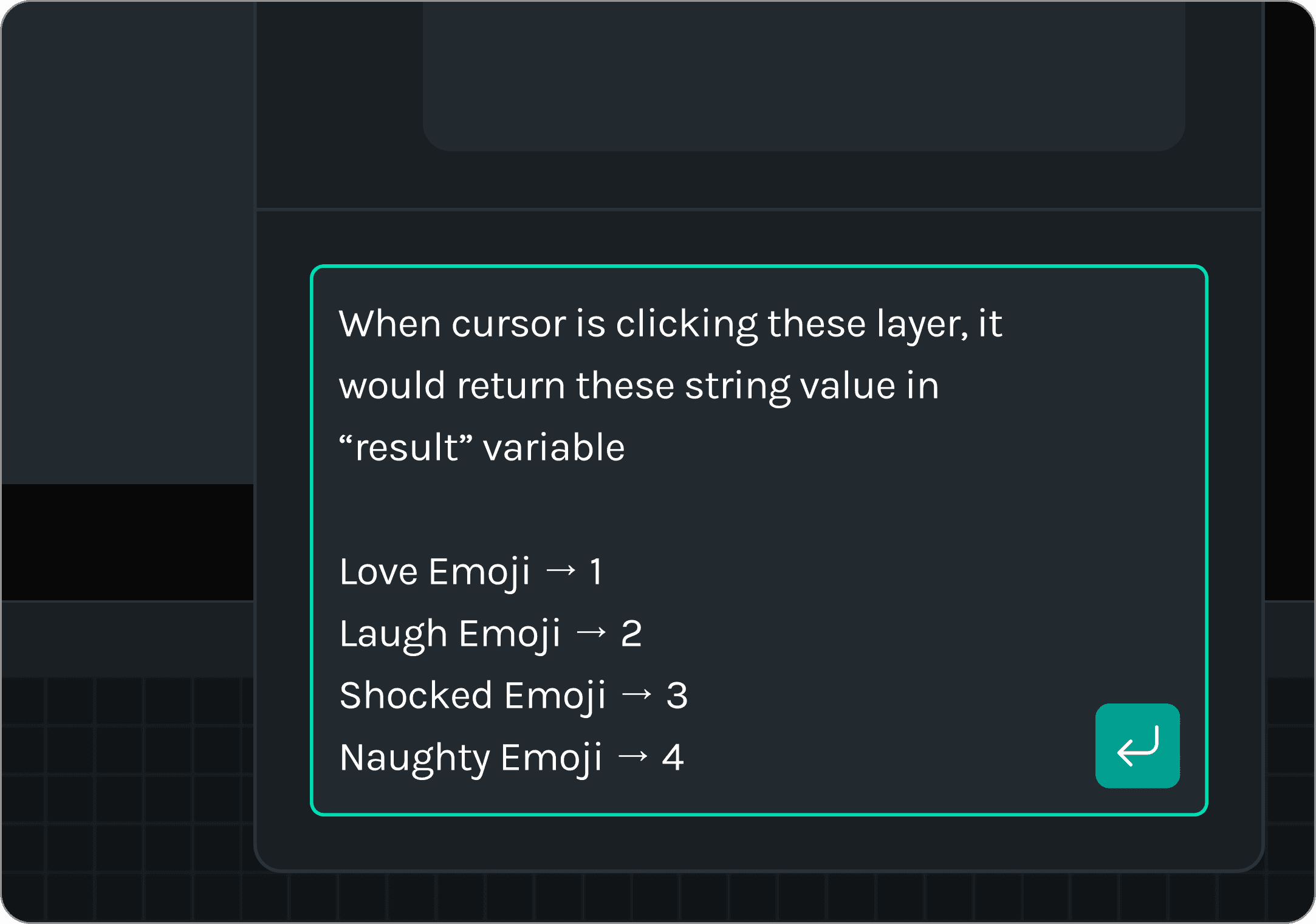
Explain the flow of interactivity step by step
Specify when states should reset (e.g., hover in/out)

Keep your layers and segments clean and organized
Define your initial states and any time-based segments
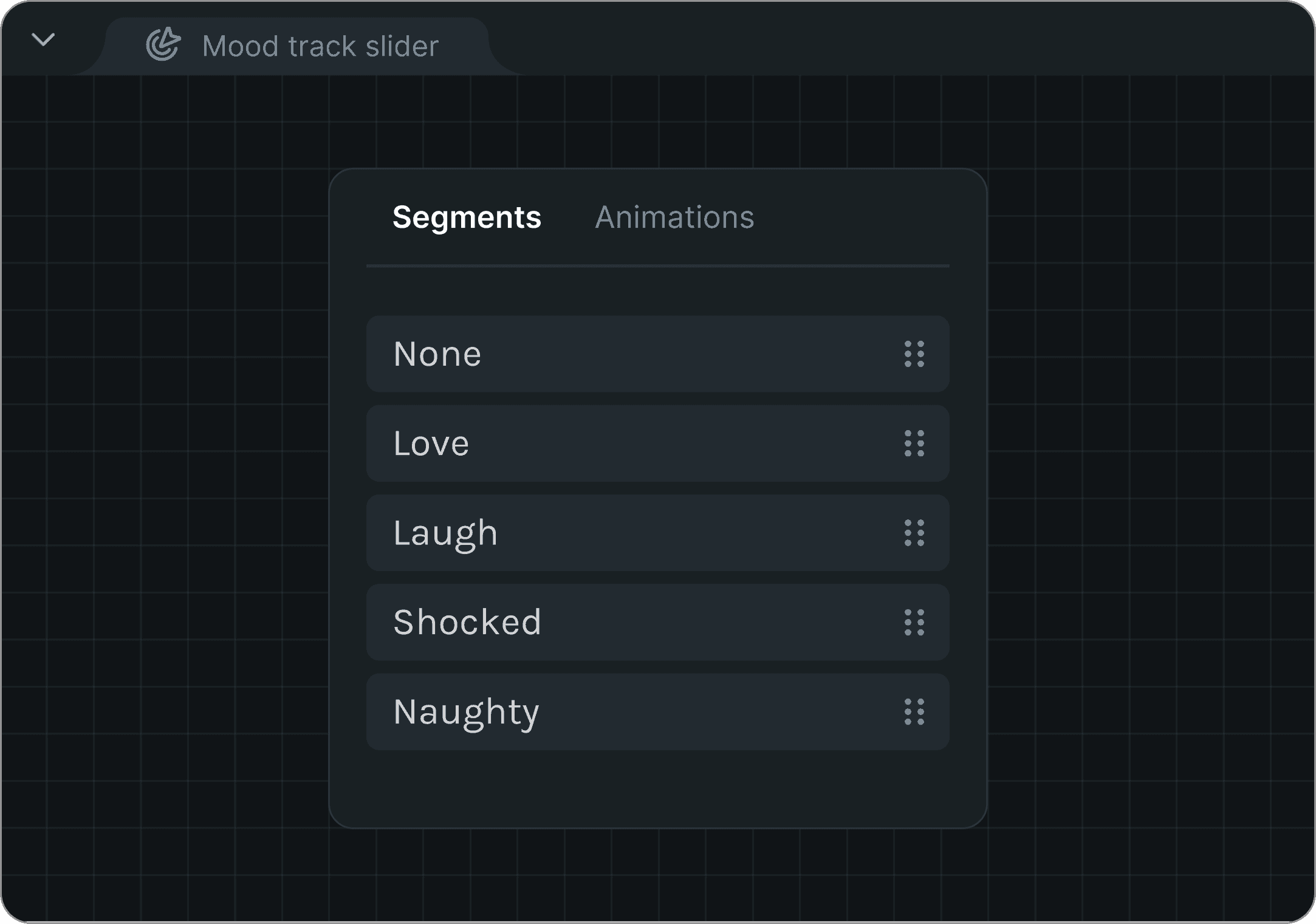
Use exact segment names from Animate Mode
Explain the flow of interactivity step by step
Specify when states should reset (e.g., hover in/out)
Prompt to Themes
Prompt to Themes
Add multiple themes into one animation file
Add multiple themes into one animation file
AI theming transforms a single animation into endless, brand-ready variations. Easily repurpose assets across teams, campaigns, product and devices.
AI theming transforms a single animation into endless, brand-ready variations. Easily repurpose assets across teams, campaigns, product and devices.
Raster to Vector
Raster to Vector
Convert your images into scalable vectors
Convert your images into scalable vectors
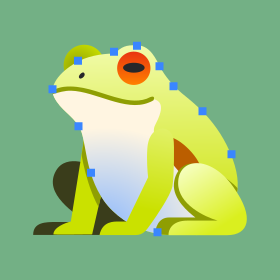
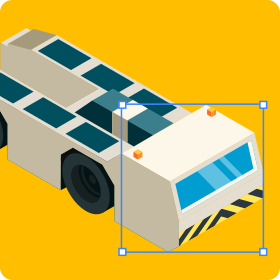
Turn your PNG or JPG images into crisp SVGs with AI-powered smart grouping and accurately named layers with industry-leading precision.
Turn your PNG or JPG images into crisp SVGs with AI-powered smart grouping and accurately named layers with industry-leading precision.

Prompt to Vector
Prompt to Vector
Turn ideas into vectors in seconds
Turn ideas into vectors in seconds
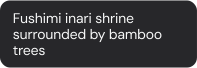
Convert text prompts into high-quality, AI-generated SVG illustrations, icons, and designs thats ready to be animated.
Convert text prompts into high-quality, AI-generated SVG illustrations, icons, and designs thats ready to be animated.















Responsible AI
Responsible AI
Built on a commitment to user privacy and ethical AI use, our Groq AI engine ensures that we never use any of your data to train AI models.
Built on a commitment to user privacy and ethical AI use, our Groq AI engine ensures that we never use any of your data to train AI models.
Read our security commitment

Frequently asked questions
Frequently asked questions
Frequently asked questions
What is Motion Copilot?
Motion Copilot is an AI animation assistant built into Lottie Creator. You describe the motion or design you want in plain language and it builds it on the canvas. It creates shapes, sets keyframes, applies easing and builds looping animations, while you keep control of every change.
What is Motion Copilot?
Motion Copilot is an AI animation assistant built into Lottie Creator. You describe the motion or design you want in plain language and it builds it on the canvas. It creates shapes, sets keyframes, applies easing and builds looping animations, while you keep control of every change.
How does Motion Copilot work?
Motion Copilot reads your scene, streams its reasoning and applies the change. Simple asks run instantly. Bigger or destructive edits show a plan first and wait for your approval.
How does Motion Copilot work?
Motion Copilot reads your scene, streams its reasoning and applies the change. Simple asks run instantly. Bigger or destructive edits show a plan first and wait for your approval.
Do I need animation experience to use Motion Copilot?
No. You describe the result in everyday words and Motion Copilot handles the keyframes, easing and timing. You can ask follow-ups like “now make it faster” or use the toggle or slides within to adjust the effect you like and it builds on what you already have. It is a fast way to learn motion while you work.
Do I need animation experience to use Motion Copilot?
No. You describe the result in everyday words and Motion Copilot handles the keyframes, easing and timing. You can ask follow-ups like “now make it faster” or use the toggle or slides within to adjust the effect you like and it builds on what you already have. It is a fast way to learn motion while you work.
How do I create a theme with a prompt?
Add color tokens to your layers in the Appearance section of the Property Panel. Open the Token Library, then the Motion Token Manager, and click Generate theme. Describe the style or mood you want, generate options, apply one and refine.
How do I create a theme with a prompt?
Add color tokens to your layers in the Appearance section of the Property Panel. Open the Token Library, then the Motion Token Manager, and click Generate theme. Describe the style or mood you want, generate options, apply one and refine.
Can one file hold multiple themes?
Yes. Export as a dotLottie file that carries multiple themes inside it, so you can switch themes at runtime instead of shipping separate files.
Can one file hold multiple themes?
Yes. Export as a dotLottie file that carries multiple themes inside it, so you can switch themes at runtime instead of shipping separate files.
What is Prompt to State Machines?
Prompt to State Machines is an AI tool that turns prompts into interaction requirements into a ready-to-edit state machine in Lottie Creator. It generates the inputs, interactions and transitions, along with their settings.
What is Prompt to State Machines?
Prompt to State Machines is an AI tool that turns prompts into interaction requirements into a ready-to-edit state machine in Lottie Creator. It generates the inputs, interactions and transitions, along with their settings.
How does Prompt to State Machines work?
Set up the segments or states you want to use. Open Prompt to State Machines, describe the interaction in plain language and generate. You get a working state machine to preview and refine in the state machine editor.
How does Prompt to State Machines work?
Set up the segments or states you want to use. Open Prompt to State Machines, describe the interaction in plain language and generate. You get a working state machine to preview and refine in the state machine editor.
What does it generate?
Inputs that control behavior, interactions that capture triggers like click or hover, and transitions that connect states, including transition settings. It often builds the full logic in a single shot.
What does it generate?
Inputs that control behavior, interactions that capture triggers like click or hover, and transitions that connect states, including transition settings. It often builds the full logic in a single shot.
How does Raster to Vector name layers?
The AI groups related elements into a clear layer structure and gives them descriptive names like “logo-icon”, “background-pattern” or “text-heading”, so the file is easy to edit and animate.
How does Raster to Vector name layers?
The AI groups related elements into a clear layer structure and gives them descriptive names like “logo-icon”, “background-pattern” or “text-heading”, so the file is easy to edit and animate.
What is the difference between Smart Grouping and Vectorize?
Smart Grouping returns layers that are grouped and named so you can animate them right away. Vectorize returns a clean flat output. Use Smart Grouping when you plan to animate.
What is the difference between Smart Grouping and Vectorize?
Smart Grouping returns layers that are grouped and named so you can animate them right away. Vectorize returns a clean flat output. Use Smart Grouping when you plan to animate.

Motion made simple
Motion made simple
Push your animation game to the next level.
Push your animation game to the next level.