What is a Lottie?
A Lottie is a JSON-based animation file format that allows you to ship animations on any platform as easily as shipping static assets. They are small files that work on any device and can scale up or down without pixelation. LottieFiles lets you create, edit, test, collaborate on and ship a Lottie in the easiest way possible.

Why Lottie?
Small file size
Lottie animations are much smaller while retaining the same quality compared to other formats like GIF or MP4.
Infinitely scalable
Lottie animations are based on vectors, which means you can scale them up and down without worrying about resolution.
Multi-platform support and libraries
For all the developers out there, Lottie handoffs are super easy. You can use Lottie animations on iOs, Android, web and
React Native without modification.
Interactivity
In Lottie animations, the animation elements are exposed so you can manipulate them to be interactive and respond to interactions like scrolling, clicking, and hovering. Learn more in the Interactivity Guide.
The world uses Lottie





Lottie is also supported natively on many other tools





Ready to get started with LottieFiles?
The history of Lottie

Before Lottie, motion designers were creating their animations and passing them over to software developers for implementation. Options for implementation were limited. Developers would export animations in low quality formats or try to reconstruct the animation in code from scratch. This wasn’t efficient and often resulted in animations that were suboptimal and looked far from the motion designer’s intent.
Hernan Torrisi conceived of the idea of exporting the representation of an animation in Adobe After Effects and rendering the animation at runtime. He leveraged the scripting abilities of After Effects to enumerate an animation project and released a plugin for After Effects called Bodymovin that exported the JSON format description of an animation. He also released the first ever renderer for the format with a JavaScript-based player for browsers.
Engineers Brandon Withrow, Gabriel Peal and Leland Richardson at Airbnb saw the potential that JSON-based animations presented and the problems it solved. They partnered with lead animator Salih Adbul-Karim at Airbnb to help build iOS and Android libraries that could render these JSON animation files, which they called “Lottie”.

LottieFiles launched, giving animators and developers a place to instantly test, share and showcase their animations on the web.
Qt added support for Lottie by adding a QML API for rendering Lottie. Samsung released rLottie, a platform independent C++-based renderer for Lottie, and added Lottie support in Tizen.
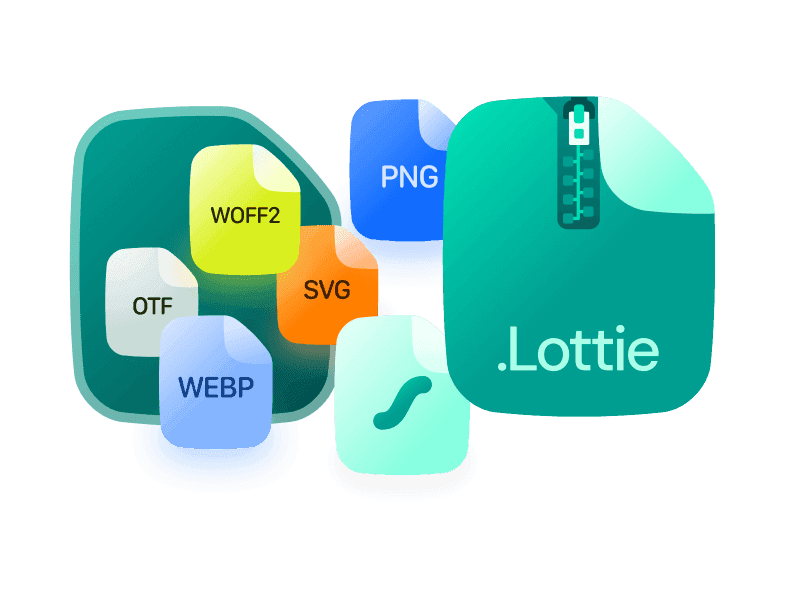
dotLottie was created. dotLottie is an open source file format that aggregates one or more Lottie animations and their associated resources into a single file. This will be the next generation of Lottie for the future of animation.
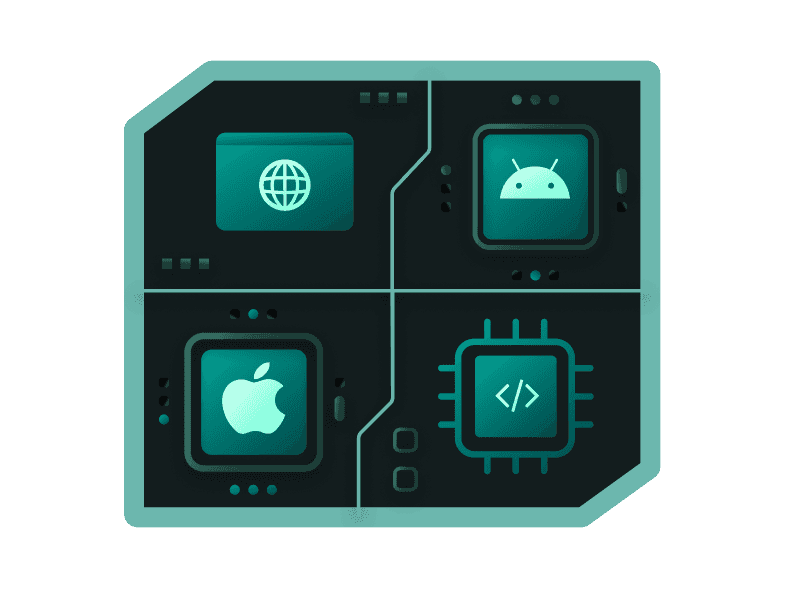
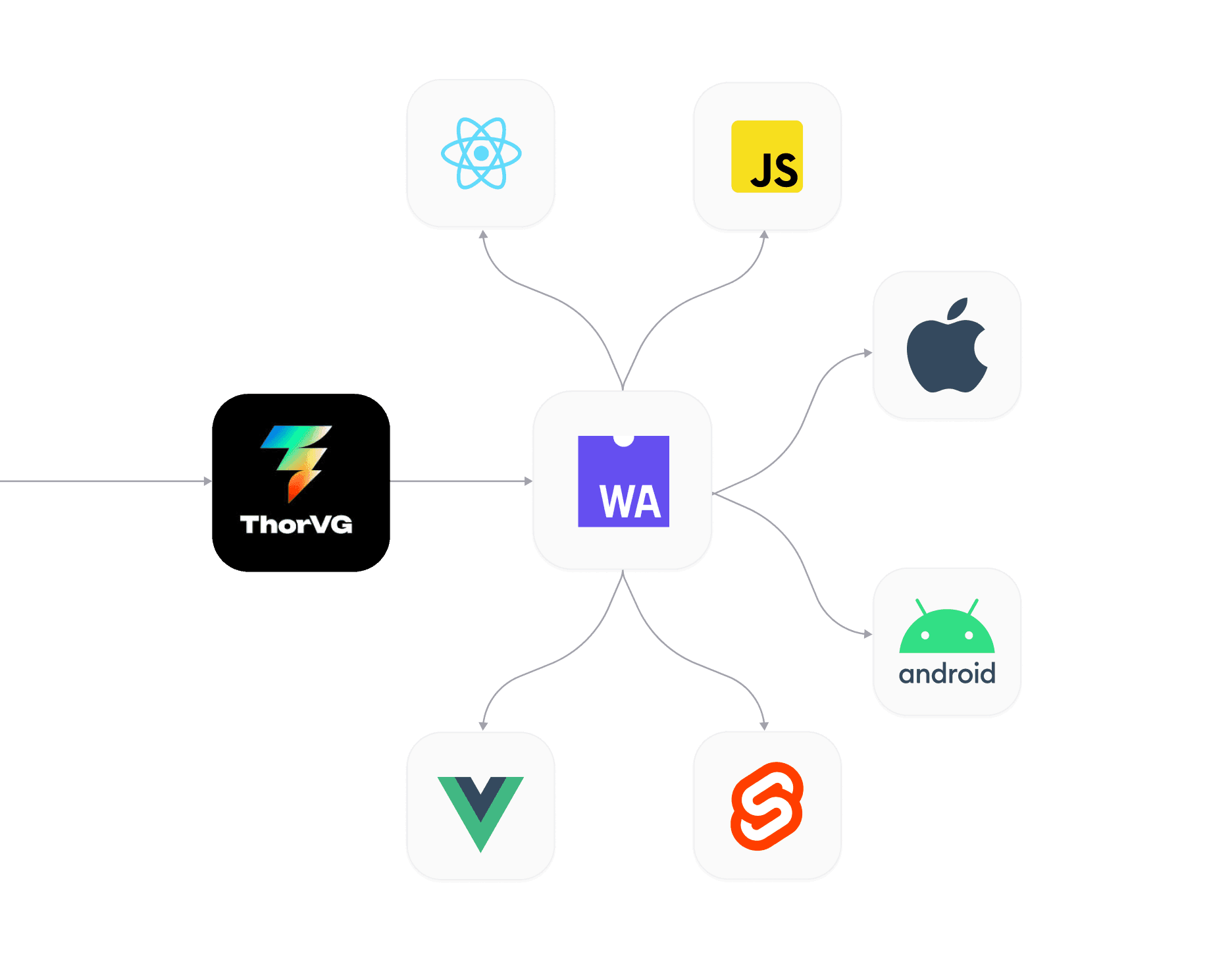
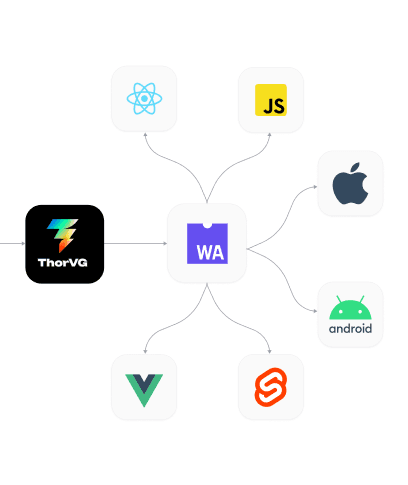
dotLottie Runtimes brought in a new set of players built to render dotLottie animations consistently across web, iOS, Android, desktop and embedded devices. Powered under the hood by ThorVG, a high-performance graphics engine, the runtimes guaranteed the same animation output on every platform, with playback capabilities of up to 120 FPS.
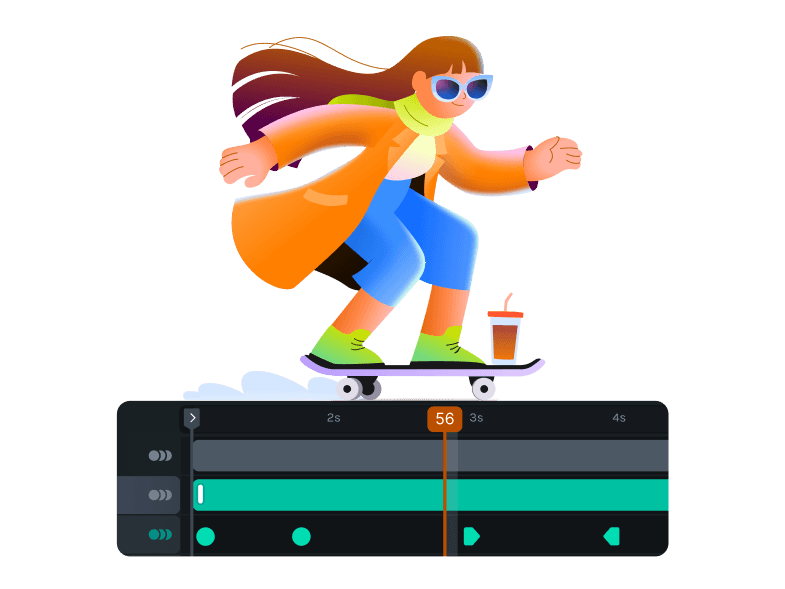
LottieFiles launched Lottie Creator, a free, web-based animation tool built from the ground up for the Lottie format. Until then, creating Lottie animations relied heavily on Adobe After Effects, requiring a paid licence and a steep learning curve. Lottie Creator removed that barrier entirely, letting designers build lightweight, production-ready animations directly in the browser without any additional software.
The Lottie Animation Community (LAC) received official recognition from the Internet Assigned Numbers Authority (IANA), assigning Lottie its own MIME type and file extension. A milestone that cemented Lottie as a formal internet standard, not just a popular format but an officially recognized one.
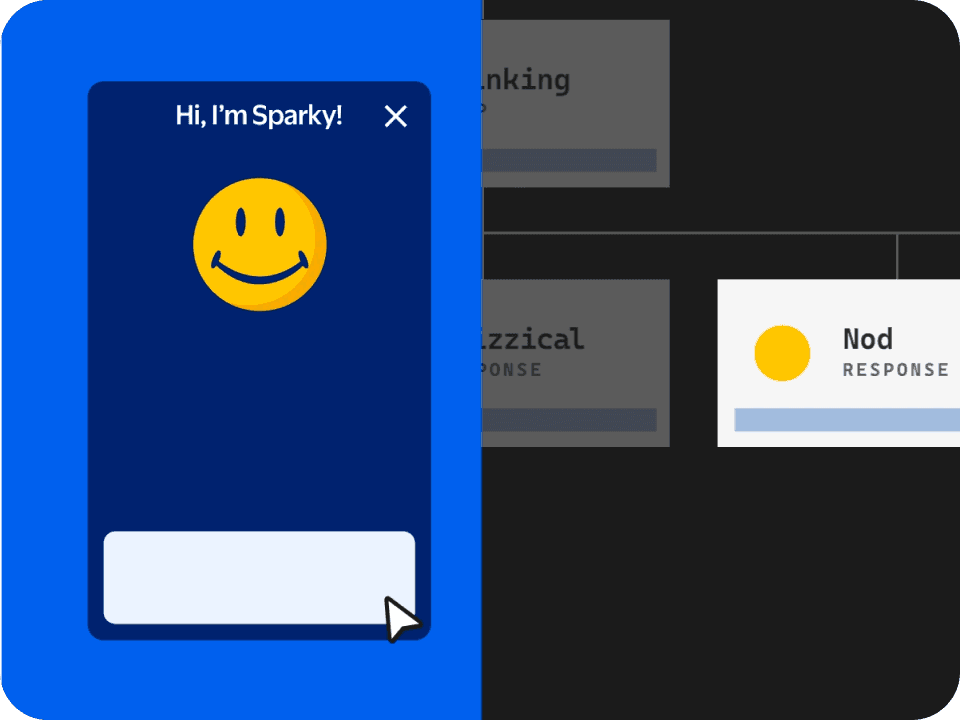
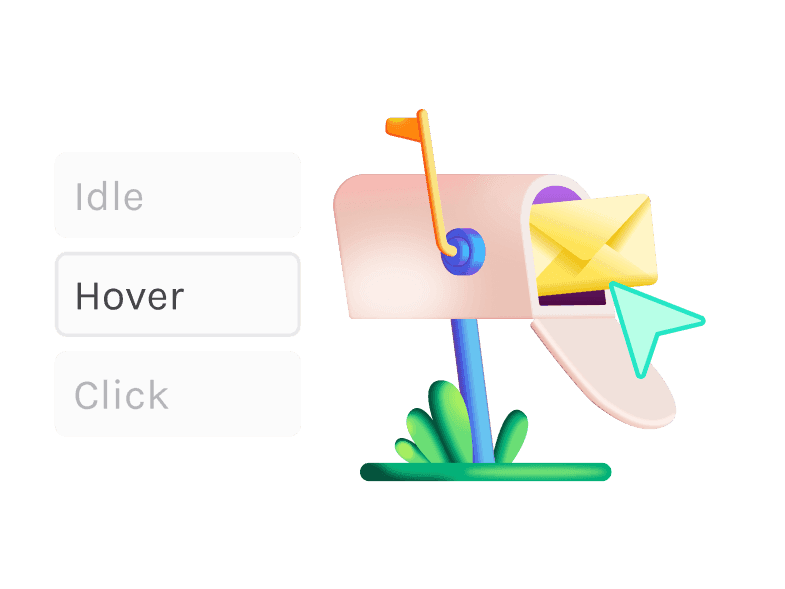
State Machines arrived in Lottie Creator, bringing true interactivity to Lottie animations without code. Designers could now define how an animation responds to clicks, hovers, and other user inputs — building interactive buttons, toggles, and flows visually, then shipping them as a single dotLottie file directly to web, iOS, and Android.
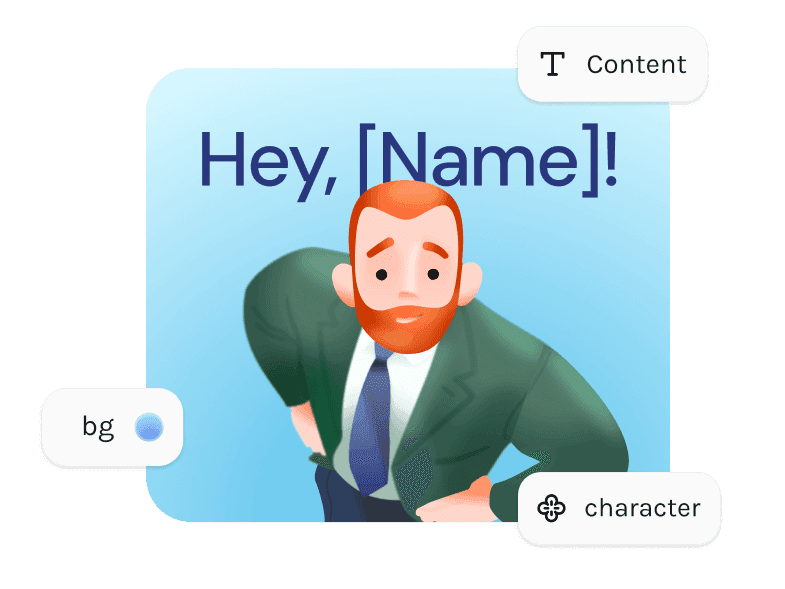
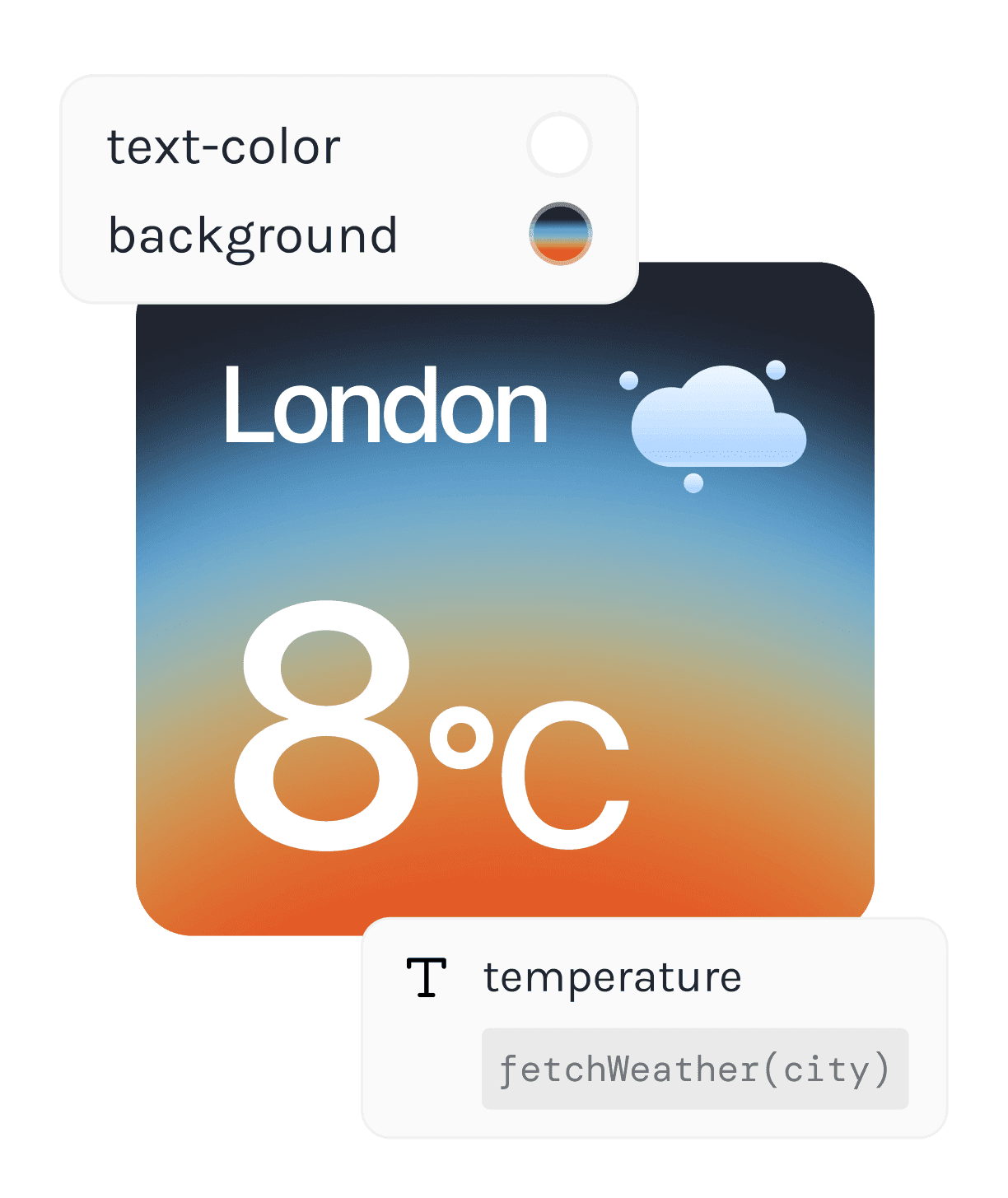
Motion Tokens was introduced into Lottie Creator, letting animations respond to real data and be modified at runtime. Designers could now connect animation properties such as position, colour, opacity, scale into live data sources, meaning a single dotLottie file could adapt to any content without re-exporting.
State Machines
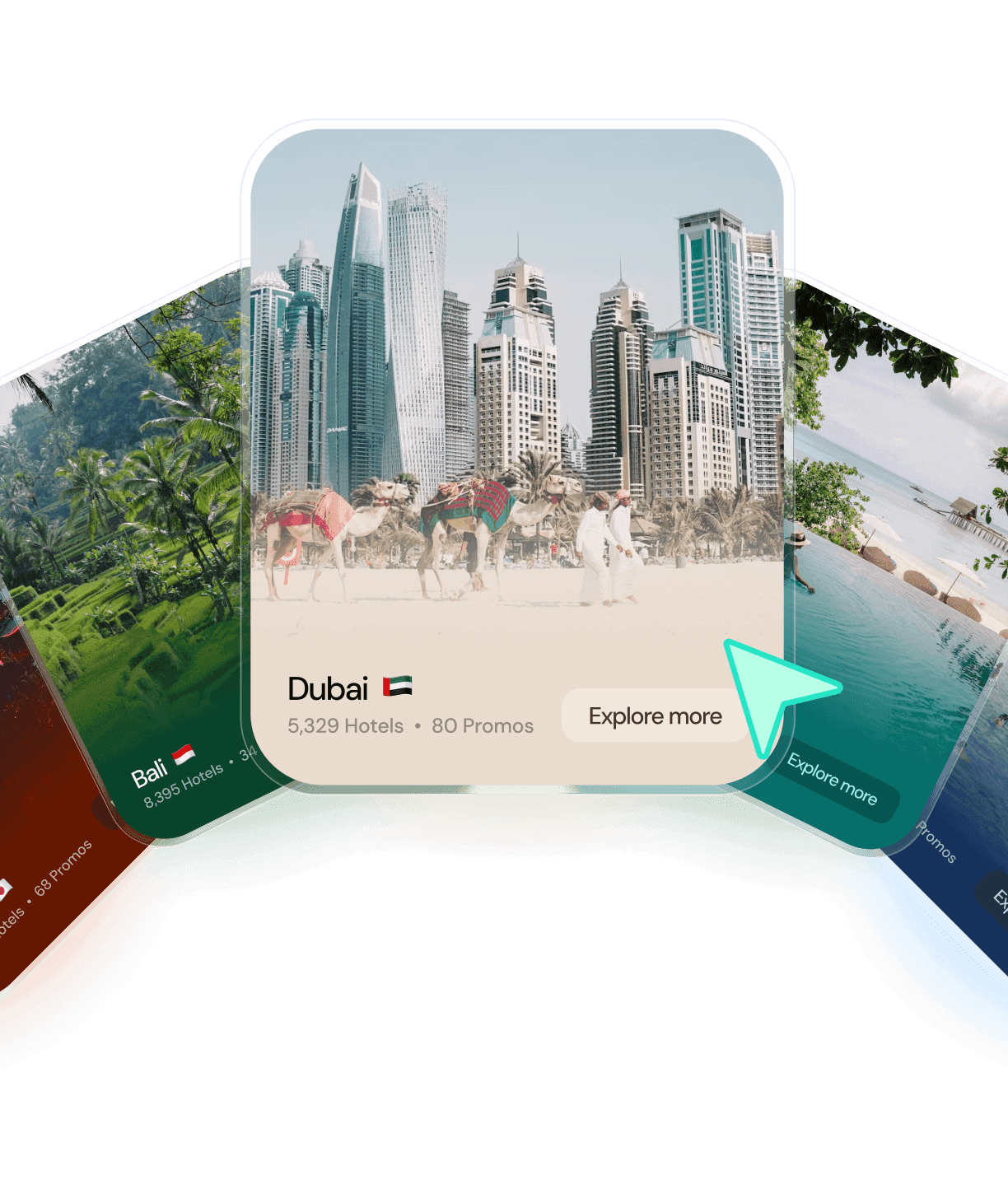
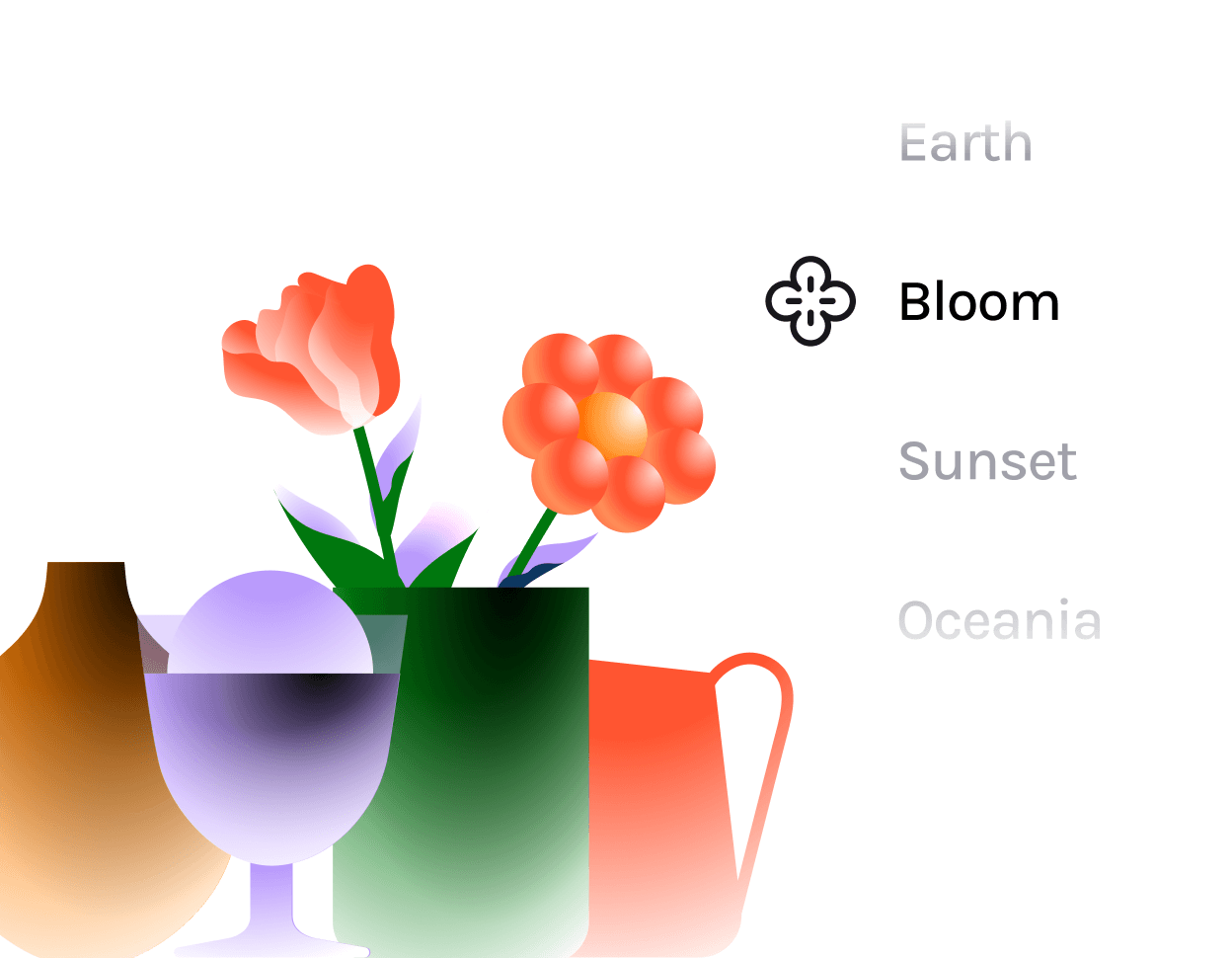
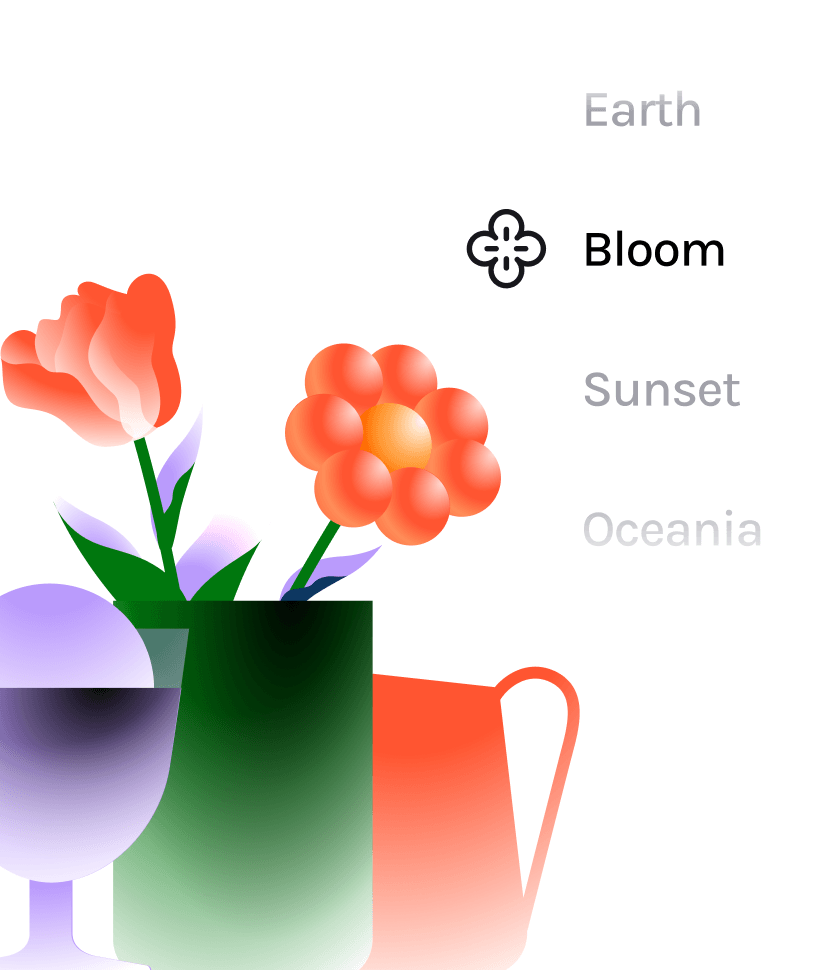
Themes
Motion Tokens
Rendering performance
Compressed file format
Multi animation support
Cross-platform rendering
Powered by ThorVG
Interactivity
Advantages of Lottie animations
Infinitely scalable
Faster rendering
Multi-platform support and libraries
Fully customizable
Interactive
What is a Lottie animation?
A Lottie is a JSON-based animation file format that lets you ship animations on any platform as easily as shipping static assets. They are small files that work on any device and can scale up or down without pixelation. Designers and developers often use Lottie for animated icons, illustrations, onboarding screens, and UI micro-interactions, as it delivers rich motion while keeping file sizes small and performance high.
Is Lottie better than SVG?
Yes. SVG is static. Lottie is animated and allows you to add movement, interactivity, and visual engagement without sacrificing quality or performance.
Is Lottie better than GIF?
Yes. Lottie is 600% smaller and 10x faster to ship, saving you tons of file space and load time. Lottie is tiny when compared to GIF and PNG sequences, and it does not pixelate.
How do you use Lottie?
Mobile & Web Apps: Add lightweight motion to improve UX.
Presentations & Documents: Make ideas more dynamic and memorable.
Videos & Social Content: Insert ready-made animated graphics easily.
Onboarding & Tutorials: Educate users with clear, engaging motion.
Marketing & Ads: Increase clickthrough rates and conversions.
Everyday Interfaces: Bring delight to buttons, loaders, and icons.
Lottie adds value by boosting engagement, improving user understanding, increasing clickthroughs and conversions, and most importantly, delighting your users.
There are also several ways to implement a Lottie:
Web: Use the lottie player, or simply use the CDN.
iOS / Android: Install lottie-ios or lottie-android and load animations in your views.
How do you make a Lottie?
You can create a Lottie in several ways:
Adobe After Effects + LottieFiles for After Effects Plugin: Design your animation in After Effects and export it as a JSON file using the LottieFiles for Adobe After Effects plugin. Just ensure the features you use are supported by Lottie.
LottieFiles for Figma (Figma to Lottie): Easily convert your designs or prototypes into production-ready Lottie animations with the Figma to Lottie feature. Use LottieFiles for Figma Dev Mode to get embed codes and asset links right within the tool and hand off files without hassle.
Lottie Creator: Build animations from scratch in your browser without needing After Effects.
Ready-to-use Animations: Save time by downloading pre-made Lottie animations from the LottieFiles library.
Why should I use Lottie?
It’s 600% smaller and 10x faster to ship Lottie is tiny when compared to GIF and PNG sequences, and it does not pixelate. Our open source Web Player lets you copy code and embed Lottie across your website, WordPress, Webflow, Shopify, etc.
It’s resolution independent, scalable and interactive Lottie is text and vector-based, so no matter how big you scale it, it’ll never pixelate on any device. You can use the Lottie Interactivity Library to make your animations come alive.
It can be played anywhere For all developers out there, Lottie handoffs are super easy. Be it web, iOS or Android, Lottie Libraries have got you covered.
It adds delight to your designs Motion evokes emotion. It humanizes your app or website, adds empathetic experiences that entertain and engage. Lottie is the easiest way to bring motion to your apps and platforms.
It helps improve user experiences (UX) Lottie has been proven to increase metrics such as user engagement and clickthrough rates, as well as improve user education of products. You can read Lottie case studies here: lottiefiles.com/case-studies
Who can use LottieFiles?
Designers, developers, marketers and just about anyone who would like to experience the magic of motion can use LottieFiles.
Where can I learn more about Lottie animations?
You can up your Lottie animation game and hone your motion design skills with the informative yet fun courses and tutorials in our Education Center. We also encourage you to join our community channel where you can join exclusive workshops, stay updated and more.
How do I edit Lottie animations?
You can easily edit and personalize Lottie animations with Lottie Creator, our web-based animation tool, or import Lottie JSON into After Effects and edit it there.
Which platforms and tools support Lottie?
LottieFiles has plugins in various popular tools including Figma, Webflow, Canva, WordPress, iOS, Android, React, etc. You can discover the LottieFiles list of plugins here.
Can I use Lottie animations for free?
Yes, you can. LottieFiles has a library of 800,000+ free and premium, ready-to-use Lottie animations.
Do Lottie animations work offline?
Yes. Once you embed a Lottie animation in your app or download it for local use, it will work without an internet connection.
What is the dotLottie format?
The dotLottie format (.lottie) is a compressed bundle that contains one or more Lottie JSON animations plus their assets — such as images, fonts, and metadata — in a single file. It’s still a Lottie animation, but packaged to be smaller, faster to load, and easier to manage, with support for features like animation markers and multiple animations in one file. Learn everything about dotLottie here.