
Lottie/dotLottie vs. GIF: Choosing the Right Animation for You


This article was originally published on 29 October 2021, and has been updated on 17 August 2026.
Short answer
For websites and apps, use Lottie, ideally its compressed dotLottie form. It is a small fraction of a GIF's file size, stays sharp at any resolution, and can be recolored or made interactive after export. Use a GIF only where Lottie is not supported, such as email and some social feeds.
If you have ever added a GIF to a landing page and watched your load time climb, you already know the tradeoff. The two most popular web animation formats are Lottie and GIF. GIFs have been around for a long time, and we spot them on social platforms and websites every day. Lottie, a JSON based animation format, is newer, and it has quickly become a favorite for web and app teams because it is light, sharp, and flexible. Before we compare Lottie and GIF, let us quickly cover what each one is.
What is Lottie?
Lottie was named after the German film director Charlotte "Lotte" Reiniger, a pioneer of silhouette animation. It is an open, JSON based animation format. Instead of storing pixels, it stores vector instructions: shapes, paths, colors, and timing. Because it is vector data, a Lottie stays crisp at any size and the files are tiny. Lottie animations play on iOS, Android, web, React Native, and Flutter from a single file, which is one reason so many product teams have adopted it.
What is dotLottie?
dotLottie (the .lottie format) is the compressed, production ready version of Lottie. It bundles one or more Lottie animations, along with assets like images and themes and even interactive state machines, into a single ZIP based file. In practice it is often 50% to 80% smaller than raw Lottie JSON, and up to about 10 times smaller when the animation contains embedded images. If Lottie is the format, dotLottie is how you ship it.

What is a GIF?
The Graphics Interchange Format, known as GIF, was created in 1987 by Steve Wilhite, an American computer scientist who wanted to show animation in the smallest files possible. A GIF is a raster format: it stores every frame as pixels, with a palette capped at 256 colors. Over the years, GIFs became popular on sites like Tumblr, Reddit, and Buzzfeed. They are fun and easy to use. Their strength is reach, since GIFs play almost everywhere, including email and chat apps. The cost is large files, visible quality loss when scaled, and no way to edit or add interactivity after export.

Lottie & dotLottie vs GIF: the comparison
Which one is the best out of Lottie and GIF? Let’s compare both the formats based on five major aspects.
Here is how Lottie, dotLottie, and GIF stack up across the factors that matter most.
| Factor | Lottie (JSON) | dotLottie (.lottie) | GIF | Best choice |
|---|---|---|---|---|
| File size | Small vector text | Smallest: 50% to 80% below Lottie JSON, up to about 10x with images | Heavy raster, often several MB | dotLottie |
| Quality at scale | Crisp at any resolution | Crisp at any resolution | Blurs and pixelates when scaled | Lottie and dotLottie |
| Transparency | True alpha channel | True alpha channel | Binary, one bit only, jagged edges | Lottie and dotLottie |
| Interactivity | Playback control through the player | State machines and logic bundled in the file | None, plays on a loop | dotLottie |
| Editable after export | Recolor, resize, retime anytime | Recolor, resize, retime, plus theming and multiple animations | Re-export from the source | dotLottie |
| Platform support | Web, iOS, Android, React Native, Flutter | Web, iOS, Android, React Native, Flutter | Universal, including email and social | GIF for reach |
| Page performance (Core Web Vitals) | Lightweight, helps LCP and INP | Lightest, helps LCP and INP | Large payload hurts load speed | dotLottie |
File size
This is the biggest difference. A Lottie stores instructions rather than pixels, so the same animation that runs to several megabytes as a GIF is often just a few kilobytes as a Lottie, and dotLottie compresses it further. A GIF that is only four or five seconds long can easily reach several megabytes, which is slow to load every time.

Quality
Lottie animations are resolution independent. Scale one up for a large hero section or down for a mobile icon and it stays sharp. A GIF is locked to the resolution it was exported at, so it starts to look blurry once you scale it up, which is not what you want a visitor to see.
LottieFiles is home to the world's largest collection of FREE Lottie animations. Explore and add high-quality assets across categories and add them to liven up your designs.

Transparency
Place a Lottie next to a GIF and the difference is clear. Lottie supports a true alpha channel, so animations sit cleanly on any background. A GIF only supports binary, one bit transparency, where each pixel is either fully visible or fully hidden. That leaves jagged edges and a visible halo, especially over color or imagery.
Interactivity
A GIF plays on a loop and nothing more. A Lottie can respond to the user. With dotLottie state machines you can play on hover, advance on scroll, or branch on a click, with the logic stored inside the file. That turns a decorative loop into a functional part of the interface.
Editing and customization
With Lottie the customization options are broad. You can change colors, size, and speed after the animation is finished, without going back to the source file. You can adjust an animation to match your brand, or make last minute edits, without hurting quality. A GIF is baked once it is exported, so any change means recreating it from the original.

Workflow
A common way to make a Lottie is to design in Adobe After Effects and export with the LottieFiles plugin. You can also create Lottie animations directly in your browser with Lottie Creator, with no After Effects required. Either way, you get a production ready file you can drop into your site or app. Making and editing GIFs is more limited, with no simple way to change the background, colors, or timing after the fact.
If you are a Lottie creator, you must explore the Marketplace to buy and sell premium Lottie animations.
When a GIF is still the right choice
Lottie is not supported everywhere, and it is worth being honest about that:
- Email: Most email clients, including Gmail, Outlook, and Apple Mail, do not render Lottie. Use a GIF, or a static image that links to the animated page.
- Slack, Discord, and some social feeds: These play GIFs but do not support Lottie players.
- Quick memes and reactions: When file size and interactivity do not matter, a GIF is simpler.
Everywhere else, such as marketing sites, product interfaces, and mobile apps, Lottie and dotLottie win on size, quality, and interactivity.
How to convert between Lottie and GIF
Need a GIF fallback for email? You can export any Lottie to GIF with the Lottie to GIF tool. Going the other way, from GIF to Lottie, is not a true conversion, because you are moving from pixels to vectors. To get a real, lightweight Lottie, recreate the animation in Lottie Creator.
The bottom line
For anything you build and ship on the web or in an app, Lottie, and especially dotLottie, is the better default: smaller, sharper, editable, and interactive. Keep GIFs for the places where Lottie cannot play, like email. LottieFiles is home to a large collection of free Lottie animations, plus tools to create, edit, and test them. Browse the free animations or create your own in Lottie Creator to get started.
Frequently asked questions
Is a Lottie file smaller than a GIF?
Usually by a wide margin. Lottie stores vectors as text, and dotLottie compresses that further, so a Lottie is typically kilobytes where the same animation is megabytes as a GIF.
What is the difference between Lottie and dotLottie?
Lottie is the animation format, stored as JSON. dotLottie (the .lottie file) is a compressed bundle of one or more Lottie animations plus their assets, often 50% to 80% smaller and ready to ship to production.
Does Lottie work in email?
No. Most email clients do not support Lottie players. Use a GIF fallback, or a static image that links to the animated page.
Can I convert a GIF to a Lottie?
Not directly, because GIFs are pixel based and Lottie is vector based. Recreate the animation in Lottie Creator for a true Lottie. You can export a Lottie to GIF directly when you need a fallback.
Is Lottie better than GIF for SEO?
Indirectly, yes. Lighter files improve page load and Core Web Vitals, such as LCP and INP, which support both search ranking and getting cited in AI answers.
Do GIFs still have a place in 2026?
Yes, for email, chat apps, and quick memes, where Lottie is not supported.
You may also like
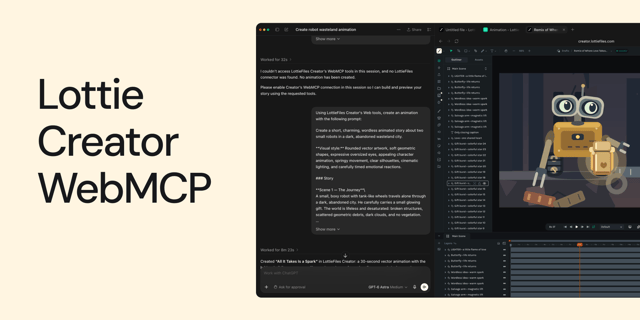
How to Create Animations with AI Using Lottie Creator WebMCP
Guide to creating and refining animations with AI using Lottie Creator WebMCP.
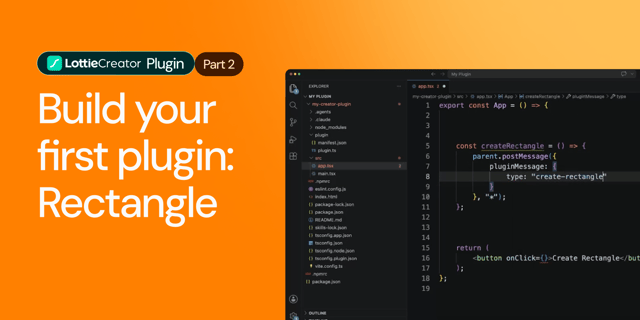
How to Build Your First Lottie Creator Plugin: Create and Animate a Rectangle
Creating a beginner-friendly Lottie Creator plugin using the Creator plugin API.
How to Develop and Publish a Plugin for Lottie Creator
Learn how to create, test and publish a plugin to LottieFiles Extensions.
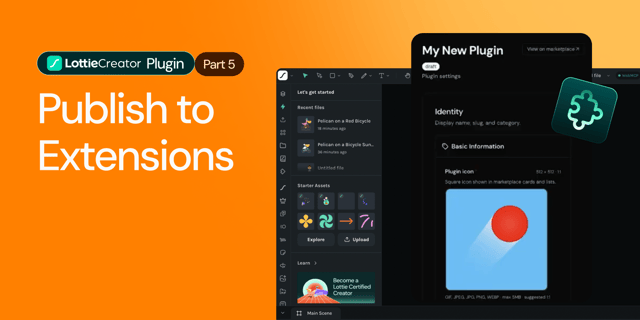
How to Publish a Lottie Creator Plugin to Extensions
Learn how to prepare, package and publish your Lottie Creator plugin to LottieFiles Extensions.