
Lottie Character Animation: Bring Your Brand Mascot to Life

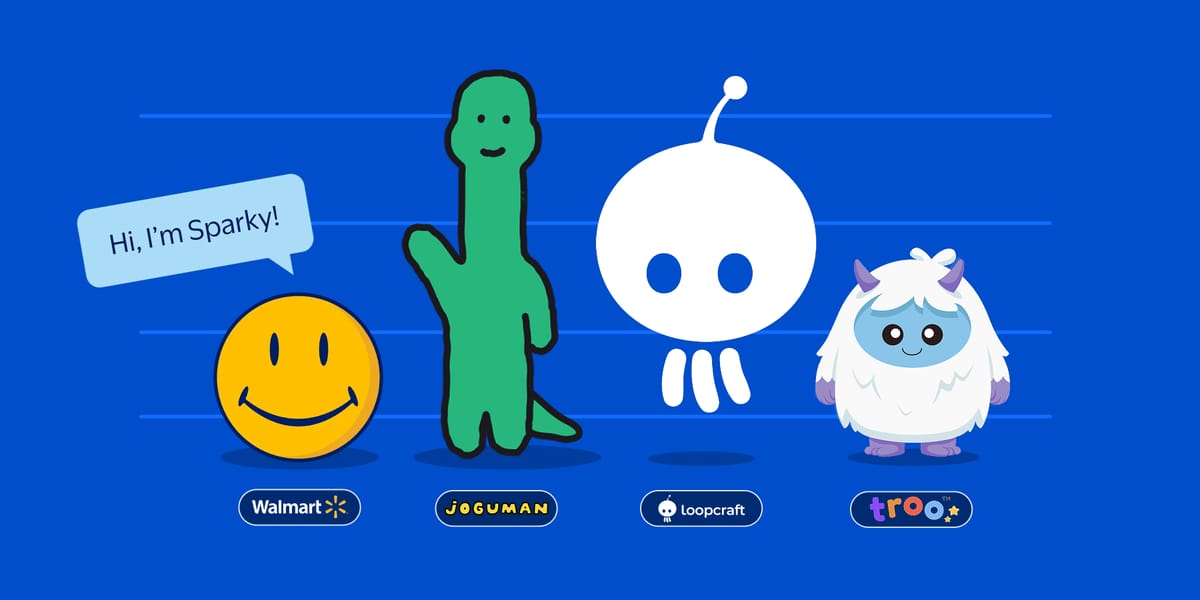
Your brand personality shouldn't be weighed down by heavy GIFs or static PNGs. Lottie character animations allow you to add expressive, interactive, and scalable mascots to any app or website at a fraction of the file size. Let’s make your brand move.
Characters and mascots have long been powerful storytelling tools in design. They build emotional connection, guide user behavior, and make digital experiences more human. But as interfaces become smarter and more interactive, static illustrations or looping GIFs often fall short.
That’s where Lottie steps in. Lottie brings mascots from simple decorative elements into expressive, responsive, and lightweight interactive companions.
Top Brands Choose Lottie for Character Animation Real-world examples
Sparky by Walmart
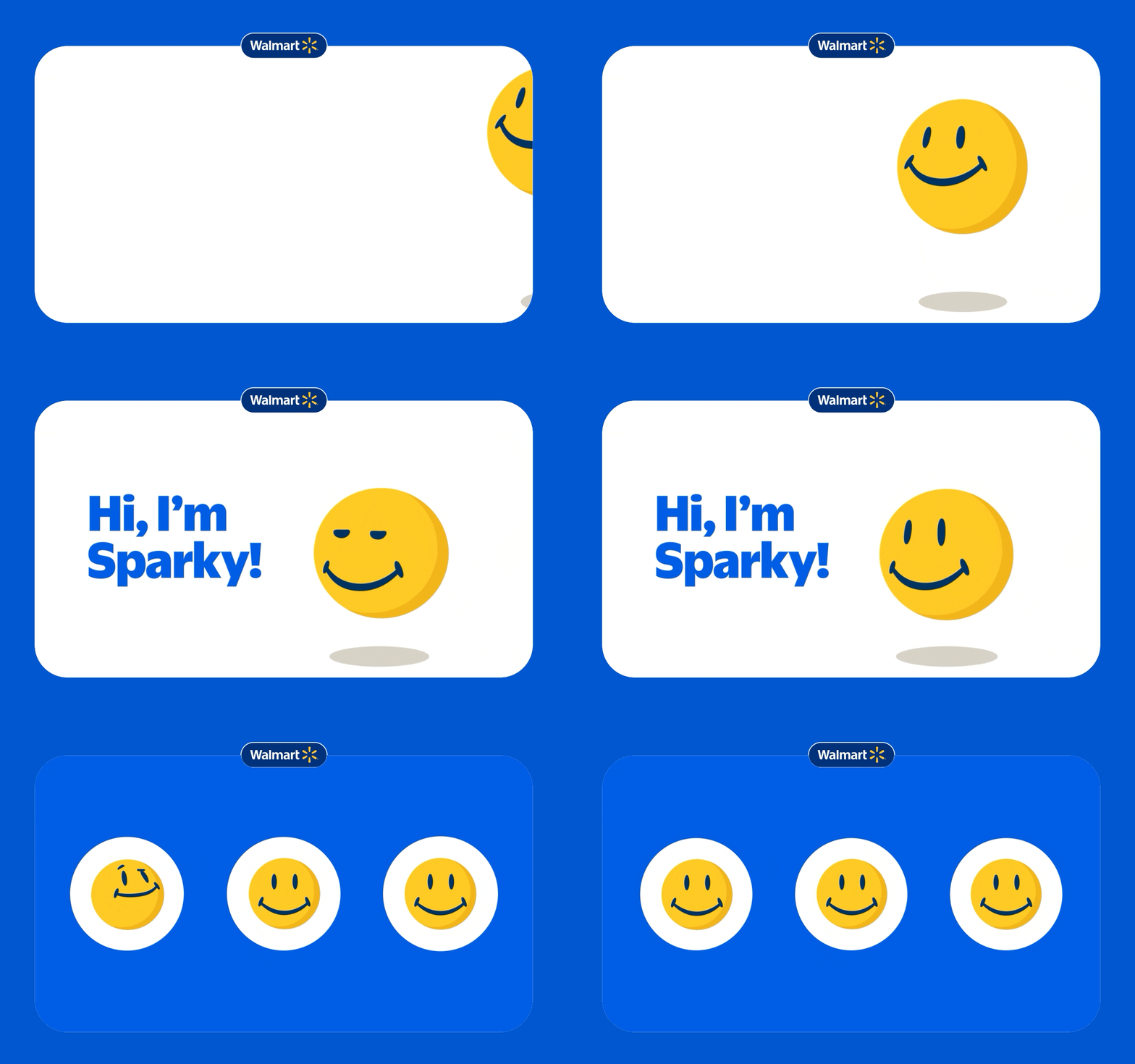
Walmart’s AI-powered mascot comes alive with multiple facial states constructed in Lottie; reacting to user text inputs with emotions rendered in real-time.
Joguman Studio
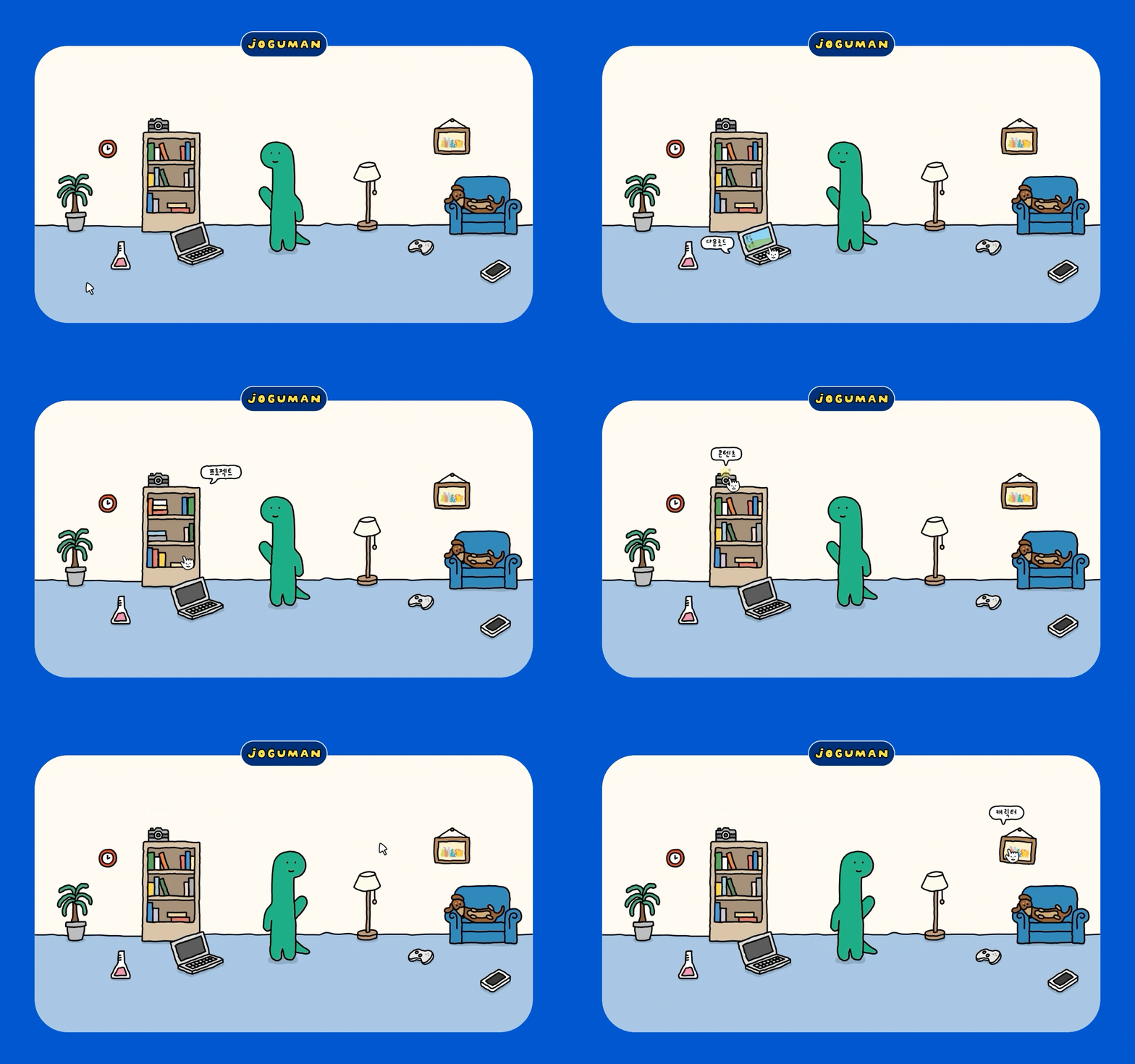
Joguman’s adorable characters feel interactive and playful thanks to Lottie animations used across their website.
Loopcraft
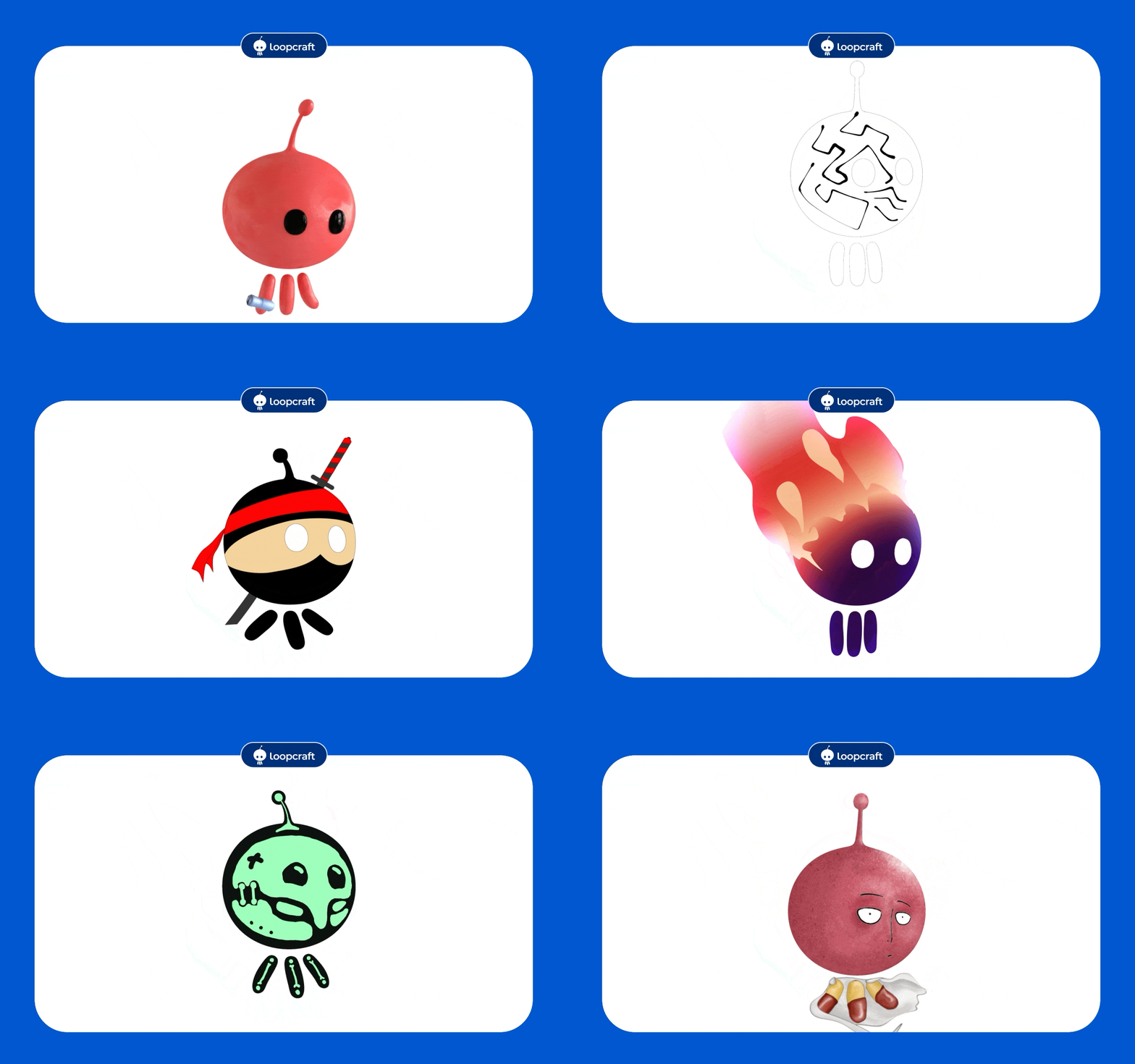
Loopcraft added Lottie animations into their Foodies App project, one of Maldives’ local food delivery service providers, which was crucial to add emotions and empathy within the app.
Troo

At Troo, their character animation styles are shaped by research in cognitive development and learning psychology. With Lottie, the team managed to reduce app size by 67%, enabling faster downloads and better accessibility for users with limited storage or bandwidth.
Why Lottie is perfect for characters & mascots
Characters thrive when they can express emotion, react to user input, and adapt to context. Lottie’s unique qualities make it ideal for this kind of flexible, personality-driven motion.
1. Expressiveness without the weight
Mascots rely on subtle nuances — blinks, micro-gestures, anticipation, squash and stretch — to feel authentic. Video formats often lose this nuance due to compression, while GIFs are too heavy to scale across a full product ecosystem.
Lottie solves this with:
- Vector-based rendering that is crisp at any size
- High fidelity animation that supports advanced easing, paths, shapes
- Tiny file sizes are often 10–30× smaller than GIFs
- The dotLottie format (.lottie) — a bundled, optimised container (.lottie) that packages multiple animations, states, assets, and metadata into one compact, load-efficient file
This makes mascots viable not just for landing pages, but for real-time UI, onboarding flows, in-app tutorials, loading states, and even embedded interfaces.
2. Mascots that react to the user
Lottie becomes even more powerful when combined with dotLottie State Machines.
Instead of exporting multiple versions of the same character (idle, wave, smile, celebrate, encourage, retry) you can package all behaviours into one dotLottie (.lottie) file and trigger them programmatically.
Examples of what this unlocks:
- Character waves when a button is tapped
- Eyes follow the user’s cursor
- Mascot smiles when a form is completed
- Character reacts differently to success vs error states
- Mascot “listens” during voice interactions
This level of personality used to require code-heavy systems or game engines. With Lottie, designers control it visually and developers simply plug it in.
3. Scalable across platforms & screen sizes
Mascots often appear everywhere; marketing pages, mobile apps, dashboards, onboarding flows, and even in-store displays.
dotLottie makes them adaptable across all of these with:
- Resolution-independent vectors
- Theming support for different campaigns
- Easy updates without re-exporting multiple video files
- A single-source-of-truth dotLottie file that contains all states, assets, and metadata
This eliminates the redundancy of managing dozens of PNG sequences or video variations.
How Lottie animation enhances character-driven user experiences
1. Humanizing interfaces
Small gestures from a mascot can reduce friction and improve comprehension. A simple nod, wink, or “you’re doing great!” animation during onboarding can increase retention and make instructions clearer.
This is why so many fintech, e-commerce, and productivity apps use mascot micro-interactions — they soften intimidating flows and reward progress.
2. Creating emotional feedback loops
Lottie mascots can amplify emotional design through responsive feedback:
- Error states: mascot expresses empathy
- Success states: mascot celebrates with confetti
- Waiting states: animated idle loops calm impatience
- Gamified tasks: mascot reacts based on performance
Because Lottie reacts to real-time input, the feedback feels immediate and personal.
3. Enhancing brand identity
A mascot becomes a brand’s visual voice and motion is what gives it personality.
Lottie animation allows a brand to:
- Evolve mascot expressions over time
- Theme characters for festivals, seasons, campaigns
- Deliver consistent animation language across channels
And because Lottie animations are lightweight, these mascots can appear almost anywhere without performance concerns.
Production tips for building better Lottie mascots
1. Think in states, Not sequences
Identify behaviors your mascot needs:
- Idle
- Blink
- Wave
- Think
- Celebrate
- Cheer
- Sad or error
- Loading behaviour
Using State Machines in Lottie Creator, group these into one interactive file.
2. Add micro-gestures
Small movements build big personality:
- Eye darts
- Breathing cycles
- Shoulder bounces
- Hair or accessory sway
- Timing offsets and overshoot
Lottie supports these beautifully.
3. Keep shapes layer-efficient
Mascots with clean vector layers export better and perform faster. Reduce unnecessary masks, effects, and raster assets for best runtime results.
4. Theme-ready design
If your mascot changes outfits or colours seasonally, design the base animation to support theming — tinted layers, replaceable elements, or accessible colour groups. Check out Lottie Theming which allows you to switch between light mode, dark mode, and custom theme all from a single dotLottie file.
Download ready-to-use mascot animations
Kickstart your project with free animations from the LottieFiles library:
You can also get started with these remixable interactive animations:
Start bringing your mascots to life
Whether you’re creating a playful onboarding assistant, a branded digital companion, or a character that guides users through complex workflows, Lottie gives you everything you need to make mascots expressive, lightweight, and interactive.
With features like:
- dotLottie State Machines
- Theming
- Removable layers
- AI-powered tools
- Cross-platform runtimes
…your character can evolve into a full motion-driven brand asset, not just an illustration.
Frequently Asked Questions (FAQ)
1. Why use Lottie for mascots instead of GIFs or videos?
Lottie provides high-fidelity vector animation in tiny file sizes, making it ideal for mascots that need to appear across multiple screens and interactions. GIFs and videos are heavier, raster-based, and not interactive, while dotLottie supports emotion-driven behaviors, state transitions, and responsive motion.
2. Can mascots built with Lottie be interactive?
Yes. Using dotLottie State Machines, mascots can react to taps, scrolls, hovers, successes, errors, and more. Instead of static sequences, you can build a single .lottie file with multiple states; all controlled via UI events.
3. Do I need to be a motion designer to animate a mascot?
No. Designers can animate directly in Lottie Creator, which is beginner-friendly and supports AI tools like Motion Copilot, Smart Duplicate, and Keyframe Assistant. Advanced animators can still work in After Effects and export via the Lottie plugin.
4. How many animations can one mascot file hold?
As many as you need. State Machines let you include multiple emotional states and interactions: idle, blink, wave, celebrate, think, success, error, loading behaviors, and more; all stored in one lightweight dotLottie file.
5. Can Lottie mascots be used in mobile apps?
Yes. Lottie is supported on:
- iOS (Swift & SwiftUI)
- Android (Kotlin & Java)
- React Native
- Flutter
- Web
- Unity
- Embedded systems
Mascots remain lightweight and smooth even on low-end devices.
6. Can mascots be themed for seasonal campaigns?
Absolutely. Using Lottie Theming, you can create seasonal color palettes, outfit variations, or festival overlays; without rebuilding the animation.
It ensures your mascot moves with intention and stays consistent across product and marketing surfaces.
7. Can mascots be controlled by AI or dynamic data?
Yes. Lottie mascots can respond to:
- text input
- customer behaviour
- sensor data
- voice states
- machine learning triggers
Brands like Walmart already use this approach for expressive, AI-driven characters.
8. What tools do I need to start?
You only need:
- Lottie Creator for building or editing animations
- LottieFiles account to host, preview, and share
- Your runtime of choice (Web, React, iOS, Android, etc.)
No heavy pipelines or specialized tools required.
9. How do I optimize a character animation for Lottie?
Follow these best practices:
- keep shapes vector-based
- avoid heavy raster textures
- minimise nested comps
- simplify masks and blend modes
- use clean timing and curves
Cleaner files = smoother mascot performance.
10. Where can I find ready-made mascots to remix?
Browse the LottieFiles library, where you’ll find:
- character idle loops
- celebration mascots
- onboarding helpers
- expressive sticker characters
You can open these animations in Lottie Creator and customize it instantly.
You may also like

14 Creative Examples of Animated 404 Pages
404 pages don’t have to be boring. Get inspired by these creative animated examples.

How Do Lottie Animations Help with SEO?
Staying ahead of the competition means constant optimization.
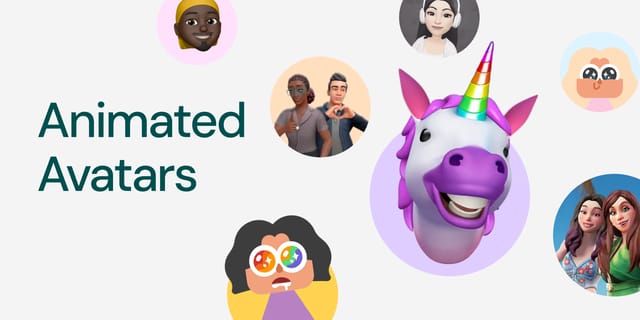
Animated Avatars with Lottie: Building Personalized, Interactive Personas
Lottie turns animated avatars into powerful UX building blocks.
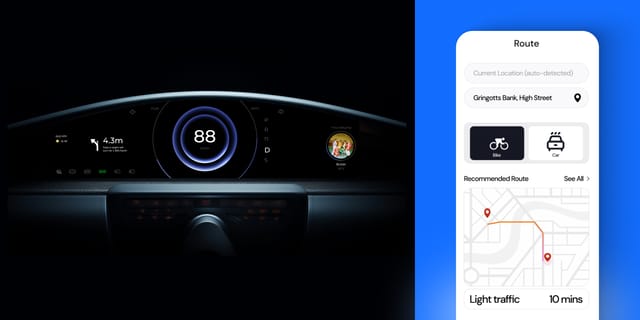
Lottie for Automotive Dashboards & Navigation UI
Here's how designers and brands are prototyping next-gen HMIs & navigation apps.